


Agency Business OSAgency Business OS — Clients, Projects & Invoices Dashboard
Clients, Projects & Invoices Dashboard
Keep every client, project and invoice of your agency in one place and see at a glance who owes you money and what is due next.
Over 8 years, members of a 2,400,000-strong community, including 38,000+ students, have reported real changes after keeping these practices up.
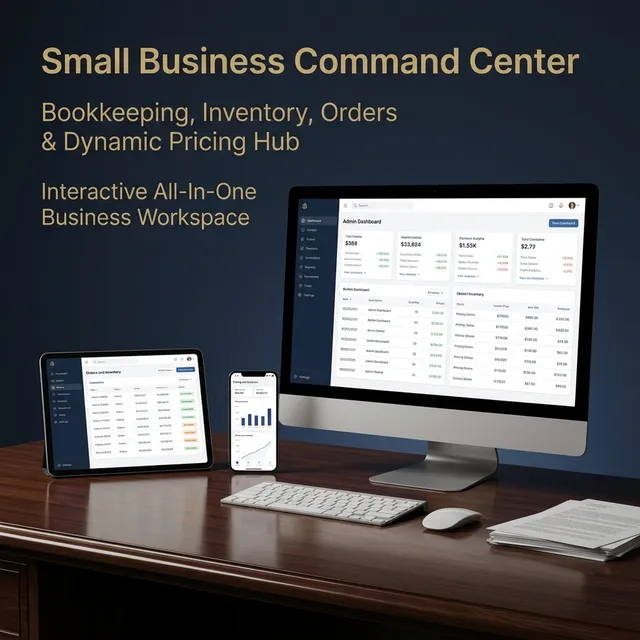
Add Small Business Command Center & Inventory Bookkeeping — both in one checkout
Add this companion web app and get both in one checkout:
14-day refund policy ·Read the terms
- Opens in your browser right after payment
- Secure checkout by Stripe
Before you buy
What's inside
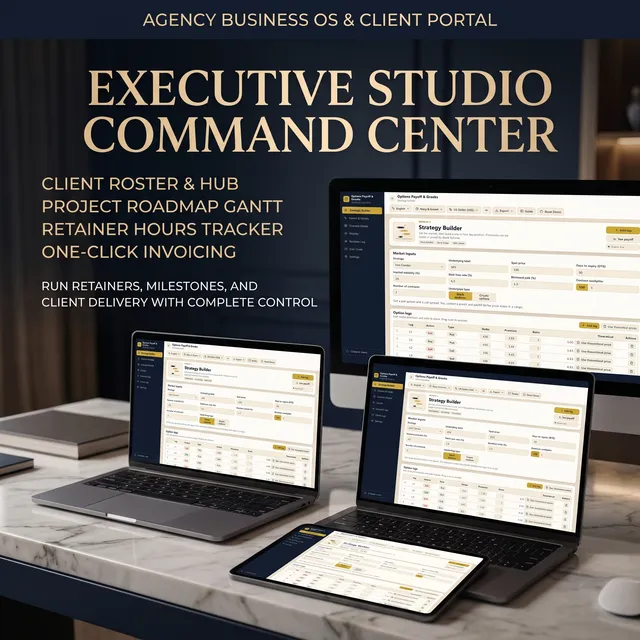
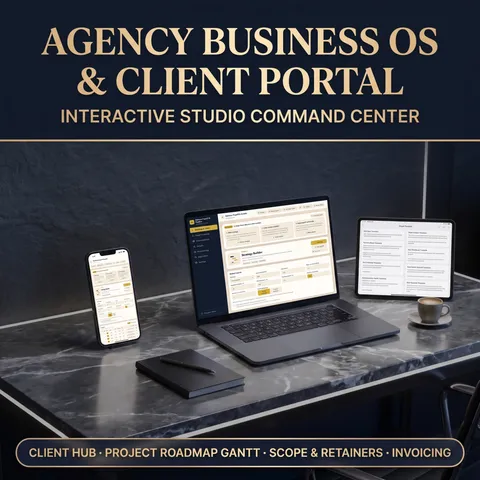
- The Agency Business OS web app, with six screens: Dashboard, Clients, Projects, Invoices, Guide and Settings
- A sample creative-agency data set you can load to see everything connected, and a button to reset the workspace
- A built-in guide with a six-step launch checklist
- English, Vietnamese and Chinese interfaces, with five color palettes
- A one-time purchase with no subscription
How to use it in 3 steps
- 1Open it after payment using the link on the confirmation page and in your email, then set your agency name, currency symbol and payment terms in Settings.
- 2Add your clients with their status and contact details.
- 3Add your projects and drag each card across the board as the work moves forward.
This is a business app for small agencies, studios and freelancers. You add your clients, move their projects across a four-stage board, and write invoices you can print to PDF. A dashboard adds it all up, so you can see revenue, cash collected and overdue invoices without building a spreadsheet. It is a web app that opens in your browser, works offline and saves on your device.
At a Glance
- Format: Web app (opens in your browser, works offline, saves on your device)
- Devices: Computer, tablet and phone browsers (Chrome, Safari, Edge, Firefox)
- Privacy: Your client and invoice records stay on your device. Nothing is uploaded.
- Export: Print invoices to PDF, spreadsheets (CSV) of clients, projects and invoices, full backup and restore
- Languages: English, Vietnamese and Chinese (Simplified)
Key Capabilities
- Dashboard: see revenue this month, cash collected, outstanding balance and projects in progress, plus your top clients by revenue and recent activity.
- Invoice aging: overdue invoices are grouped into 1–30, 31–60 and 60+ days, so you know which ones to chase first.
- Clients: record name, company, email, phone and notes, and mark each client as Active Retainer, Lead / Prospect or Paused / Past. Search, sort and filter the list. Open a client to see their projects and invoices.
- Projects board: move projects between Backlog, In Progress, In Review and Done by dragging the cards. Each project has a client, a deadline, a contract value, a description and a cover image.
- Invoices: add line items with quantity and rate, set issue and due dates, mark each invoice Draft, Sent, Paid or Overdue, and print it to PDF.
- Quick actions: press Ctrl+K or Cmd+K to search and jump to any client, project or action.
- Settings: enter your agency name, email, currency symbol and default payment terms, and pick one of five color palettes.
- Backup and restore: save all your records in one backup, import it on another device, or reset the workspace to start clean.
Who It's For
Owners of small creative, marketing, design and development agencies, boutique studios, consultants and freelancers who work with several clients at once. It suits you if your clients live in one place, your projects in another and your invoices in a third, and you want them together.
What's Included
- The Agency Business OS web app, with six screens: Dashboard, Clients, Projects, Invoices, Guide and Settings
- A sample creative-agency data set you can load to see everything connected, and a button to reset the workspace
- A built-in guide with a six-step launch checklist
- English, Vietnamese and Chinese interfaces, with five color palettes
- A one-time purchase with no subscription
How to Use It
- Open it after payment using the link on the confirmation page and in your email, then set your agency name, currency symbol and payment terms in Settings.
- Add your clients with their status and contact details.
- Add your projects and drag each card across the board as the work moves forward.
- Write an invoice with line items, mark it Sent, then print it to PDF for your client.
- Check the Dashboard each week, and save a backup from Settings about once a month.
This is an organization tool, not accounting, tax or legal advice. Check your figures with a qualified professional before filing or invoicing.
Questions before you buy
Any computer, tablet or phone with a modern browser such as Chrome, Safari, Edge or Firefox. It works offline and nothing is sent anywhere.
Agency Business OS
Pay once. No monthly fee. Opens in your browser right after payment.
You may also like

Guides featuring this tool



From the blog
Latest articles




You may like
Popular with readers like you
The guides people search for most.



Turn what you just read into a daily practice
Interactive planners and journals built on these guides: moon rituals, manifestation scripting, habit and focus systems. They open in your browser and are yours to keep.

Get the Yin Yang Masters Letter Every Day
One short email a day: a practice for today, a real reader story, and the newest guide on love, money and inner calm.
Follow along
Daily rituals on your feed
Short guides, moon rituals and planner walkthroughs from Yin Yang Masters.




Keep exploring
More from Yin Yang Masters




Ask Yinyang Masters inside your AI assistant
Get the same calculations and guidance right in your chat: add the free Yinyang Masters app, then ask in plain English. No account needed.
Try asking: “Find a Yinyang Masters guide about starting a daily spiritual practice.”

Meet Moon Keeper, our live altar host
Every hour Moon Keeper reads the sky, draws one tarot card and shares a calm 3-minute reflection. Drop by the altar, follow the hourly diary and leave a note in the guestbook.
Get the Yin Yang Masters Letter Every Day
One short email a day: a practice for today, a real reader story, and the newest guide on love, money and inner calm.
For more than 8 years, a community of over 2,400,000 followers and 38,000+ students has shared how these daily practices helped in love, money and inner calm.