

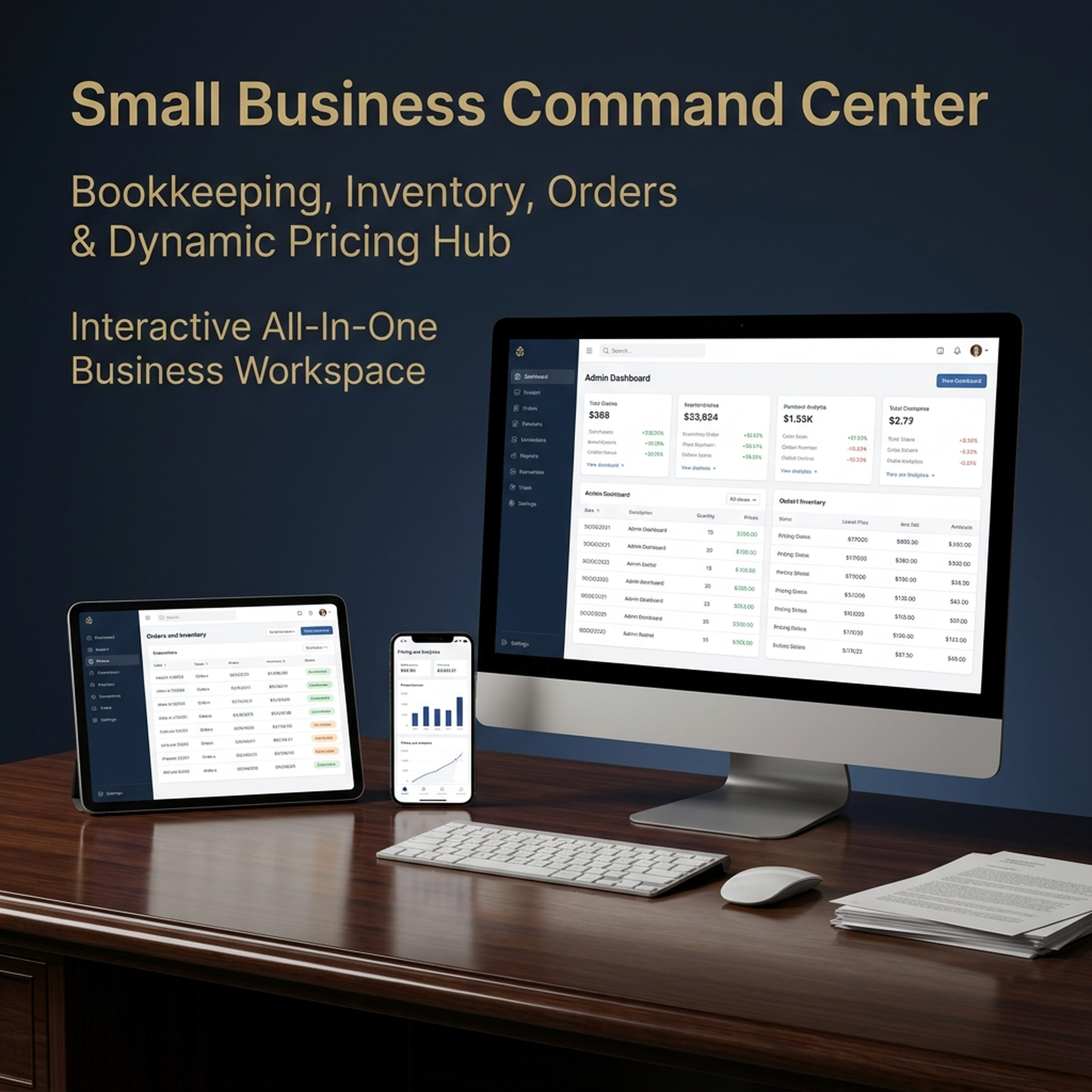
Small Business Command Center & Inventory Bookkeeping
Track what you make, what it costs, who ordered and what you earn, all in one place built for makers, small shops and online sellers.
For more than 8 years, a community of over 2,400,000 followers and 38,000+ students has shared how these daily practices helped in love, money and inner calm.
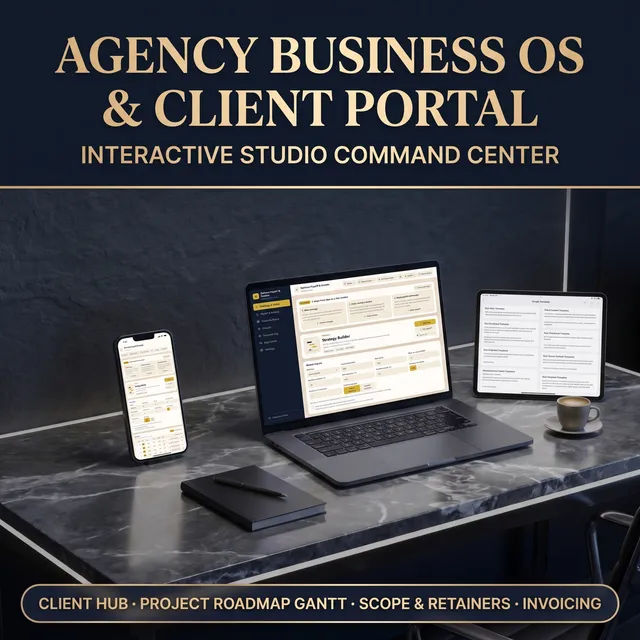
Add Agency Business OS — both in one checkout
Add this companion web app and get both in one checkout:

14-day refund policy ·Read the terms
- Opens in your browser right after payment
- Secure checkout by Stripe
Before you buy
What's inside
- The Small Business Command Center web app, with seven sections
- Sample shop data (orders, materials, products and transactions) so you can see everything working, and a Reset Demo button to reload it
- A built-in User Guide & Tour
- English, Vietnamese and Chinese interfaces, five color themes, and a choice of currency symbol (USD, EUR, GBP, VND or CNY)
- Backup and restore for moving your data to another computer
How to use it in 3 steps
- 1Open it. After payment you receive a link on the confirmation page and by email. Open it in your browser, then enter your business name, currency, hourly rate and yearly goal in Bills & Settings Hub.
- 2Add your materials and products. In Inventory & BOM Recipes, enter each material with its cost and build each product from them.
- 3Price an item. In the Dynamic Pricing Simulator, choose the sales channel and slide the profit margin to see the price you need.
This tool helps you see where your money goes and what each item really earns. Enter your materials and products, and it works out the cost of each item, tracks your stock and orders, and shows your profit. It handles inventory, costing, orders, invoices and bookkeeping together. It is a web app that opens in your browser, works offline and saves on your device.
At a Glance
- Format: Web app (opens in your browser, works offline, saves on your device)
- Devices: Computer, tablet and phone browsers (Chrome, Safari, Edge, Firefox)
- Privacy: Your figures, orders and photos stay on your device. Nothing is uploaded.
- Export: Spreadsheets (CSV), printable PDF reports, PNG summary cards, full backup and restore
- Languages: English, Vietnamese and Chinese, with five color themes
Key Capabilities
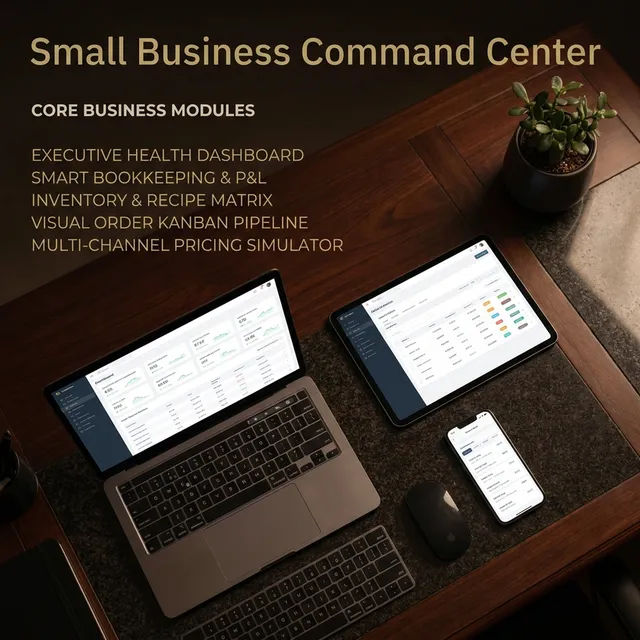
- Executive Dashboard: revenue, net profit margin, order count, average order value and inventory value in one view, plus a 0–100 business health score and alerts for low stock or unpaid invoices.
- Smart Bookkeeping & P&L: log income and expenses by sales channel (such as Etsy, Shopify, TikTok Shop, markets and wholesale), attach receipt photos, and see a profit and loss (P&L) statement that separates cost of goods sold (what each item costs you to make), operating expenses and platform fees.
- Inventory & BOM Recipes: list your raw materials with unit costs and low-stock levels, then build each product from a bill of materials (the list of materials and labor that go into one item). Completing an order subtracts those materials from your stock.
- Orders & Invoices: move orders across a board from Pending to Completed, print invoices and packing slips with your logo, and keep a customer list with order history.
- Review QR code on invoices: add a link, such as your shop's review page, and its QR code prints on your invoices.
- Dynamic Pricing Simulator: combine material cost, labor time, packaging and platform fees, then slide your target profit margin to see the retail price, wholesale price and break-even quantity.
- Bills & Settings Hub: keep a calendar of recurring bills, see a tax set-aside estimate with a percentage you can change, and set your business name, currency symbol, hourly rate and yearly revenue goal.
- User Guide & Tour: a short getting-started checklist and written guides on costing, inventory, orders and bookkeeping.
- Quick search: press Ctrl+K (or Cmd+K on a Mac) to jump to any section.
Who It's For
Makers, artisans, boutique owners and small online sellers who sell physical products and want costs, stock, orders and income in one place. It suits you if you now track these in separate spreadsheets and notebooks and want them to connect.
What's Included
- The Small Business Command Center web app, with seven sections
- Sample shop data (orders, materials, products and transactions) so you can see everything working, and a Reset Demo button to reload it
- A built-in User Guide & Tour
- English, Vietnamese and Chinese interfaces, five color themes, and a choice of currency symbol (USD, EUR, GBP, VND or CNY)
- Backup and restore for moving your data to another computer
How to Use It
- Open it: after payment you receive a link on the confirmation page and by email. Open it in your browser, then enter your business name, currency, hourly rate and yearly goal in Bills & Settings Hub.
- Add your materials and products: in Inventory & BOM Recipes, enter each material with its cost and build each product from them.
- Price an item: in the Dynamic Pricing Simulator, choose the sales channel and slide the profit margin to see the price you need.
- Log your orders: in Orders & Invoices, move each order across the board. When you mark one Completed, the income is recorded and the materials are subtracted from your stock.
- Review and back up: check the Executive Dashboard and the P&L each week, then save a backup from Bills & Settings Hub.
This is an organization tool, not accounting, tax or legal advice. Check your figures with a qualified professional before filing or invoicing.
Questions before you buy
Any computer, tablet or phone with a modern browser such as Chrome, Safari, Edge or Firefox. It is a web app that opens in your browser.
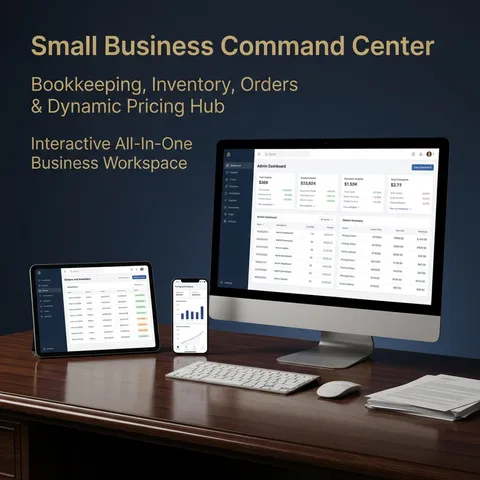
Small Business Command Center & Inventory Bookkeeping
Pay once. No monthly fee. Opens in your browser right after payment.
You may also like

Guides featuring this tool




From the blog
Latest articles




You may like
Popular with readers like you
The guides people search for most.


Turn what you just read into a daily practice
Interactive planners and journals built on these guides: moon rituals, manifestation scripting, habit and focus systems. They open in your browser and are yours to keep.

Get the Yin Yang Masters Letter Every Day
One short email a day: a practice for today, a real reader story, and the newest guide on love, money and inner calm.
Follow along
Daily rituals on your feed
Short guides, moon rituals and planner walkthroughs from Yin Yang Masters.




Keep exploring
More from Yin Yang Masters




Ask Yinyang Masters inside your AI assistant
Get the same calculations and guidance right in your chat: add the free Yinyang Masters app, then ask in plain English. No account needed.
Try asking: “Find a Yinyang Masters guide about starting a daily spiritual practice.”

Meet Moon Keeper, our live altar host
Every hour Moon Keeper reads the sky, draws one tarot card and shares a calm 3-minute reflection. Drop by the altar, follow the hourly diary and leave a note in the guestbook.
Get the Yin Yang Masters Letter Every Day
One short email a day: a practice for today, a real reader story, and the newest guide on love, money and inner calm.
For more than 8 years, a community of over 2,400,000 followers and 38,000+ students has shared how these daily practices helped in love, money and inner calm.