

Picking the right digital planner for iPad starts by separating two very different jobs: handwriting on an Apple Pencil canvas versus managing linked tasks, habits, and calendar blocks without manually redrawing dates. Hyperlinked PDFs opened inside GoodNotes deliver a soothing paper feel, while structured planning apps and offline web planners automatically roll unfinished items forward and track your pace.
The Best Digital Planner for iPad (7 Honest Picks)

Jennie Uyen Chu
意识与能量专家

本文目前仅有越南语版本,中文版正在翻译中。
互动实践数字系统 · 完整版15 个模块
Daily Priority Planner 每日优先级规划器——时间块、四象限矩阵与任务管理
每天早上你都清楚先做哪件事,一天更轻松有序,重要的事不再遗漏。
网页应用,手机或电脑都能用。任务只录入一次,再以四象限、1-3-5清单或时间块安排一天。无需填写出生日期。
👥 3.8万+学员👥 38,000+ 学员 · 240万+ 社群
US$27.99US$20.99US$27.99₫729,000₫546,000₫729,000第 1 步 · 点击你平时最容易半途而废的痛点:
这套应用如何帮你彻底解决
放入任务,规划会自动找到下一个空档,你的一天能灵活调整,而不是彻底崩掉。
内含对应工具: 当天时间线和整周视图一目了然,一天开始前就清楚每个小时要花在哪里。
第 2 步 · 直观查看应用真实模块界面
每日指挥中枢
15 个模块 · 2 个免费试用标签页简洁的每日中枢面板,一屏汇聚当日 3 项核心任务、精力状态与专注进度。
一次买断 · 终身可用 · 付款后即刻发送至邮箱

免费领取 2027 天使数字年度地图
通过邮件领取《2027 天使数字年度地图》,内附 2027 个人年速查、每个月的天使数字与全年意图书写空间。
Most people abandon elaborate planner setups by February because moving incomplete tasks across static weekly pages eats fifteen minutes every evening. Before committing to a format, review our best productivity planner guide, which breaks down daily upkeep costs, horizon planning, and paper-versus-digital tradeoffs.
7 Best Digital Planners for iPad Compared by Workflow
Research on time management and timeboxing consistently points to the same practical filter: the simplest format that keeps next actions visible outperforms complicated layouts filled with decorative tabs. Compare how the top seven iPad workflows handle stylus writing, calendar integration, cross-device sync, and weekly reviews.
免费在线测算工具
生命灵数计算器
快速解答
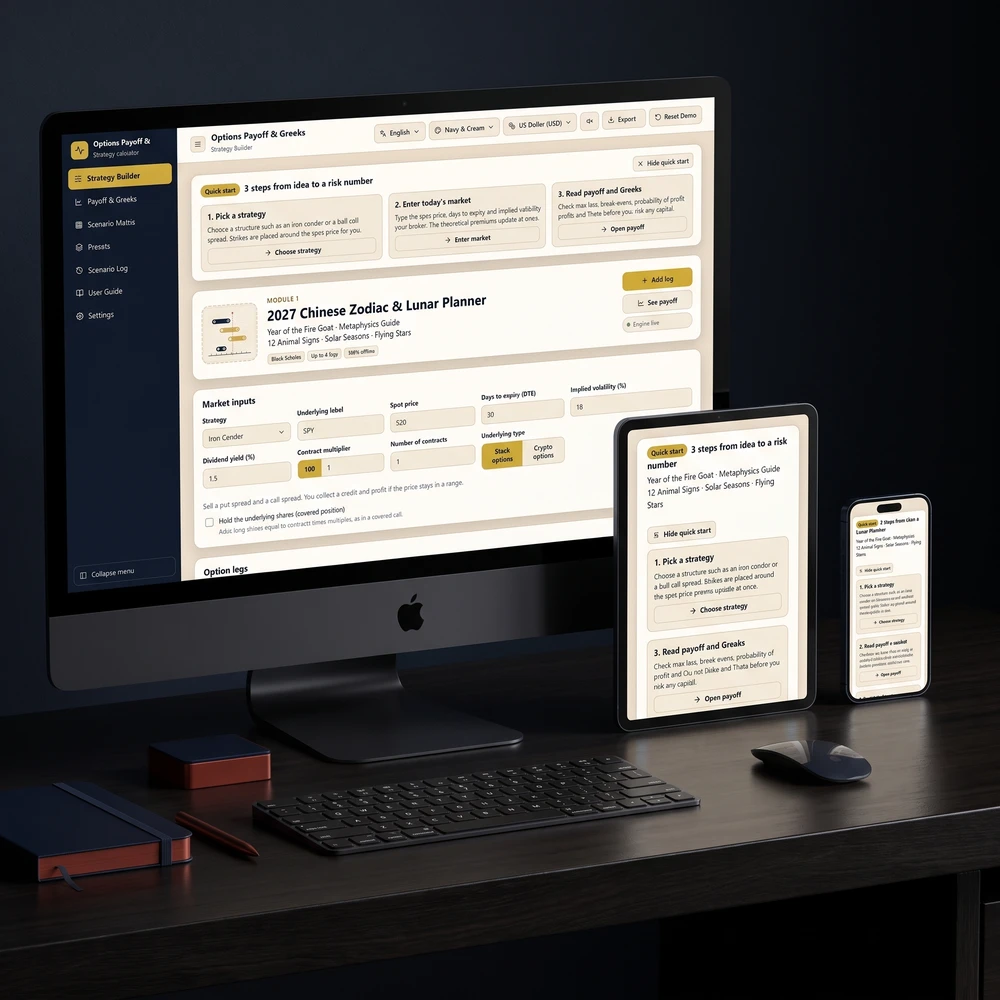
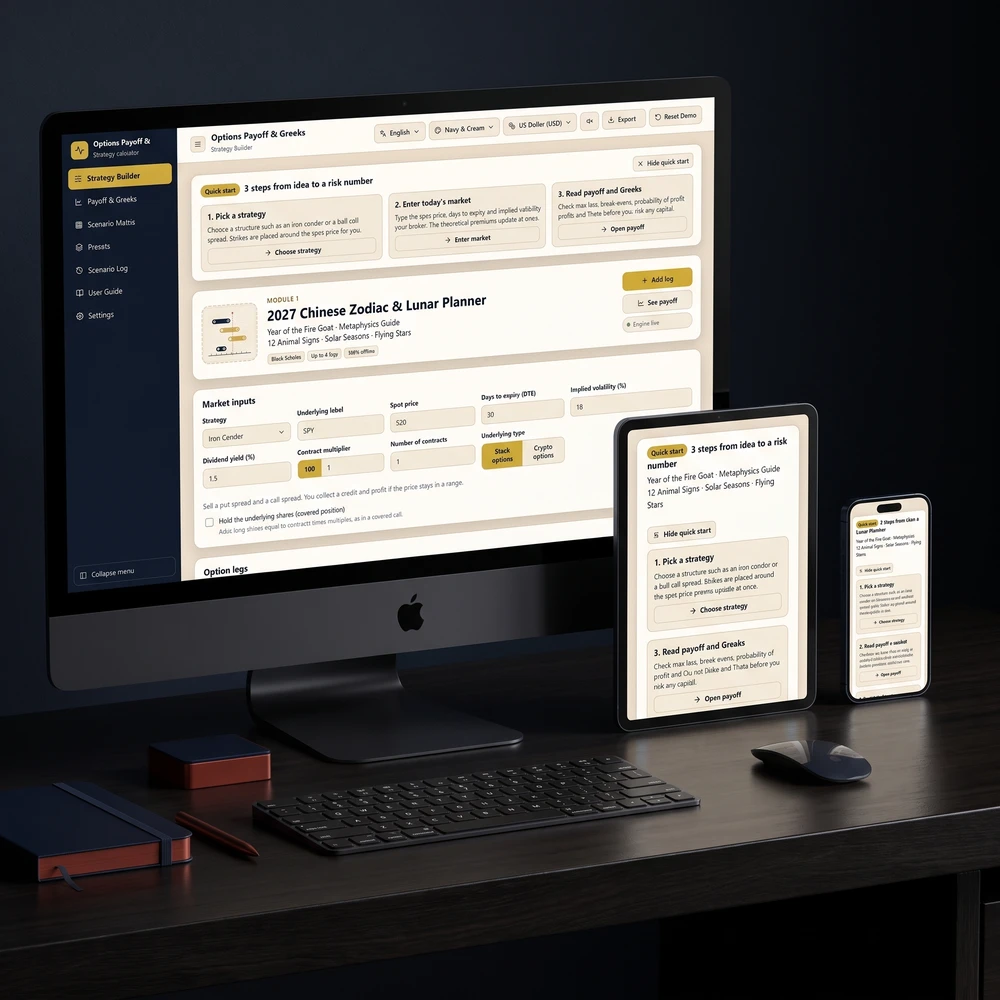
有。2027年数字计划本 — 目标规划、月历与生肖年度能量正是为此设计:把2027年目标、每日习惯、每周复盘和月相日历连在一起,让每个习惯都推动真实目标。
 2027年数字计划本 — 目标规划、月历与生肖年度能量查看交互式手册 →
| Planner or App | Format & Model | Core Planning Workflow | Best For | Main Limitation |
|---|---|---|---|---|
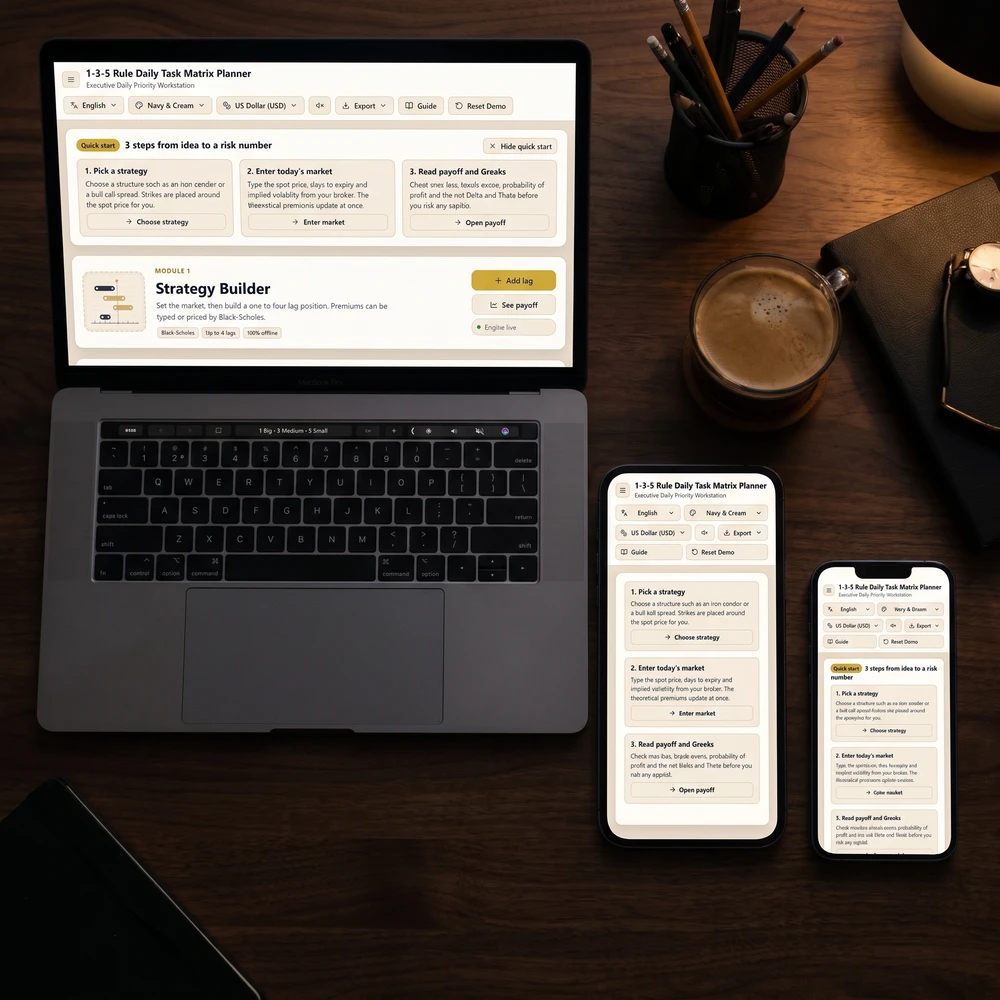
| Daily Priority Planner | Offline browser web app (Safari on iPad, iPhone & desktop; one-time purchase) | Single task list rendered as Eisenhower Priority Matrix, 1-3-5 Plan (9 slots), Six-Task List, Time Blocks timeline + week view, Inbox capture, CSV export | Turning messy daily to-dos into realistic time blocks across one unified list | Keyboard/tap entry in Safari rather than freehand Apple Pencil scribbling or native iOS push alarms |
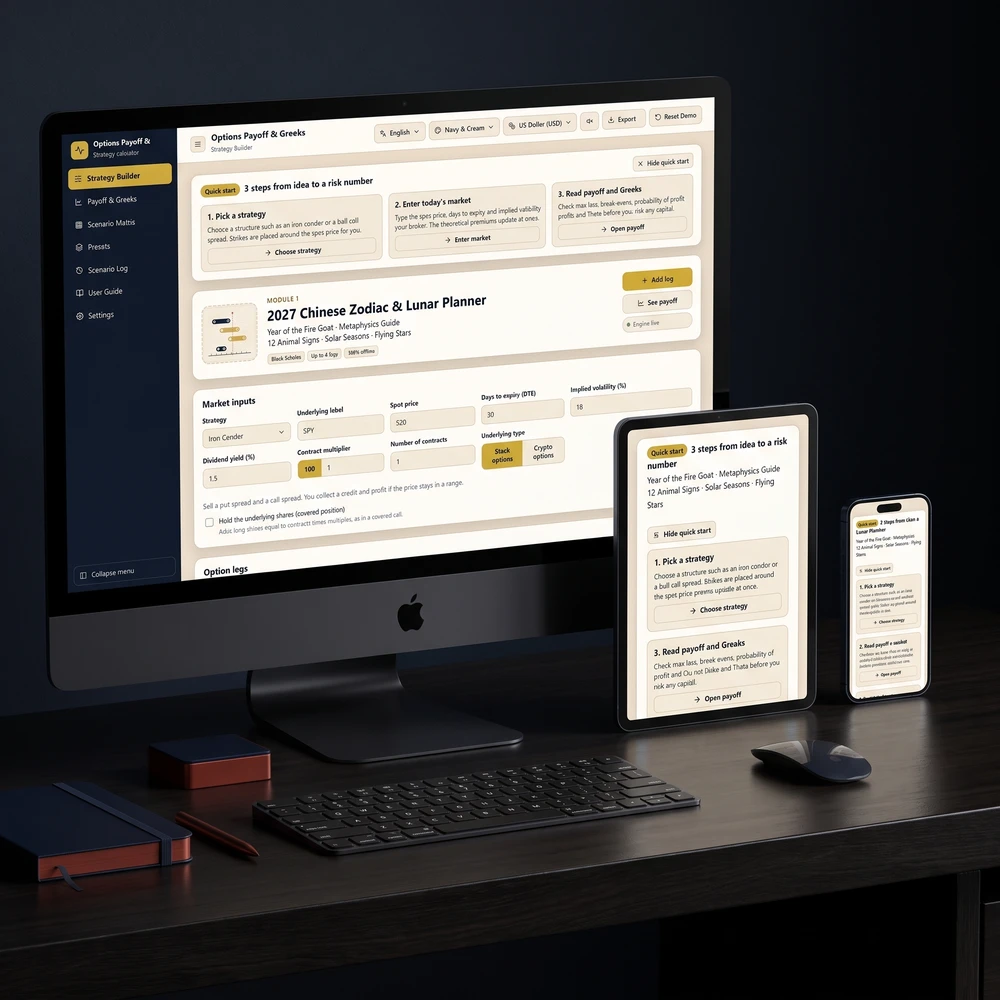
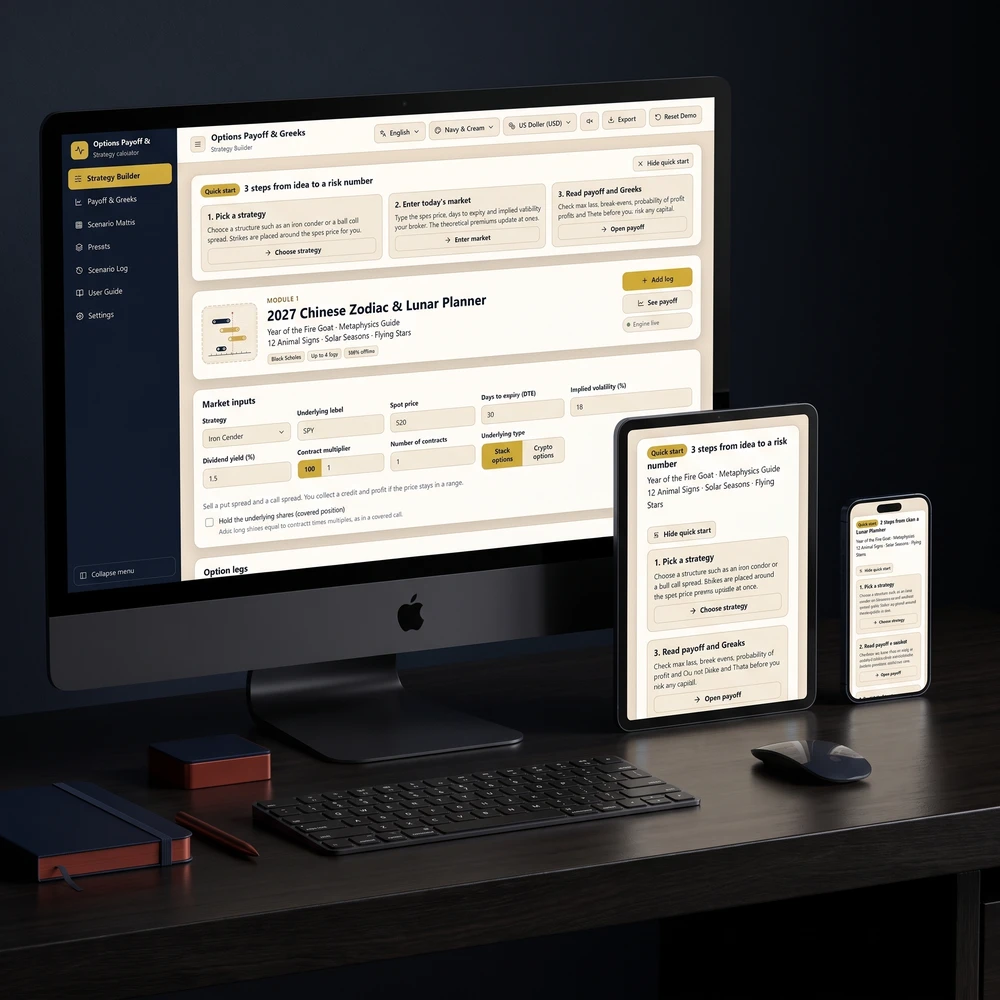
| 2027 Digital Planner & Goal Tracker | Offline browser web app (one-time purchase) | 12-month goal strip with milestone/numeric pace tracking, Command Center, weekly habit grid, daily scripting slots, auto-filled Weekly Review, 2027 moon calendar | Connecting annual milestones, daily habits, and Sunday reviews in one private workspace | Browser local storage requires exporting periodic manual backups; no two-way Apple Calendar sync |
| Habit Tracker & Streak Planner | Offline browser web app (one-time purchase) | 7-day & 30-day habit cards, planned-rest days that preserve streaks, double-miss early alerts, timed habit stacks, 1–366 day Challenge mode, Urge log | Building reliable morning/evening routines and habit chains alongside project work | Focuses on recurring habits, stacks, and urges rather than timed calendar appointments |
| Structured | Native iOS, iPadOS & macOS app (free tier + Pro subscription) | Visual day timeline combining tasks, Apple Calendar events, and Apple Reminders side by side with Apple Pencil support | Seeing real calendar meetings and realistic gaps visually in one daily strip | Full recurring sync features and customization sit behind a subscription tier |
| GoodNotes + Hyperlinked PDF Planner | Native iPad note app + static PDF (freemium / paid app) | Smooth Apple Pencil handwriting over linked monthly, weekly, and daily tabs mimicking bound stationery | Tactile thinkers who remember meetings better when writing by hand with a stylus | Zero automatic calculations, searchable databases, task rollover, or calendar event syncing |
| TickTick / Todoist | Cross-platform cloud apps (free tier + paid tiers) | Fast natural-language capture, recurring schedules, Pomodoro focus timer (TickTick), calendar feed subscriptions | Heavy recurring checklists syncing seamlessly across iPad, phone, and Windows PC | Can encourage over-collecting huge backlogs unless paired with a capped daily review |
| Apple Calendar + Apple Reminders | Free built-in apps on iPadOS, iOS & macOS | Instant iCloud sync across Apple hardware, color-coded calendars, scheduled lists synced directly into timeline views | Zero-cost native reliability without downloading external subscriptions or tools | Lacks goal-pace charts, 1-3-5 daily caps, priority matrices, and guided weekly reflections |
Free Options vs. Paid Hyperlinked PDFs vs. Offline Web Apps
Evaluating free options first saves buying tools that sit idle after a busy Monday. Pairing Apple Calendar with Apple Reminders already handles recurring bills, grocery runs, and meeting alerts smoothly via iCloud at zero cost. Meanwhile, free starter tiers inside Structured or Todoist let you test daily list prioritization without an upfront bill.
Where hyperlinked PDFs inside GoodNotes win is tactile calm—zero pop-ups, full Apple Pencil handwriting, and paper-style layouts similar to a structured bullet journal without carrying notebooks. However, static PDFs require manually rewriting unfinished tasks each Sunday. One-time-purchase offline web planners solve that gap cleanly in Safari without monthly subscription creep:
- Day-by-Day Execution: In the Daily Priority Planner, every task lives once—tick an item inside the 1-3-5 Plan or Eisenhower Priority Matrix, and your day timeline updates automatically while the Inbox captures stray thoughts fast.
- Annual Goals & Milestones: Inside the 2027 Master Year Planner, a 12-month milestone strip and pace tracker calculate whether numeric goals are ahead or behind schedule alongside an auto-filled Weekly Review.
- Routine Streaks Without Guilt: The Habit Tracker & Streak Planner flags double misses before a habit collapses and lets you mark travel or illness as planned rest so healthy streaks do not punish recovery.
Choosing One That Syncs With Apple Calendar vs. Works Across iPad and iPhone
Two practical questions separate happy iPad planners from abandoned ones: whether your tool syncs with Apple Calendar for hard meeting times, and how smoothly it jumps between iPad and iPhone when you leave your tablet at home.
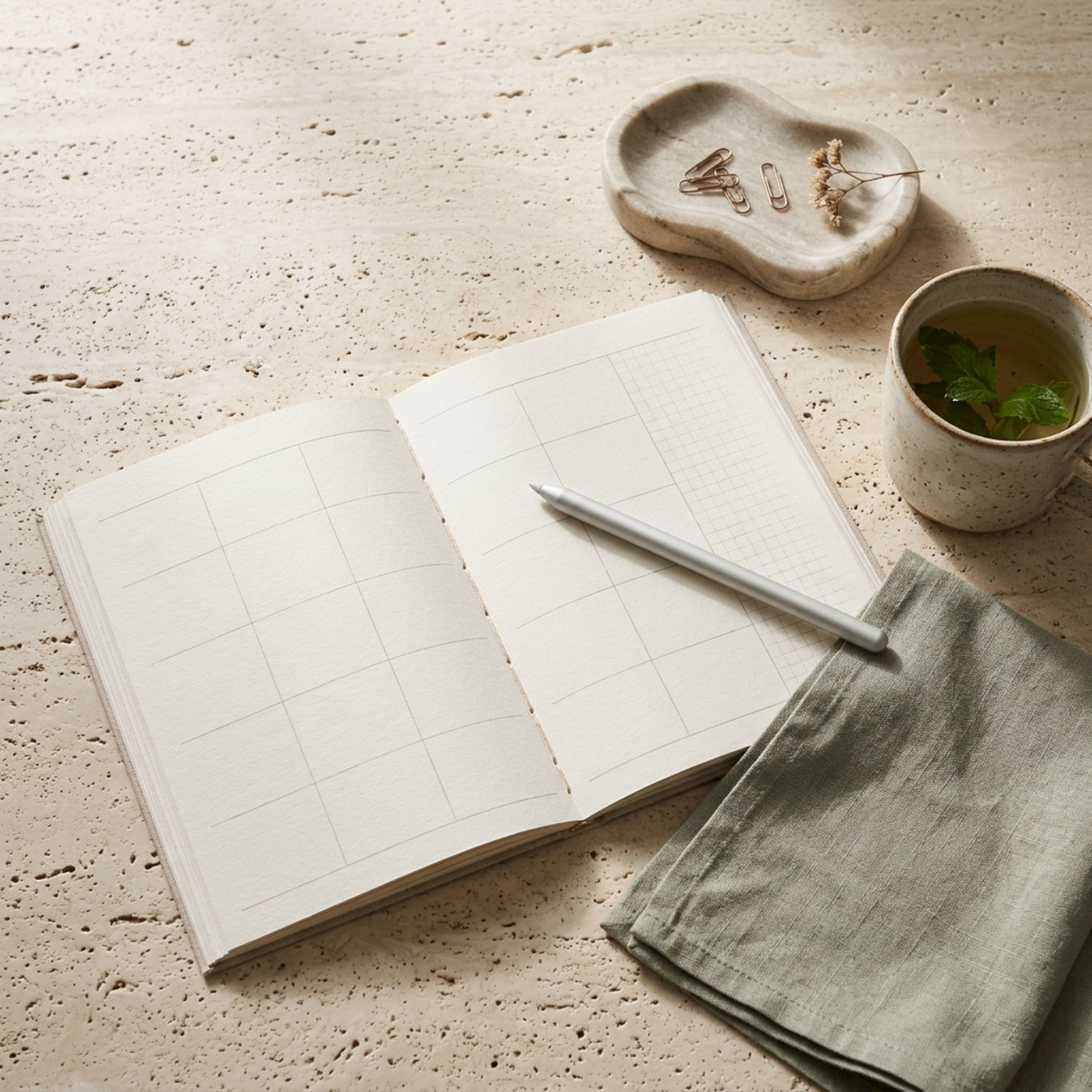
If your workdays revolve around live Zoom or client calls, choose a tool that reads Apple Calendar directly (like native Apple Calendar/Reminders, Structured, or TickTick) so you never double-book an afternoon block. If you mainly need distraction-free deep work and personal goal structure away from notifications, an offline browser web app works identically in Safari across desktop and tablet—just remember to export a 10-second monthly backup file if switching hardware frequently. For deeper guidance on deciding between paper, PDF, and connected apps, read our breakdown of whether a planner is worth buying and try our is a planner worth it test, or explore our roundup of digital journal for iPad and best journal apps if reflection matters as much as tasks.
How to Keep Any iPad Planner Active With a 5-Minute Review Loop
Installing three productivity tools rarely fixes overwhelm; simplifying daily upkeep under ten minutes does. Pair every iPad planning session with one brief grounding habit so planning starts intentionally instead of reactively.
Start With the 30-Second Somatic Reset
Opening an overloaded task list while tense triggers avoidance rather than action. Take 30 seconds before touching your plan: unclench your teeth, lower your shoulders away from your ears, rest both feet solidly on the floor, and take two slow breaths—four seconds in, six seconds out. Starting calm keeps you from cramming twelve urgent tasks into a four-hour afternoon.
The 5-Minute Action-Then-Release Routine
- Minute 1 — Empty Stray Clutter Into One Inbox: After your 30-second reset, sweep leftover tabs and loose scraps into one inbox rather than scattering reminders across sticky notes.
- Minutes 2–3 — Pick One Big Task + Three Medium Steps: Cap your day using a 1-3-5 or Six-Task list, dragging that single top priority into an open morning time block before opening email.
- Minute 4 — Protect One 45-Minute Execution Block: Start working on your top priority immediately with notifications silenced until that first block closes.
- Minute 5 — Close & Release at End of Day: Spend two minutes marking what finished, rolling unfinished items forward once without guilt, and shutting the planner tab until tomorrow.
Whether you sketch plans by hand in GoodNotes, block time natively inside Apple Calendar, or link annual goals and habit streaks inside one private Safari web app, pick the setup light enough to survive a chaotic Wednesday.
同主题免费在线测算工具

马上实践
把这篇文章用起来
这些年里,拥有240万多名关注者的社群(含3.8万+名学员)持续分享坚持每日练习后的真实成果。



参考来源与核验资料
依据正念实操与个人成长编辑规范审校。 编辑政策

配套交互式手册与系统


真实故事
查看全部故事 →读者如何因这些练习而改变
8多年来,超过240万名关注者和3.8万+名学员组成的社群,分享了坚持这些练习后在爱情、财富和内心平静上的真实变化。
 爱情故事
双生火焰日记有用吗?真实故事与每日练习
双生火焰日记真的有用吗?分享走出分手、迎来灵魂伴侣、找回平静的真实经历,并展示每天的练习在日记里是什么样子。
阅读指南 金钱故事
金钱显化日记有用吗?真实故事
金钱显化日记真的有用吗?分享还清欠款、争取加薪、缓解金钱焦虑的经历,并展示每天的练习在日记里是什么样子。
阅读指南
 爱情故事
分手后如何显化爱情:真实疗愈故事
分手后如何显化爱情?分享人们如何用自爱肯定语、照镜子练习和爱情日记先疗愈自己,再重新敞开心扉的真实经历。
阅读指南 金钱故事
显化无债生活:稳步还清欠款的真实故事
如何显化无债生活?分享人们如何把金钱肯定语、丰盛日记与清晰目标、截止日期和每日证据结合起来,稳步走向无债。
阅读指南 爱情故事
显化灵魂伴侣:从内在开始的真实故事
如何显化灵魂伴侣?分享人们如何写下理想伴侣脚本、制作爱情愿景板,并在爱到来之前先对生活说“好”。
阅读指南 金钱故事
显化加薪:自信开口的真实故事
如何显化加薪或升职?分享人们如何清理金钱信念、练习自信肯定语,并在开口前记录下自己的成绩。
阅读指南 爱情故事
双生火焰重逢故事:走向平静的真实旅程
真实的双生火焰重逢故事:人们如何借助旅程阶段、征兆记录和引导冥想,在分离期间找回平静,无论最终是否重逢。
阅读指南 金钱故事
从金钱焦虑到与钱和解:真实故事
分享缓解金钱焦虑的经历:查看账户前听一段简短的引导冥想,每周一次金钱约会,并温和地审视旧信念。
阅读指南
相关指南

更多文章


热门内容
本周读者最常打开的内容
按过去 7 天的真实访问量排序。
免费互动指南
免费领取 2027 天使数字年度地图
通过邮件领取《2027 天使数字年度地图》,内附 2027 个人年速查、每月指引天使数字与专属年度意图书写空间。
关注我们
每天的仪式,就在你的动态里
Yin Yang Masters 的简短指南、月相仪式和计划本使用教程。






在 AI 助手中直接询问 Yinyang Masters
在聊天中获得同样的计算与指引:添加免费的 Yinyang Masters 应用,然后用日常语言提问。无需注册账号。
试着问: “找一篇关于开始每日灵性练习的 Yinyang Masters 指南。”

正在直播
认识 Moon Keeper,我们的直播祭坛守护者
Moon Keeper 每小时观察星象、抽一张塔罗牌,并分享一段 3 分钟的静心练习。来祭坛看看,关注每小时日记,并在留言簿里写下你的话。

每日免费通讯
每天收到 Yin Yang Masters 通讯
每天一封简短邮件:一个今日练习、一个读者的真实故事,以及关于爱情、财富与内心平静的最新指南。
8多年来,超过240万名关注者和3.8万+名学员组成的社群,分享了坚持这些练习后在爱情、财富和内心平静上的真实变化。