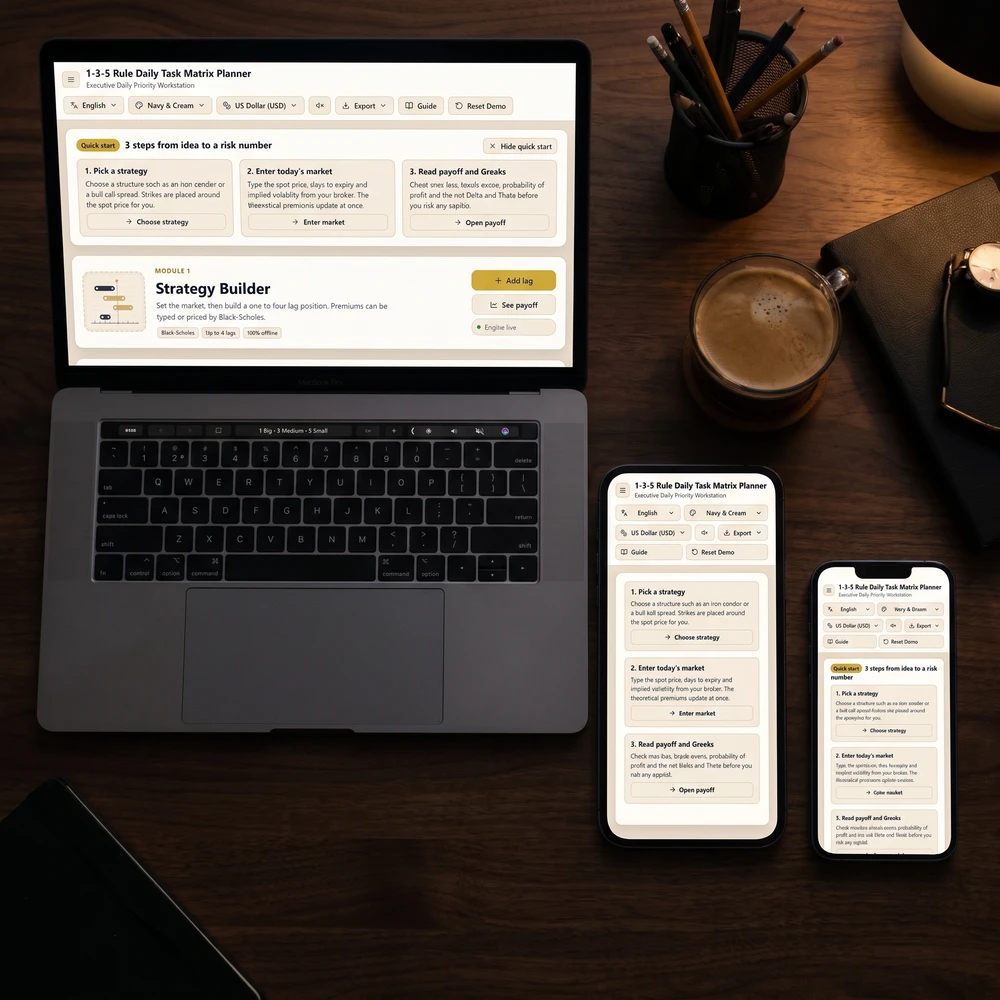
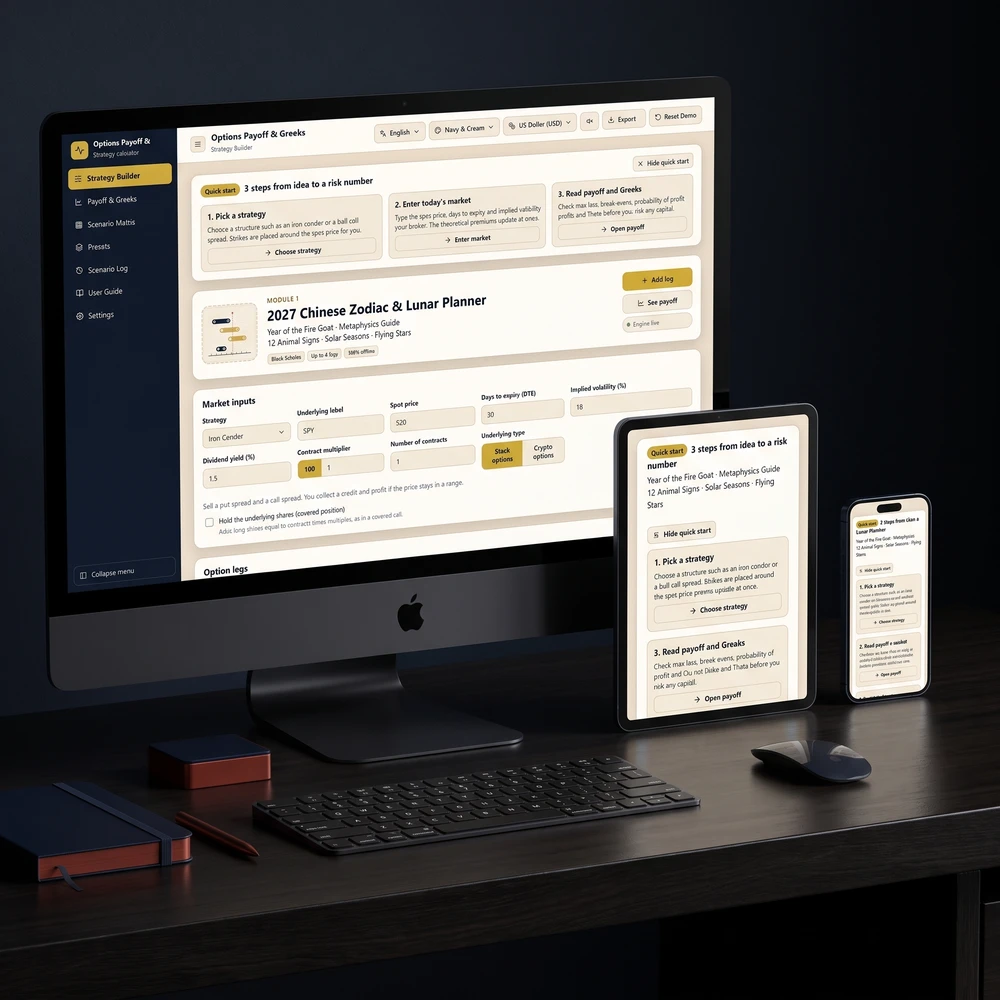
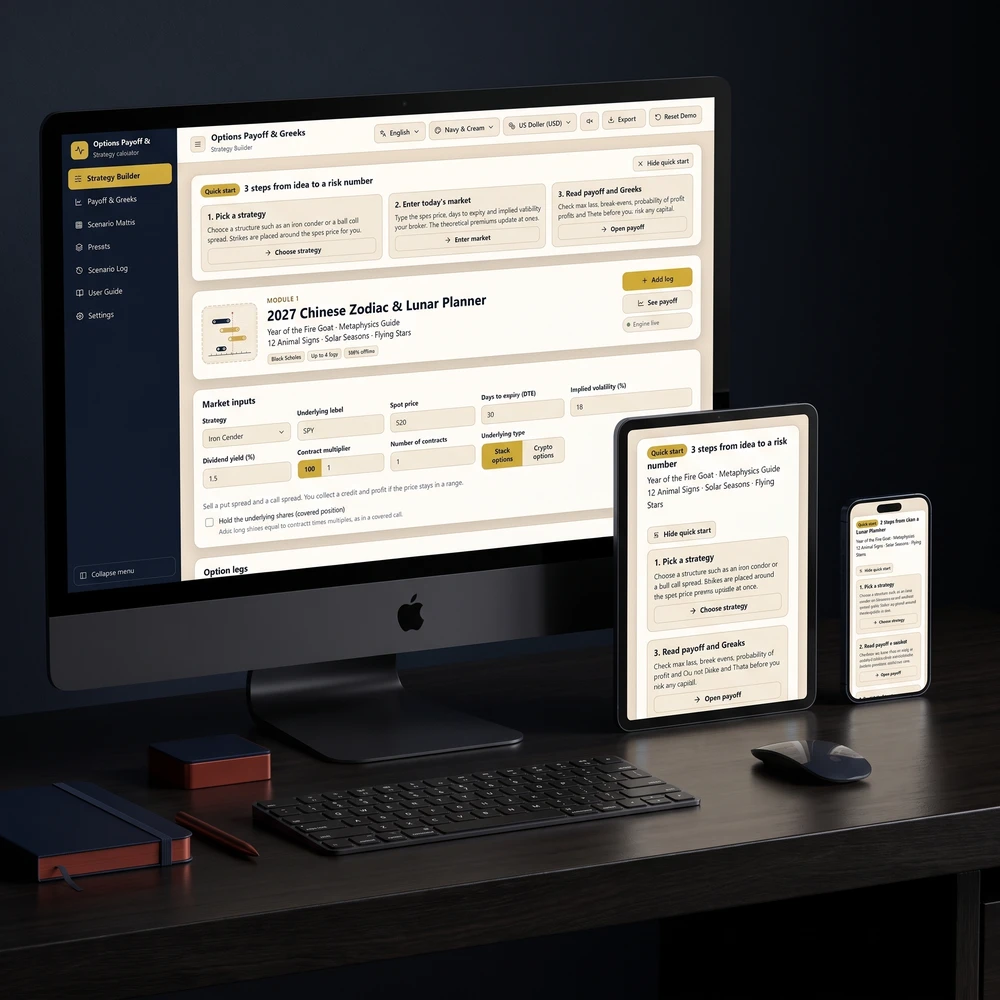
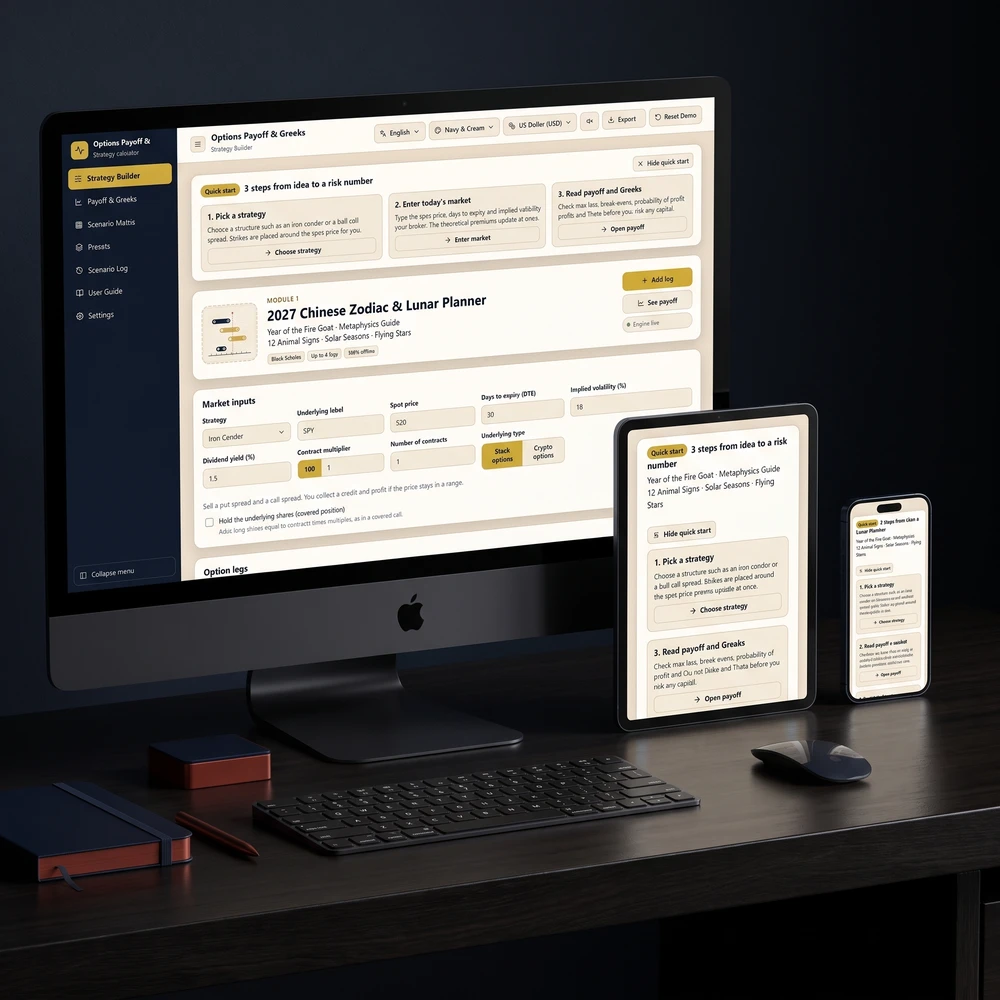
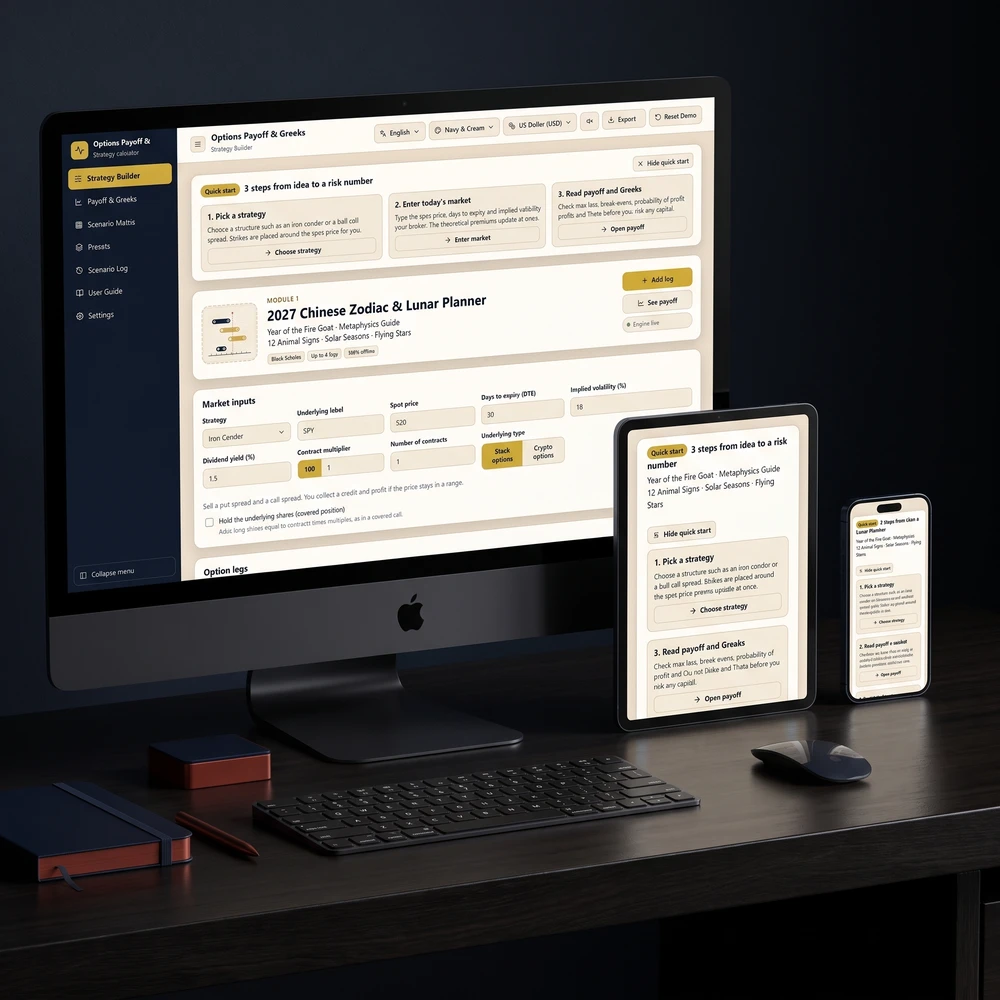
A smart goals template works past January when it includes seven fields instead of five: Specific, Measurable, Achievable, Relevant, and Time-bound, plus a named obstacle and an if-then implementation intention. Cap your list at 3 to 5 goals per quarter and review progress for 5 minutes every Sunday.
Interactive Practice Web App · Full Edition12 modules
2027 Digital Planner
Every daily habit pushes a specific 2027 goal, so by year's end you can see exactly how far your 12 months took you.
Web app for phone or laptop. Set 2027 goals, tick daily habits and plan each month on the moon calendar. No birth date needed.
👥 38k+ students👥 38,000+ students · 2.4M+ community
$27.99$20.99$27.99₫729,000₫546,000₫729,000
Step 1 · Tap the struggle that stops you most:
How this app solves it for you
Every 2027 goal stays in view with the habits that feed it, so it stays alive past the first month.
Included inside: Set your 2027 goals by milestones or by a number, and each one shows the habits and notes that feed it, so nothing important drifts.
Step 2 · Inspect real app screens inside
12-Month Year Grid
12 modules · 2 live trial tabs
Bird’s-eye timeline aligning launches, travel windows, financial targets, and recovery weeks across 2027.
Pay once · Lifetime access · Instant email delivery
Get the 2027 Angel Number Year Map by email with a quick Personal Year lookup, monthly angel numbers, and space to write your intentions.
A smart goals template works past January when it includes seven fields instead of five: Specific, Measurable, Achievable, Relevant, and Time-bound, plus a named obstacle and an if-then implementation intention. Most goal sheets fail by week four because they describe the finish line without planning for busy Tuesdays. Capping your active list at 3 to 5 goals per quarter and running a 5-minute Sunday review keeps the system light and usable.
Before you fill out a single box, decide how your annual targets connect to your weekly calendar. As outlined in our 2027 yearly planner goal-setting guide, a goal only moves when it attaches to a measurable habit and a regular review loop.
Smart Goals Template Structure: Five Core Fields Plus Obstacles
A reliable SMART worksheet turns a broad wish into a dated, testable commitment in under 15 minutes. Standard goal-setting research shows that specific, quantified targets consistently outperform vague "do your best" intentions, and adding an if-then obstacle plan bridges the gap between intention and daily action.
Every usable template needs these seven fields in order:
Specific: State the exact outcome, who is involved, and what "done" looks like in one plain sentence.
Measurable: Attach a number you can count weekly—such as pages written, dollars saved, or kilometers run.
Achievable: Check that the weekly time cost (for example, 20 minutes a day or 3 hours a week) fits your real calendar.
Relevant: Confirm why this goal matters this quarter rather than next year.
Time-bound: Set a firm calendar deadline plus 90-day quarterly milestones.
Likely Obstacle: Name the exact friction that usually derails you, such as late meetings or low morning energy.
If-Then Plan: Write a pre-decided fallback ("If X happens, then I do Y") so you do not rely on willpower in the moment.
If you are still deciding which 3 to 5 goals deserve space on your 2027 sheet, spend ten minutes with these end-of-year journal prompts to review what actually moved the needle over the past twelve months.
Yes. 2027 Digital Planner — Goal Planner, Monthly Calendar & Zodiac Year Forecast is built for this: Link your 2027 goals, daily habits, weekly review and moon calendar so every habit moves a real goal.
When writing each row, start with a concrete action verb such as "publish," "save," "complete," or "run" rather than passive phrasing like "try to improve" or "be better at." Clear action verbs make your weekly check-ins binary: you either completed the planned block or you did not, which removes ambiguity during your Sunday review.
How to Fill Out a Smart Goals Template: Two Worked Examples
Seeing a blank worksheet is easy; seeing two completed rows shows how specific numbers and obstacle plans work in practice. Below is a 7-field SMART + Obstacle Worksheet filled out for one work/business goal and one personal fitness goal—each built around a realistic 20-minute daily block and a clear 90-day milestone.
Worksheet Field
Work Example: Client Proposal Pipeline
Personal Example: Run a 10K by June 30, 2027
Specific
Send 3 tailored proposals per week to qualified leads
Complete a 10K road race without walking
Measurable
12 proposals per month (36 per 90-day quarter)
3 runs per week; reach 5K by March, 8K by May
Achievable
30-minute outreach block every Mon, Wed, Fri at 9:00 a.m.
20–35 minute morning runs on Tue, Thu, Sat
Relevant
Builds steady Q1–Q2 freelance revenue without cold-calling
Improves stamina and lowers afternoon desk fatigue
Time-bound
March 31, 2027 (end of Q1)
June 30, 2027
Likely Obstacle
Urgent client revisions crowding out the 9:00 a.m. block
Dark, rainy mornings or a late-night work deadline
If-Then Plan
If 9:00 a.m. is blocked, then send 1 proposal at 4:30 p.m.
If I miss 7:00 a.m., then I run 20 minutes at lunch
Pairing each SMART goal with a named obstacle and an if-then fallback keeps your weekly execution steady when schedules shift.
Notice how neither example leaves room for guesswork. When you also want a financial target in your top three, pair your worksheet with our savings tracker template and money mindset guide so your monthly savings numbers sit right beside your weekly action blocks.
Three common mistakes turn an otherwise solid SMART worksheet into shelf decoration: writing a goal with two unrelated metrics in the same row, skipping the weekly time-cost check against your actual calendar, and leaving the obstacle box blank because you feel motivated on Sunday night. Fixing those three details takes five minutes and prevents mid-quarter burnout.
Free Printable PDF vs Word, Excel, and Connected Goal Planners
Free printable PDF, Word, and Excel templates are great for testing a 90-day goal cycle, while a connected planner pays off when you want habits and milestones to tally themselves. A static PDF locks your layout for clean printing, whereas Word (.docx) or Excel (.xlsx) lets you customize team columns—at the cost of spending 15 to 20 minutes fixing page breaks.
Template Format
Setup Time
Best For
Main Limitation
Free Printable PDF
5 minutes
Paper thinkers, desk binders, zero-distraction planning
Static; you tally weekly progress by hand
Word / Google Docs
15 minutes
Performance reviews, editable text prompts
Tables shift across pages when text grows
Excel / Google Sheets
20 minutes
Numeric KPIs, revenue targets, shared team trackers
Feels cluttered for daily personal reflection
Connected Goal Planner
5 minutes
Linking yearly goals to daily habits and weekly reviews
Requires opening your planner app regularly
If you prefer a paper copy on your desk, check our 2027 year planner to print guide for US Letter vs A4 dimensions and 15–20 mm binding margins before printing a full stack. If you want your goals, habits, and reviews connected in one place, the 2027 Master Year Planner links each goal to its quarterly milestones, weekly habit grid, pace line against the calendar, auto-filled weekly review, and built-in print or PDF export.
How to Choose the Best Smart Goals Template and Review It Weekly
The best SMART goals template is the one you can update in 5 minutes every Sunday without dreading the layout. A clean one-page-per-goal sheet with generous whitespace beats a cramped 12-column spreadsheet every time, because friction kills consistency faster than lack of ambition.
Run this 5-step weekly review loop every Sunday evening:
Set a 5-minute timer: Keep the review short so it becomes an automatic Sunday habit rather than a chore.
Count your weekly ticks: Check how many planned blocks you completed out of your target (for example, 2 of 3 runs).
Spot the real obstacle: If you missed a target, note whether the cause was time, energy, or an unclear next step.
Adjust the if-then rule: Refine one fallback for the coming week instead of rewriting the whole goal.
Lock Monday's first step: Write the exact 20-minute action you will start on Monday morning before closing your notebook.
Keep your active sheet to 3 to 5 goals, honor your if-then fallback when a week gets busy, and let steady 5-minute Sunday reviews carry your plans from Q1 all the way through December.
At the end of every 90-day quarter, archive your completed worksheet and run a 15-minute reset before drafting the next quarter's page. Carry forward only the habits and projects that still match your priorities, drop anything that no longer fits your schedule, and start the new quarter with clean numbers, realistic weekly blocks, and a fresh one-page template you will actually enjoy opening every Monday morning with calm focus and zero clutter.
Make 2027 the year your goals actually happen. Every daily habit is tied to a real goal, a pace line shows whether you are on track, and your weekly review fills itself in.
Receive the 2027 Angel Number Year Map by email with your Personal Year lookup, monthly guiding angel numbers, and a private workspace for your intentions.
Follow along
Daily rituals on your feed
Short guides, moon rituals and planner walkthroughs from Yin Yang Masters.
Every hour Moon Keeper reads the sky, draws one tarot card and shares a calm 3-minute reflection. Drop by the altar, follow the hourly diary and leave a note in the guestbook.
One short email a day: a practice for today, a real reader story, and the newest guide on love, money and inner calm.
For more than 8 years, a community of over 2,400,000 followers and 38,000+ students has shared how these daily practices helped in love, money and inner calm.