

Does Time Blocking Work? Real Stories of Calmer Days and Fewer Carried-Over Tasks


Time blocking works when it shows you how much of your day is really free, and when the plan fits inside that time. People here gave each task a place in the day, kept a short list for today and carried the rest forward on purpose. Their planner is at /products/daily-planning-priority-os.
Time Blocking, Eisenhower Matrix & Task Manager
Every morning you know what to do first, so your day feels lighter and important tasks stop slipping through the cracks.
- Open in 10s
- Private · $0 monthly
- EN · VI · ZH included

Want to go further with this result?
Your free 2027 Angel Number Year Map
Enter your birthday to see your 2027 Personal Year and the angel number for each month, with space to write your intentions.
Quick answers
For more than 8 years, people in Jennie Uyen Chu's community, now 2,400,000+ followers and 38,000+ students, have described changes like these: fewer days that vanish, a shorter list they actually finish and evenings that feel like their own again.
These are personal experiences, not promised results. The planner is an organising tool, not medical, legal, financial or career advice.

What Time Blocking Changes Day to Day
Nobody in these stories became a different person overnight. What they describe is quieter: they stopped guessing how much time they had, wrote down fewer things for today and decided in the morning what would wait. The day still had surprises, but it stopped feeling like a pile.
Research points the same way. Studies of the planning fallacy show that most of us underestimate how long tasks take, even tasks we have done before. A 2021 review of time-management studies linked it with somewhat better performance and, more strongly, with wellbeing and less stress. Giving a task a fixed slot, often called timeboxing, makes the limit visible instead of hopeful.
Jennie Uyen Chu's community of 2,400,000+ followers has talked about calm, steady work for years, and the lesson keeps coming back: see the real time, choose less, then finish it.
Get Your Free 2027 Angel Number Year Map
Enter your birthday to reveal your 2027 Personal Year, the angel number guiding each month, and a private workspace to set your intentions.
Real Stories From People Who Used the Planner
Five people with very different days used the same planner, and each of them noticed something shift.
Hannah R., Denver: eight hours that were really three
She is a freelance designer, and her days used to disappear into email and calls. In Time Blocks she put in her client calls, lunch and a school pickup, and the day showed what was left: three free hours, not eight. She used "Put in my day" to place her two biggest design tasks in the earliest gaps that were long enough. "I thought I had eight hours. Seeing three changed how I said yes." Within a month she was closing her laptop at five most days.
Daniel O., Toronto: a list of forty became a plan of nine
As a new team manager he kept a running list of about forty things and started each morning already behind. He switched to the 1-3-5 Plan: one big thing, three medium and five small. When the medium slots were full, the planner would not take another task. "That little refusal was the boss I needed." At night he pressed "Carry unfinished to tomorrow" and watched his streak of finishing the big thing on its own day reach eleven.
Priya S., London: the delegate box she kept ignoring
She runs a small candle shop and did every job herself, from packing to replying to suppliers. In the Priority Matrix most of her week landed in the delegate box. She handed packing to a part-time helper, copied the handoff note and set a check-back date for three days later. "I stopped holding everything in my head because the planner was holding the check-back for me." Two months later her Saturdays were free again.
Tom B., Melbourne: why every task took longer than planned
In his final year of university, every essay overran and he blamed himself for being slow. He planned with the Six-Task List, started the one marked "Next" with a 25-minute focus timer and logged the time when it ended. After three weeks the Time Log gave him a plain sentence: a 60-minute guess tends to take about 95. "I wasn't lazy. I was guessing wrong, and now I add the extra time on purpose." His plans started to fit his days.
Elena M., Lisbon: a week that finally had an edge
She works part-time and runs a busy household, and her week had no end point. She set a weekly hour limit, emptied every loose thought into the Inbox each morning and sorted it into tasks, two-minute jobs or someday items. On Sundays she spent ten minutes on the Weekly Review, where the numbers were already filled in. "When the week ran long, the planner told me before I felt it." She started planning rest and meals as real blocks, as the planner's guide suggests.
How the Practice Looks Inside the Planner
Most people here spent about 3 minutes each morning and about 10 minutes on Sunday for the weekly review.
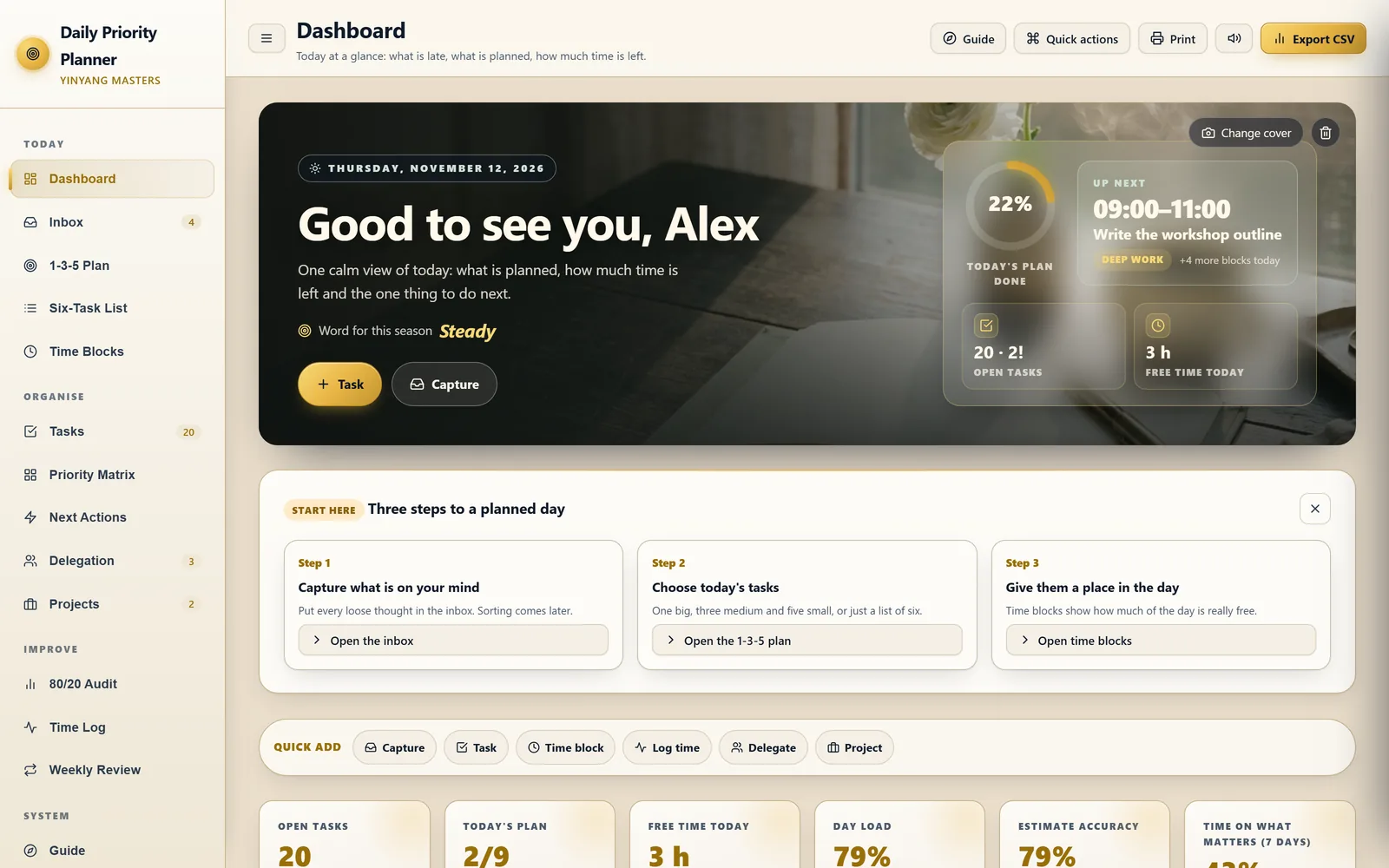
Open the Dashboard. One view shows what is late, how much of today's plan is done, the next time block, open tasks, free time today, how loaded the day is and how accurate your time guesses have been. An attention list points out tasks you have carried over three or more times.
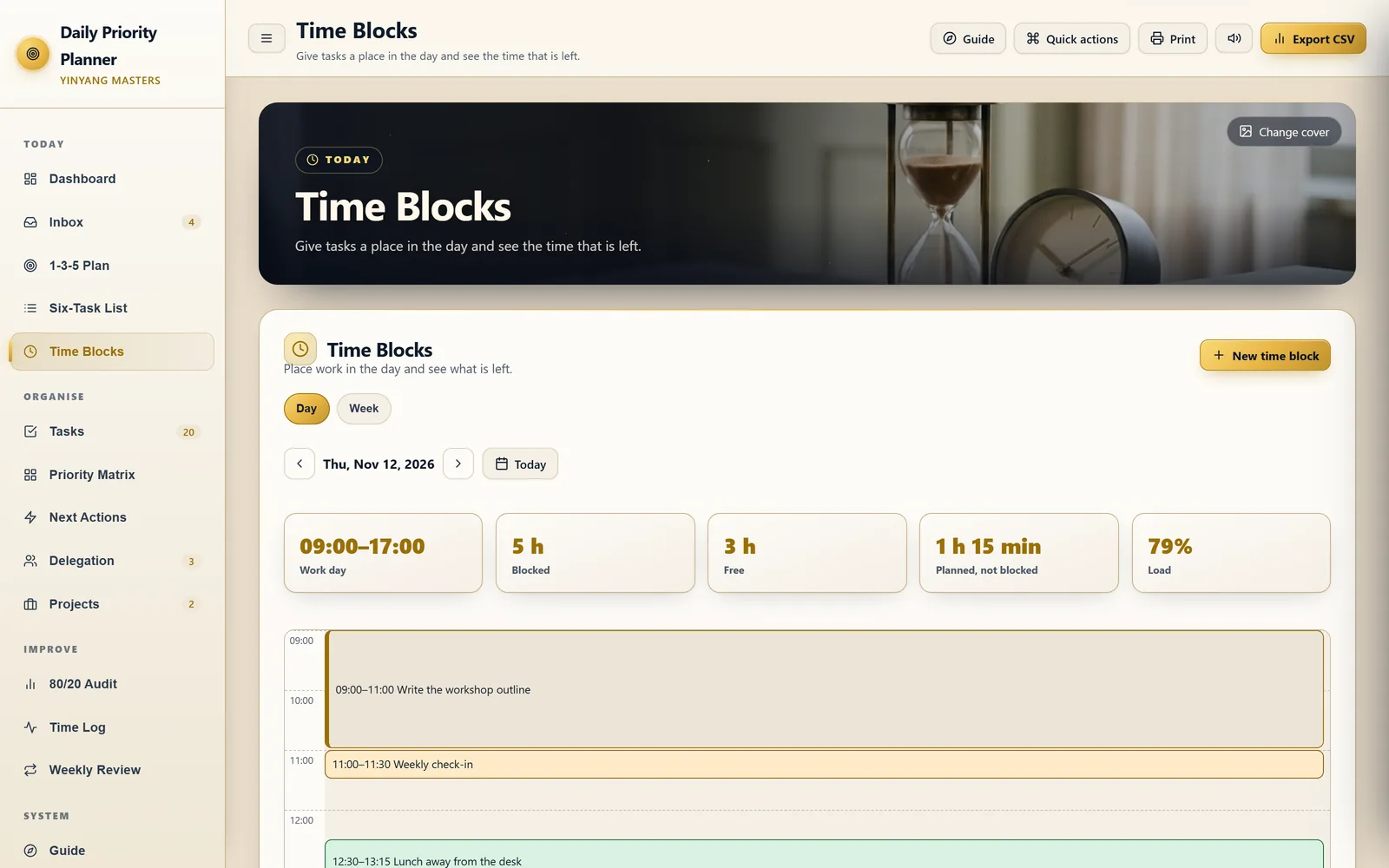
Give the plan a place in the day. Time Blocks shows your work day, what is already blocked and what is free, with four kinds of blocks: deep work, light work, meeting and break. "Put in my day" places a planned task in the earliest free gap that fits, and you are warned when the plan does not fit or two blocks overlap.
Pick today's short list. Use the 1-3-5 Plan, one big, three medium and five small, or the Six-Task List in order with the next one marked. "Suggest a plan" fills empty slots from your own tasks.
Sort by what matters. The Priority Matrix has four boxes: do now, schedule, delegate and drop. Drag a card or use the "Move to" buttons. It is the same task list, so a task ticked here is done everywhere.
Hand things off and check back. Delegation keeps who has what, a check-back date and a handoff note you can copy.
Close the week. The Weekly Review compares your numbers with last week, gives six checks with live counts and three short questions, and asks how your energy was from 1 to 5.
If you want this structure for yourself, the Daily Priority Planner keeps one task list behind every view: an inbox, the 1-3-5 Plan, the Six-Task List, a priority matrix, time blocks with a focus timer, next actions, delegation, projects, an 80/20 audit, a time log and a weekly review. It comes in English, Vietnamese and Chinese, and you can print any page.
If your hardest problem is long stretches of focused work rather than the shape of the whole day, the Deep Work & Focus Planner goes deeper on focus, with a weekly plan of focus blocks, a timer that earns your break and a review of your focused hours.
Why One Planner Instead of Separate Sheets
Planning methods tend to scatter across a to-do list, a priority grid on a sticky note, a time-blocking sheet and a weekly review you never get to. The Daily Priority Planner keeps one task list and shows it in every way you plan, so you write a task once.
With separate sheets, each method asks you to copy the same task again, and the timer lives somewhere else.
You can open it on your phone, laptop or tablet, keep it private to you and print a page whenever you want something to hold.
| Separate sheets and lists | The Daily Priority Planner | |
|---|---|---|
| Tasks, priorities, today's plan, time blocks | Copied again into each sheet | One task list shown in every view |
| Free time | Guessed | Worked out from your work day and blocks |
| Time guesses | Never checked | Estimate accuracy and a plan multiplier from your own time log |
| Unfinished tasks | Rewritten by hand each morning | Carried to tomorrow in one step, with a count of how often |
| Long weeks | Noticed when you are already tired | A weekly hour limit you set, with a warning |
What People Noticed, and When
The first shift was usually clarity, not a sudden burst of output: knowing how much time was really free and which few things mattered today. Bigger changes followed from the choices people made with that clarity.
| Situation | Part of the planner they used most | First shift they noticed | Typical time |
|---|---|---|---|
| Days that vanish | Time Blocks, free time | Saying yes to less | 1 to 2 weeks |
| A list that never ends | 1-3-5 Plan, carry-over | Finishing the big thing most days | 1 to 3 weeks |
| Doing everything yourself | Priority Matrix, Delegation | Handing off the first task | 2 to 6 weeks |
| Tasks always overrun | Six-Task List, focus timer, Time Log | Plans that fit the day | 2 to 4 weeks |
| A week with no end | Inbox, Weekly Review, hour limit | Planned rest and evenings back | 2 to 4 weeks |
Each row is a pattern from shared stories, not promised results.
Start Planning Your Days for 2026 and 2027
You do not need to wait for January. Most people here started on an ordinary weekday with one short plan for today and kept the same planner into the new year, since it follows your own dates and work hours.
Sources & Verified References
- [1]Wikipedia — Timeboxing (giving each task a fixed slot of time) ↗
- [2]Wikipedia — Planning fallacy (research on why we underestimate how long tasks take) ↗
- [3]Wikipedia — Time management (urgent-important method and research overview) ↗
Reviewed for practical mindfulness & personal development alignment. Editorial Policy
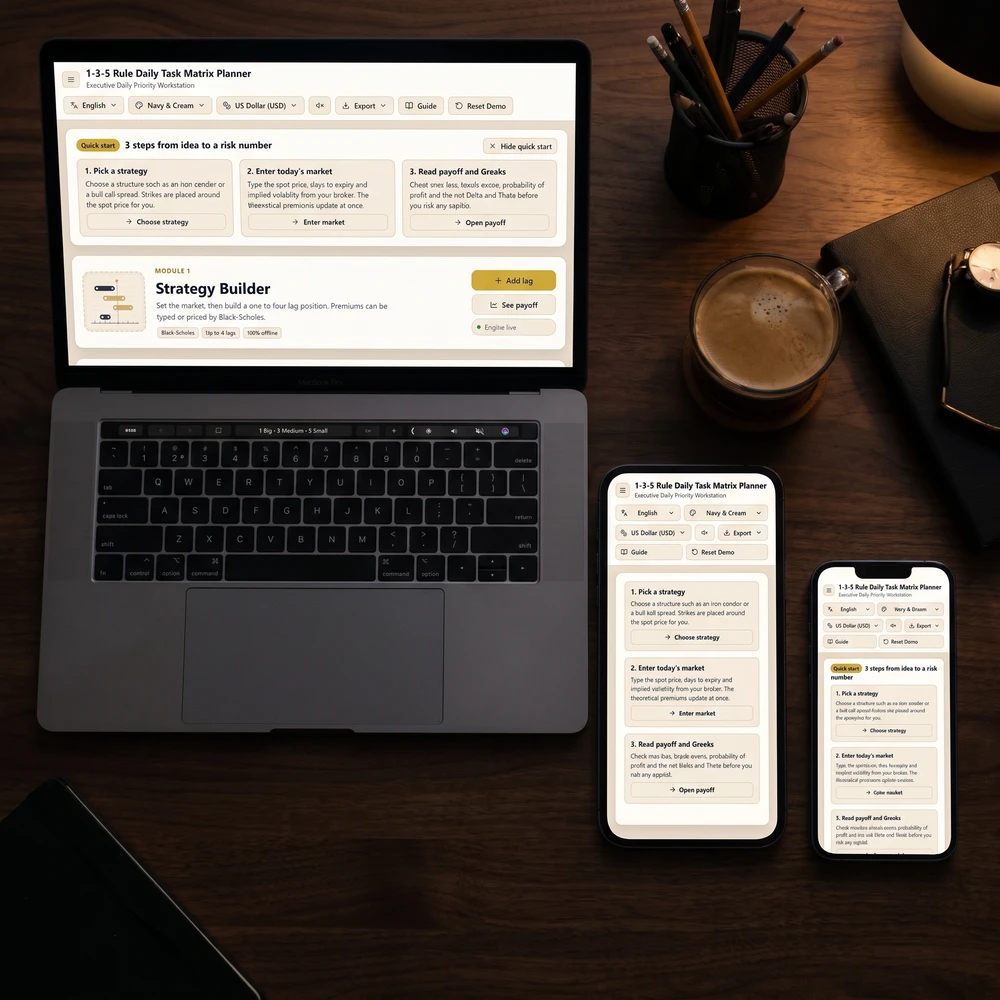
Topic Pillar
Mindful Productivity & Focus
Calm time-planning methods, priority checklists, and note-taking habits to get meaningful work done without stress.
Tools featured in this guide
 Save 20%
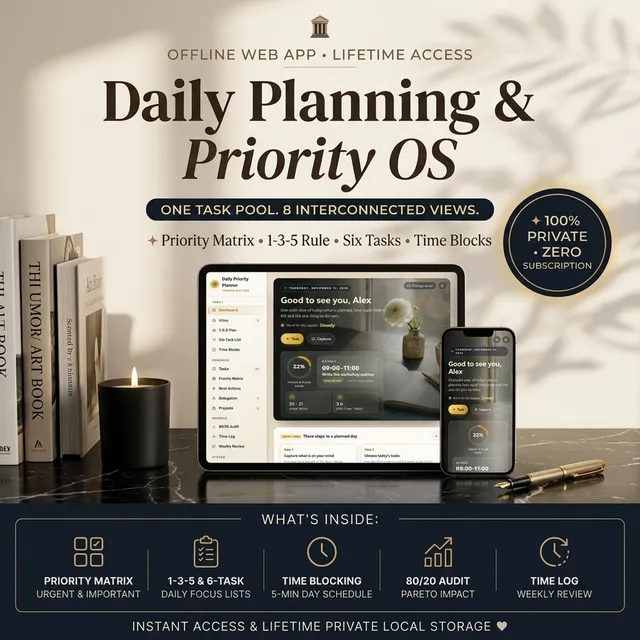
Daily Priority Planner
One task list shown as a priority matrix, a 1-3-5 plan, a six-task list and a time-blocked day, so you always know what to do next.
$27.99$22.39$27.99₫609,000₫487,000₫609,000
 Save 20%
Deep Work & Focus Planner
Plan deep work blocks, run focus sessions with a timer, and see whether your focused hours went where you meant them to.
$27.99$22.39$27.99₫609,000₫487,000₫609,000
How readers changed with these practices
For more than 8 years, a community of over 2,400,000 followers and 38,000+ students has shared how these daily practices helped in love, money and inner calm.
 Love story
Twin Flame Journal Results: Real Stories & Daily Practice
Does a twin flame journal work? Real stories of healing after breakups, calling in a soulmate and finding calm, plus how the daily practice looks.
Read guide Money story
Money Manifestation Journal Results: Real Stories
Does a money manifestation journal work? Real stories of paying off debt, asking for a raise and easing money anxiety, plus the daily practice.
Read guide
 Love story
Manifest After a Breakup: Real Healing Stories
Real stories of manifesting after a breakup: how people used self-love affirmations, mirror work and a love journal to heal and open up again.
Read guide Money story
Manifest Debt Free: Real Stories of Steady Progress
Real stories of manifesting a debt-free life: money affirmations and an abundance journal paired with a clear goal, a deadline and daily evidence.
Read guide Love story
Manifest Your Soulmate: Real Stories That Started Within
Real stories of manifesting a soulmate: how people wrote an Ideal Partner Script, built a vision board and said yes to life before love arrived.
Read guide Money story
Manifest a Raise: Real Stories of Asking With Confidence
Real stories of manifesting a raise or promotion: clearing money blocks, practising confidence affirmations and logging proof before asking.
Read guide Love story
Twin Flame Reunion Stories: Real Journeys to Peace
Real twin flame reunion stories: how people used journey stages, a signs log and guided meditation to find peace during separation, together or apart.
Read guide Money story
Money Anxiety to Money Calm: Real Stories
Real stories of easing money anxiety: a short guided meditation before checking accounts, a weekly money date and a gentle look at old beliefs.
Read guide
More Guides in This Topic
View all (30) →The 1-3-5 Rule: Daily Task Prioritization Guide
Master the 1-3-5 rule daily productivity system: organize 1 big goal, 3 medium tasks, and 5 quick wins to eliminate burnout and maintain daily focus.
Read guide
2027 Yearly Planner: Goal Setting Guide & Format Choice
A 2027 yearly planner works when goals, habits and weekly reviews connect. Set SMART goals with obstacles, then pick printable, free or digital.
Read guide
Second Brain System: Ali Abdaal & Tiago Forte Guide
Master the second brain productivity system with Tiago Forte's PARA method and Ali Abdaal's YouTube workflow template for modern content creators.
Read guide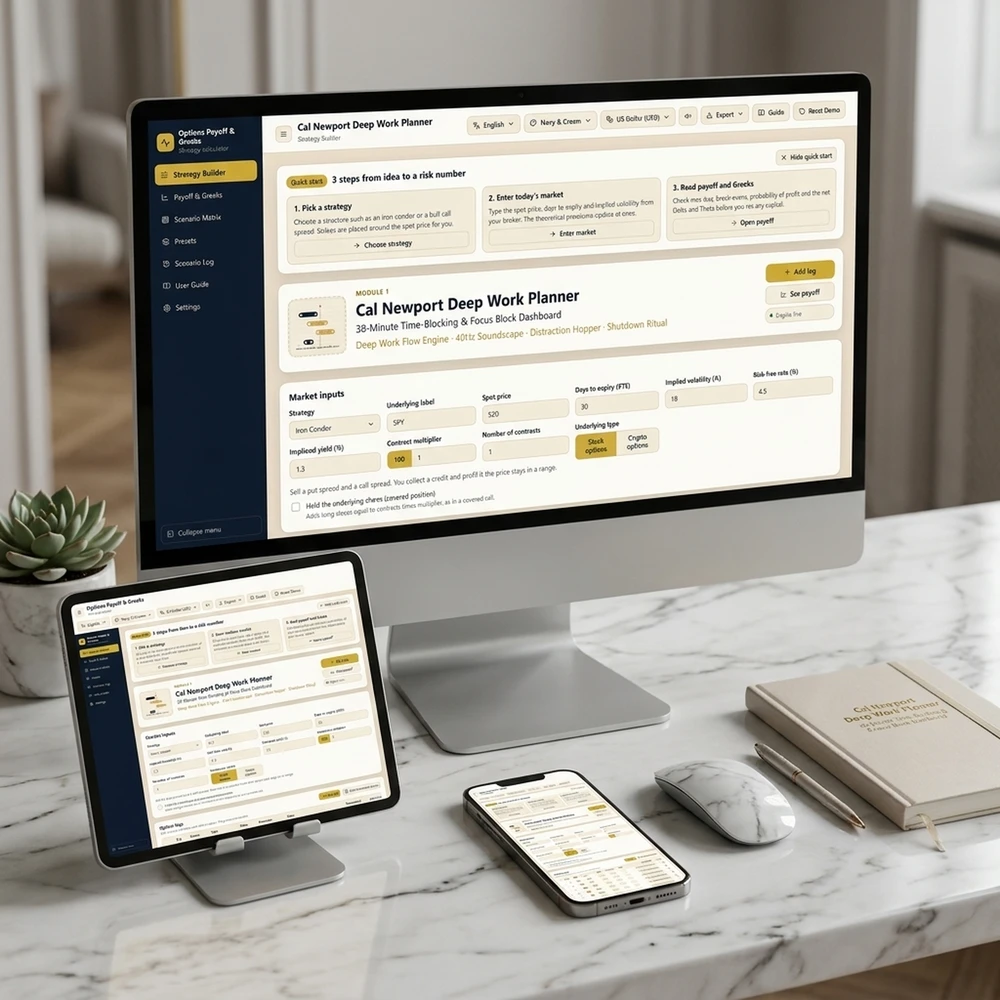
Cal Newport Deep Work Time Blocking Planner Guide
Master Cal Newport's Deep Work rules, daily time-blocking templates, shutdown rituals, and slow productivity strategies to eliminate distractions.
Read guide
Go deeper: guide series on this topic
Each series answers one question across many cases, such as every angel number in love or every zodiac pair.

Productivity Frameworks by Profession
Every productivity framework activates specific cognitive rhythms and structural boundaries, requiring disciplined alignment with your profession's core demands to achieve sustained high-performance execution without…
240 guides
From the blog
Latest articles




Trending now
What readers are opening this week
Ranked by real visits over the last 7 days.
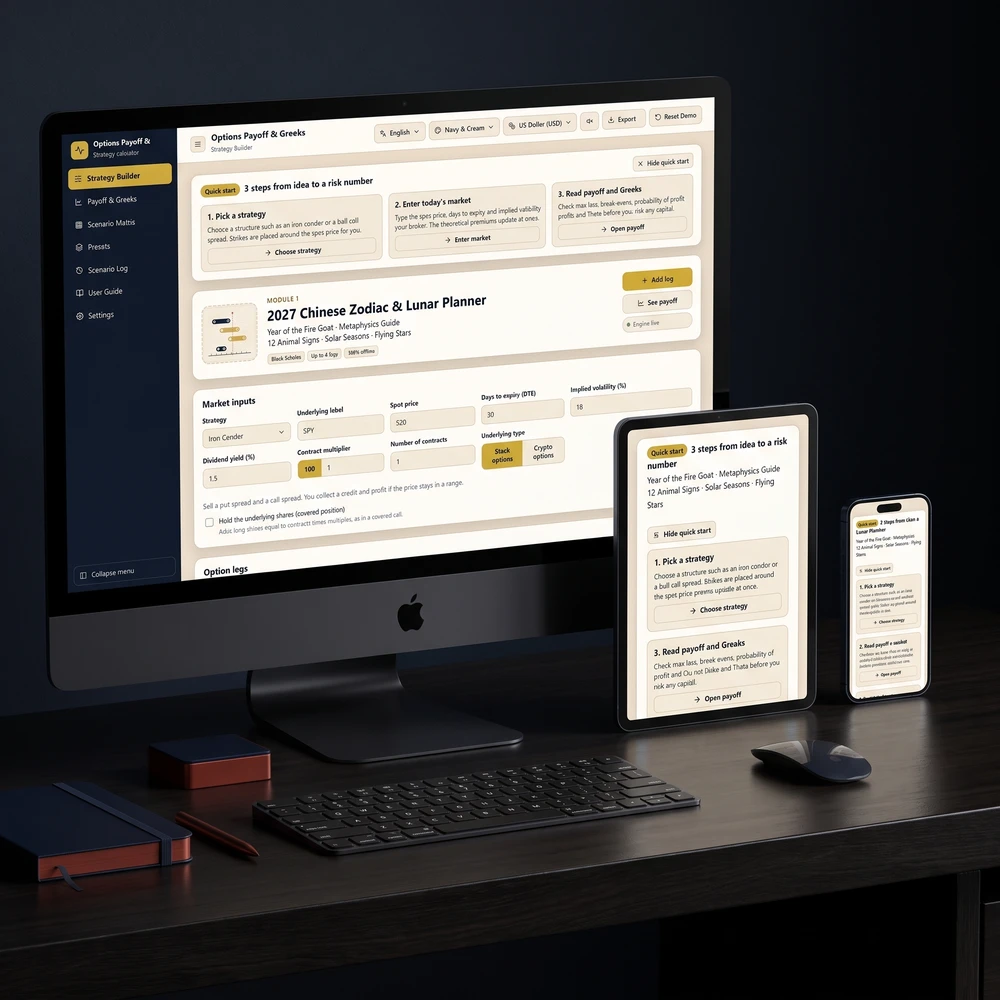


Daily Priority Planner — Time Blocking, Eisenhower Matrix & Task Manager
One task list shown as a priority matrix, a 1-3-5 plan, a six-task list and a time-blocked day, so you always know what to do next.
Get Your Free 2027 Angel Number Year Map
Enter your birthday to reveal your 2027 Personal Year, the angel number guiding each month, and a private workspace to set your intentions.
Follow along
Daily rituals on your feed
Short guides, moon rituals and planner walkthroughs from Yin Yang Masters.




Keep exploring
More from Yin Yang Masters




Ask Yinyang Masters inside your AI assistant
Get the same calculations and guidance right in your chat: add the free Yinyang Masters app, then ask in plain English. No account needed.
Try asking: “Find a Yinyang Masters guide about starting a daily spiritual practice.”

Meet Moon Keeper, our live altar host
Every hour Moon Keeper reads the sky, draws one tarot card and shares a calm 3-minute reflection. Drop by the altar, follow the hourly diary and leave a note in the guestbook.

Get the Yin Yang Masters Letter Every Day
One short email a day: a practice for today, a real reader story, and the newest guide on love, money and inner calm.
For more than 8 years, a community of over 2,400,000 followers and 38,000+ students has shared how these daily practices helped in love, money and inner calm.