

Getting Things Done (GTD): Inbox Zero & Workflow Guide

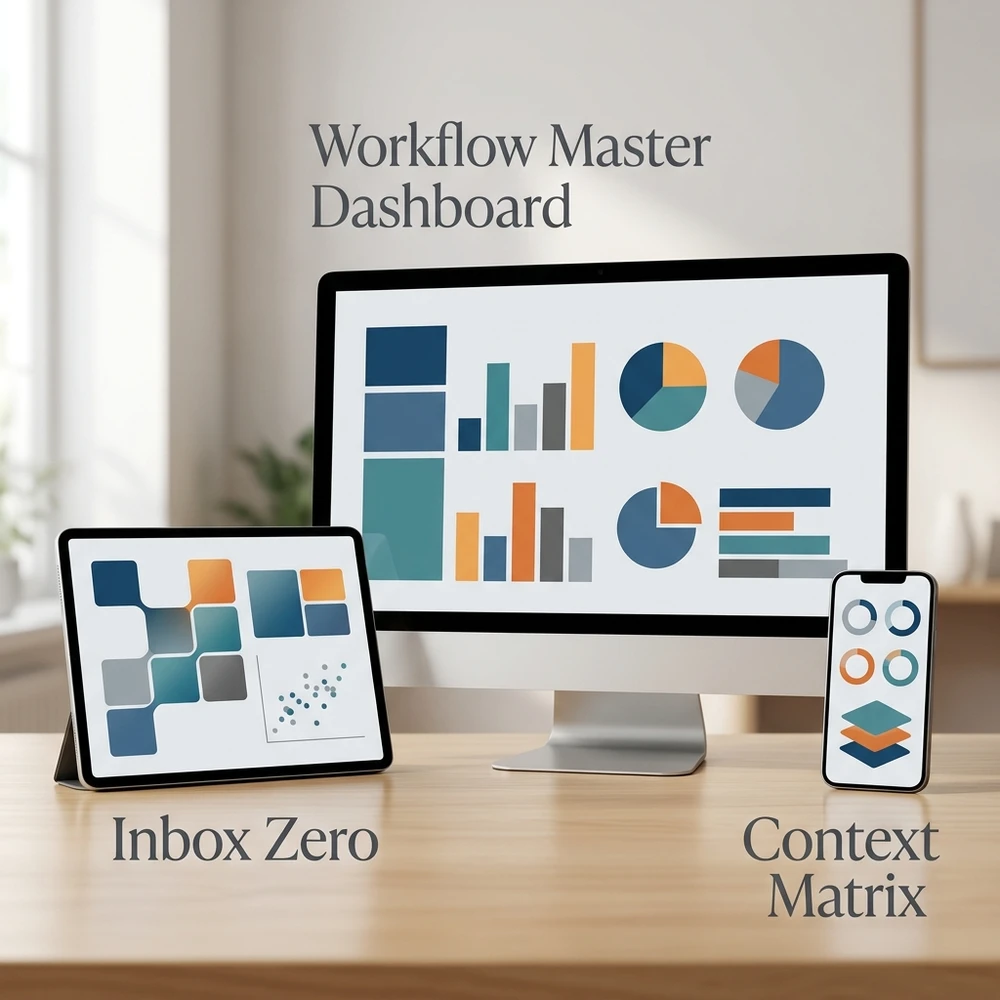
Getting Things Done (GTD) is a comprehensive five-stage personal productivity and workflow management methodology created by David Allen that externalizes all psychological commitments, systematically processes incoming inputs to achieve Inbox Zero, and structures daily execution around contextual next actions rather than arbitrary to-do lists to guarantee stress-free mental clarity.

Want to go further with this result?
Your free 2027 Angel Number Year Map
Enter your birthday to see your 2027 Personal Year and the angel number for each month, with space to write your intentions.

You just tried the quick preview. Open the full browser web app to save private entries on your device, listen to guided audio, and track daily progress.
- Open in 10s
- Saved on your device · $0 monthly
- EN · VI · ZH included
Quick answers
In the hyper-accelerated modern knowledge economy, the average professional processes thousands of emails, instant messages, Jira tickets, and meeting action items every single week. When these commitments remain unstructured inside the human skull, they trigger perpetual low-grade anxiety, fragmented attention, and chronic cognitive exhaustion. Published in 2001 by management consultant David Allen, Getting Things Done: The Art of Stress-Free Productivity introduced an operational paradigm shift: your mind is designed for having ideas, not for holding them.
By building an externalized, trusted system that captures every open loop, processes inputs with ruthless decision logic, and surfaces actionable next steps based on physical context and available energy, GTD transforms overwhelmed operators into calm, high-output executive masters.
1. The 5 Pillars of the GTD Methodology
Getting Things Done establishes a trusted five-stage workflow pipeline—Capture, Clarify, Organize, Reflect, and Engage—that systematically empties cognitive mental clutter and externalizes daily commitments into actionable next physical steps.

The GTD framework is not a set of rigid time-blocking rules; it is a dynamic processing pipeline that transforms messy, unstructured ambient noise into pristine tactical clarity across five distinct stages:
Stage 1: Capture (Collect What Has Your Attention)
The first law of GTD requires collecting 100% of your open loops—everything from an unfinished client proposal to a reminder to service your car—into external capture buckets (physical notebooks, digital inboxes, voice memos). Nothing is allowed to remain solely in working memory. If it is on your mind, it must be written down immediately.
Stage 2: Clarify (Process What It Means)
Emptying the inbox requires answering two fundamental questions for every single item:
- Is it actionable?
- If NO: Trash it (delete), Incubate it (Someday/Maybe list), or File it (Reference library).
- If YES: What is the immediate physical next action?
- If the next action takes less than two minutes, do it immediately (The Two-Minute Rule).
- If it takes longer than two minutes, either Delegate it (add to Waiting For list) or Defer it (schedule on Calendar or add to Context Next Actions).
Stage 3: Organize (Put It Where It Belongs)
Actionable items are sorted into clean, contextual containers:
- Projects List: Any objective requiring more than one action step to complete.
- Next Actions by Context: Organized by location or tool (e.g.,
@Computer,@Calls,@Office,@Home,@Agendas). - Waiting For: Items delegated to colleagues or vendors awaiting response.
- Calendar: Hard landscape commitments that must occur on a specific date or time.
Stage 4: Reflect (Review and Update Regularly)
A task management system is only as effective as your trust in its completeness. The weekly review serves as the master inspection ritual where inboxes are cleared to zero, project statuses are audited, and upcoming commitments are strategically mapped.
Stage 5: Engage (Execute with Confidence)
With all ambient anxiety externalized into a trusted architecture, choosing what to do in any given moment becomes effortless. You select tasks based on four criteria: Context (where are you and what tools do you have), Time Available (do you have 15 minutes or 2 hours), Energy Level (are you cognitively sharp or fatigued), and Priority.
To operationalize this complete pipeline within a unified digital environment, operators use the Daily Planning & Priority OS to empty their head into the Inbox, sort each item into a task, a two-minute job, a someday list, or a reference note, and filter Next Actions by place, energy, and time.
Get Your Free 2027 Angel Number Year Map
Enter your birthday to reveal your 2027 Personal Year, the angel number guiding each month, and a private workspace to set your intentions.
2. The Neuroscience of "Mind Like Water" & The Zeigarnik Effect
David Allen's central metaphor for optimal human performance is "Mind Like Water"—a state of mental equilibrium where your reaction is completely proportional to the input, neither underreacting nor overreacting, like a pebble dropped into a calm pool of water.
The neurological validity of this state is substantiated by cognitive science:
1. The Zeigarnik Effect & Working Memory Bottlenecks
In 1927, psychologist Bluma Zeigarnik discovered that the human brain remains in a persistent state of cognitive tension regarding tasks that have been initiated but left incomplete. The subconscious mind continuously interrupts conscious awareness with intrusive reminder loops until the task is either finished or securely filed into an external system that the brain genuinely trusts.
Because the prefrontal cortex can only hold roughly 4 to 7 discrete chunks of information simultaneously in working memory, attempting to juggle dozens of commitments results in cognitive thrashing—severe degradation of executive function, impaired focus, and elevated cortisol.
2. External Cognition & Cognitive Offloading
By writing down every commitment and specifying its immediate next physical action, you signal to the brain that the task is under control. This satisfies the Zeigarnik loop, discharging neurochemical tension and restoring prefrontal cortex resources for creative problem-solving and deep focus.
When stepping into a complex next action, pair your GTD context lists with the 1-3-5 daily priority view inside the Daily Planning & Priority OS, ensuring that your macro GTD projects translate into one major focus block, three medium tasks, and five quick wins each day.
3. The 2-Minute Rule & Achieving Pure Inbox Zero
Perhaps the most famous tactical micro-habit within the GTD ecosystem is The Two-Minute Rule:
If an incoming task, email, or request can be completely resolved in two minutes or less, execute it immediately.
The mathematical rationale is flawless: the cognitive and administrative overhead required to read an item, categorize it, file it into a project folder, tag it with metadata, and schedule it on a list takes approximately 90 to 120 seconds. Deferring a two-minute task actually increases your total workload.
By combining the Two-Minute Rule with batch inbox processing twice daily, professionals routinely conquer the elusive state of Inbox Zero—not just in their email clients, but across Slack channels, physical desks, and digital download repositories.
4. The Engine of System Trust: The GTD Weekly Review
Over 80% of professionals who abandon GTD do so because they neglect the master maintenance gear: The Weekly Review.
Without a weekly review, task lists inevitably become stale, uncompleted items accumulate like digital detritus, and your subconscious mind re-assumes the burden of memory, destroying system trust.
The 3 Phases of an Elite Weekly Review
Get Clear (Empty Inboxes to Zero):
- Collect loose papers, receipts, and scratch notes.
- Process email inboxes, Slack saved messages, and browser bookmarks to absolute zero.
- Conduct a mental sweep to capture lingering unwritten thoughts.
Get Current (Audit Your Containers):
- Review the previous week's calendar for overlooked action items.
- Inspect the upcoming two weeks of calendar commitments for advance prep.
- Audit the
@Waiting Forlist and follow up on delinquent deliverables. - Review active Project lists to ensure every single project has at least one clearly defined
@Next Action.
Get Creative (Strategic Elevation):
- Review the
Someday/Maybelist for ideas ripe for promotion. - Assess higher-horizon goals (1–2 year strategic vision, 3–5 year life milestones) inside the 2027 Master Year Planner. Putting your annual goals, quarterly checkpoints, and daily habit checkboxes on one offline master calendar ensures that your weekly GTD Next Actions actually move your long-term vision forward.
- Organize captured reference notes and calibrate your focus blocks using the Deep Work & Focus Lab, which pairs a PARA second-brain organizer for spotting orphan or stale notes with a session log showing where your focus hours actually went.
- Review the
5. Comparative Evaluation: Elite Task & Workflow Methodologies
Selecting the optimal methodology requires matching the operational demands of your work with the structural constraints of the framework:
| Evaluation Dimension | Getting Things Done (GTD) | Ivy Lee Method | Agile / Kanban Scrum | Eisenhower Matrix |
|---|---|---|---|---|
| Foundational Philosophy | Total externalization & contextual next-action processing | Sequential single-tasking on 6 vital daily goals | Iterative backlog sprint delivery & visual WIP limits | 4-quadrant triage (Urgent vs. Important) |
| Best Application | Complex knowledge work, multi-stakeholder executive roles | Daily execution & combating deep-work procrastination | Software engineering & multi-functional team delivery | High-volume operational triage & executive delegation |
| Capacity Constraint | Unlimited (hierarchical project & context containers) | Rigid cap: strictly 6 tasks per 24-hour cycle | Sprint velocity & WIP column limits | Quadrant distribution |
| System Maintenance | Moderate to High (requires rigorous Weekly Review) | Extremely Low (15-minute evening ritual) | Moderate (daily standup & sprint retrospective) | Low (real-time quadrant sorting) |
| Cognitive Freedom | Absolute ("Mind Like Water" through external trust) | Tactical clarity on current task | Transparency across team dependencies | Strategic alignment with core values |
| Recommended Software | Daily Planning & Priority OS | Daily Planning & Priority OS | Daily Planning & Priority OS | Daily Planning & Priority OS |
Strategic Topic Frameworks & Practical Connections
To deepen your practical mastery and build an integrated operational workflow within this topic, explore these complementary guides:
- Implement the execution protocols in The Ivy Lee Method: 6 Daily Priorities for Extreme Executive Focus to systematically strengthen your foundational routine.
- Explore the strategic principles detailed in Marie Kondo Digital Declutter & Spark Joy Workspace Guide for advanced optimization and mental clarity.
- Apply the structured methods from Pareto 80/20 Rule Productivity & Task Audit Guide to maintain long-term momentum and consistency.
7. Action Blueprint: Your 7-Day GTD System Calibration
To transition from mental chaos to complete executive control, execute this 7-day deployment roadmap:
- Day 1 (The Mind Sweep): Set aside 2 uninterrupted hours with pen and paper. Perform a comprehensive brain dump of every open loop, obligation, idea, and incomplete project living in your mind.
- Day 2 (Inbox Zero Purge): Apply the Two-Minute Rule to your physical desk and digital email inboxes. Discard outdated items, file reference documents, and defer larger actions into a single collection bin.
- Day 3 (Context Sorting): Group your pending actions into clear contextual categories (
@DeepWork,@Calls,@QuickAdmin,@WaitingFor). - Day 4 (Project Mapping): Identify every multi-step outcome and assign a concrete, physical Next Action starting with an active verb (Call, Write, Schedule, Research).
- Day 5 (First Weekly Review): Conduct your inaugural Weekly Review to clean out loose ends, synchronize calendars, and audit project momentum.
- Day 6–7 (System Mastery): Modernize your execution using the Daily Planning & Priority OS to empty your head into the Inbox, sort each item into a task, a two-minute job, a someday list, or a reference note, and filter Next Actions by place, energy, and available time.
Your brain is a processor, not a hard drive. By surrendering your commitments to a trusted external architecture, you unlock the creative vitality and serene executive power necessary to accomplish your life's greatest work.
Frequently Asked Questions
In GTD, a Next Action is a physical, visible behavior that moves an item forward (e.g., "Draft email to Sarah regarding Q3 budget"). A Project is any desired outcome that requires two or more next actions to complete (e.g., "Publish Q3 Financial Report"). Mistaking projects for actions is the primary cause of task paralysis; you cannot "do" a project, you can only execute physical next actions until the project is achieved.

Topic Pillar
Mindful Productivity & Focus
Calm time-planning methods, priority checklists, and note-taking habits to get meaningful work done without stress.
Tools featured in this guide
 Save 20%
Daily Priority Planner — Time Blocking, Eisenhower Matrix & Task Manager
One task list shown as a priority matrix, a 1-3-5 plan, a six-task list and a time-blocked day, so you always know what to do next.
$27.99$22.39$27.99₫609,000₫487,000₫609,000
 Save 20%
Habit Tracker & Streak Planner — Habit Stacking, 75-Day Challenges & Dopamine Reset
A habit tracker web app that links daily check-ins, streaks, habit stacks, challenges and urge logs, so you can see which habits are holding and which are slipping.
$27.99$22.39$27.99₫609,000₫487,000₫609,000
 Save 20%
Deep Work & Focus Planner — Time Blocking, Focus Timer & Second Brain Dashboard
Plan deep work blocks, run focus sessions with a timer, and see whether your focused hours went where you meant them to.
$27.99$22.39$27.99₫609,000₫487,000₫609,000
 Save 20%
2027 Digital Planner — Goal Planner, Monthly Calendar & Zodiac Year Forecast
A 2027 planner that links your goals, daily habits, weekly review and moon calendar in one web app, so every habit you tick moves a real goal forward.
$27.99$22.39$27.99₫609,000₫487,000₫609,000
How readers changed with these practices
For more than 8 years, a community of over 2,400,000 followers and 38,000+ students has shared how these daily practices helped in love, money and inner calm.
 Love story
Twin Flame Journal Results: Real Stories & Daily Practice
Does a twin flame journal work? Real stories of healing after breakups, calling in a soulmate and finding calm, plus how the daily practice looks.
Read guide Money story
Money Manifestation Journal Results: Real Stories
Does a money manifestation journal work? Real stories of paying off debt, asking for a raise and easing money anxiety, plus the daily practice.
Read guide
 Love story
Manifest After a Breakup: Real Healing Stories
Real stories of manifesting after a breakup: how people used self-love affirmations, mirror work and a love journal to heal and open up again.
Read guide Money story
Manifest Debt Free: Real Stories of Steady Progress
Real stories of manifesting a debt-free life: money affirmations and an abundance journal paired with a clear goal, a deadline and daily evidence.
Read guide Love story
Manifest Your Soulmate: Real Stories That Started Within
Real stories of manifesting a soulmate: how people wrote an Ideal Partner Script, built a vision board and said yes to life before love arrived.
Read guide Money story
Manifest a Raise: Real Stories of Asking With Confidence
Real stories of manifesting a raise or promotion: clearing money blocks, practising confidence affirmations and logging proof before asking.
Read guide Love story
Twin Flame Reunion Stories: Real Journeys to Peace
Real twin flame reunion stories: how people used journey stages, a signs log and guided meditation to find peace during separation, together or apart.
Read guide Money story
Money Anxiety to Money Calm: Real Stories
Real stories of easing money anxiety: a short guided meditation before checking accounts, a weekly money date and a gentle look at old beliefs.
Read guide
More Guides in This Topic
View all (27) →2027 Yearly Planner: Goal Setting Guide & Format Choice
A 2027 yearly planner works when goals, habits and weekly reviews connect. Set SMART goals with obstacles, then pick printable, free or digital.
Read guide
Flowmodoro Technique: Deep Work Flow State Timer Guide
Master the Flowmodoro technique to enter unbroken deep work flow states. Learn the stopwatch count-up protocol, 1:5 break ratios, and anti-burnout rules.
Read guide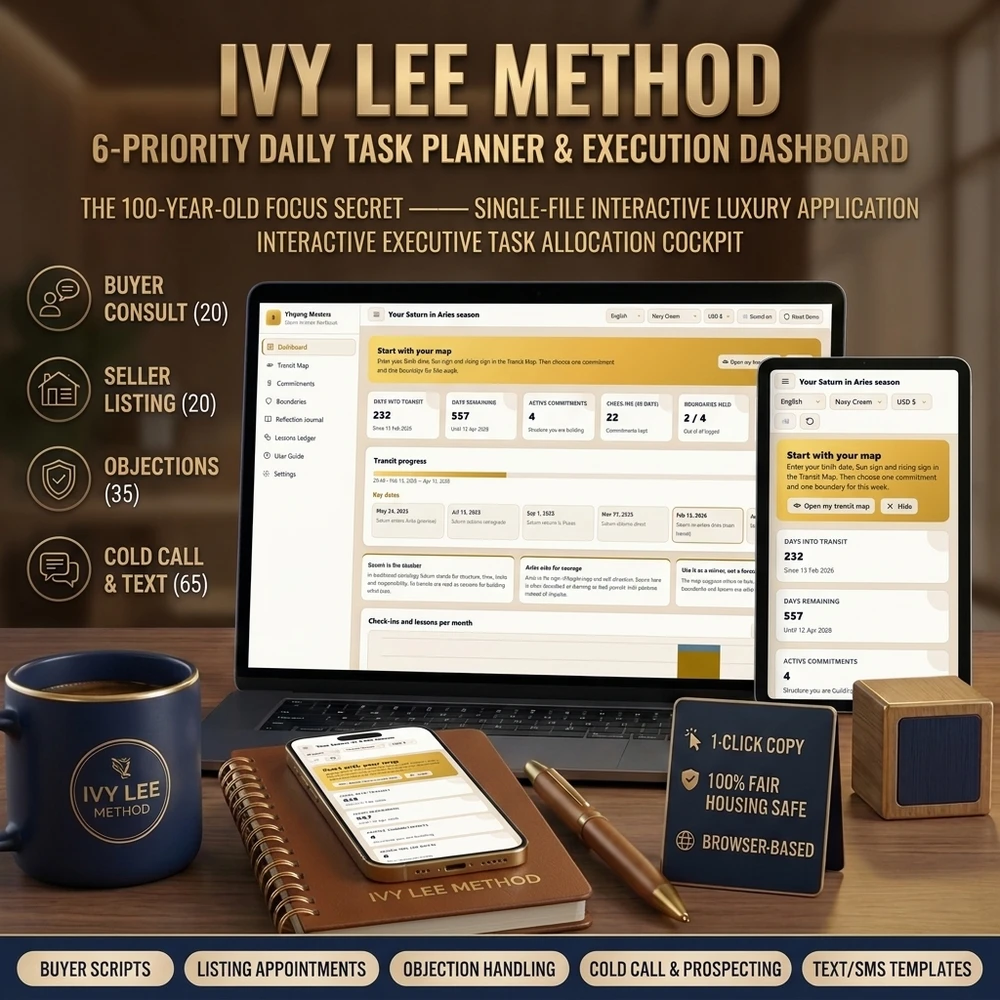
Ivy Lee Method: 6 Daily Priorities Productivity Guide
Master the 100-year-old Ivy Lee Method to streamline daily task management, conquer decision fatigue, and focus relentlessly on six high-impact goals.
Read guide
The 1-3-5 Rule: Daily Task Prioritization Guide
Master the 1-3-5 rule daily productivity system: organize 1 big goal, 3 medium tasks, and 5 quick wins to eliminate burnout and maintain daily focus.
Read guide
Go deeper: guide series on this topic
Each series answers one question across many cases, such as every angel number in love or every zodiac pair.

Productivity Frameworks by Profession
Every productivity framework activates specific cognitive rhythms and structural boundaries, requiring disciplined alignment with your profession's core demands to achieve sustained high-performance execution without…
240 guides
From the blog
Latest articles




Trending now
What readers are opening this week
Ranked by real visits over the last 7 days.





Daily Priority Planner — Time Blocking, Eisenhower Matrix & Task Manager
One task list shown as a priority matrix, a 1-3-5 plan, a six-task list and a time-blocked day, so you always know what to do next.
Get Your Free 2027 Angel Number Year Map
Enter your birthday to reveal your 2027 Personal Year, the angel number guiding each month, and a private workspace to set your intentions.
Follow along
Daily rituals on your feed
Short guides, moon rituals and planner walkthroughs from Yin Yang Masters.




Keep exploring
More from Yin Yang Masters



Ask Yinyang Masters inside your AI assistant
Get the same calculations and guidance right in your chat: add the free Yinyang Masters app, then ask in plain English. No account needed.
Try asking: “Find a Yinyang Masters guide about starting a daily spiritual practice.”

Meet Moon Keeper, our live altar host
Every hour Moon Keeper reads the sky, draws one tarot card and shares a calm 3-minute reflection. Drop by the altar, follow the hourly diary and leave a note in the guestbook.

Get the Yin Yang Masters Letter Every Day
One short email a day: a practice for today, a real reader story, and the newest guide on love, money and inner calm.
For more than 8 years, a community of over 2,400,000 followers and 38,000+ students has shared how these daily practices helped in love, money and inner calm.