



Habit Tracker in Google Sheets: How to Build One and When to Switch


A habit tracker in Google Sheets is a grid with one row per habit, one column per day and a checkbox in every cell. Add a count formula at the end of each row and a color rule for completed days, and you have a free tracker in about fifteen minutes.
This guide walks through the build, a free template layout you can copy by hand, what to track first and how a spreadsheet compares with an app or paper.
What a Habit Tracker in Google Sheets Needs to Do
A habit tracker needs to answer one question each evening: did I do it today? Everything else is a bonus. If your sheet makes that tick take more than five seconds, you will stop opening it.
The minimum that works:
- One row per habit, three to five rows at the start.
- One column per day, so a month fits on one screen.
- A checkbox in each cell, not typed Xs.
- A total at the end of each row, so you see the count without adding it up.
- A color for done days, so a month shows as a pattern, not a table.
People often abandon a tracker because it asks for more than it gives back. Keep the first version small, then add features only when you miss them.

How to Make a Habit Tracker in Google Sheets, Step by Step
You can build a working habit tracker in Google Sheets with four built-in features: checkboxes, a count formula, conditional formatting and a frozen header.
- Set the grid. Put the habit names in column A from row 2 down. Put the dates, or the numbers 1 to 31, across row 1 from column B.
- Add checkboxes. Select the empty grid and choose Insert, then Checkbox. Every cell becomes a box that holds TRUE when ticked and FALSE when not.
- Count the ticks. In the last column, use
=COUNTIF(B2:AF2,TRUE)for the first habit and drag it down. It counts the ticked boxes in that row. - Show the percentage. Divide that count by the days passed, for example
=AG2/DAY(TODAY()), and format the cell as a percent. - Color the done days. Select the grid, open Format, then Conditional formatting, choose "Custom formula is" and enter
=B2=TRUE. Pick a soft green fill. - Freeze the header. Choose View, then Freeze, so habit names and dates stay visible as you scroll.
If you want one sheet per month, duplicate the tab and clear the checkboxes. A second tab with a single yearly total per habit turns the monthly sheets into a view of the whole year.
Free Habit Tracker Template for Google Sheets: What to Copy and What It Lacks
A free habit tracker template for Google Sheets is a good first step. Many free files share the same skeleton, so you can copy the layout yourself instead of downloading anything.
| Part | What to put there | Why it helps |
|---|---|---|
| Header row | Dates across, weekday initials under them | You see Mondays and weekends at a glance |
| Habit column | Name plus a tiny cue, like "after coffee" | The cue is the trigger, not willpower |
| Grid | Checkboxes | One tap, no typing |
| Total column | COUNTIF of ticked boxes |
Instant monthly count |
| Notes row | One line per week | Records why a streak broke |
What free templates usually leave out is the connection between a habit and a bigger aim. A grid tells you that you ticked "write for 20 minutes" fifteen times, but not whether that moved the book forward. A streak formula that skips rest days is also awkward to maintain by hand.
What to Track: Start With Three Habits
Start with three habits and one cue for each. Research on implementation intentions describes an if-then plan, such as "If I finish breakfast, then I take my vitamins," that links a situation to an action so you rely less on motivation.
Good first habits are small and countable:
- A fixed bedtime or wake time.
- Ten minutes of movement.
- One page of writing or reading.
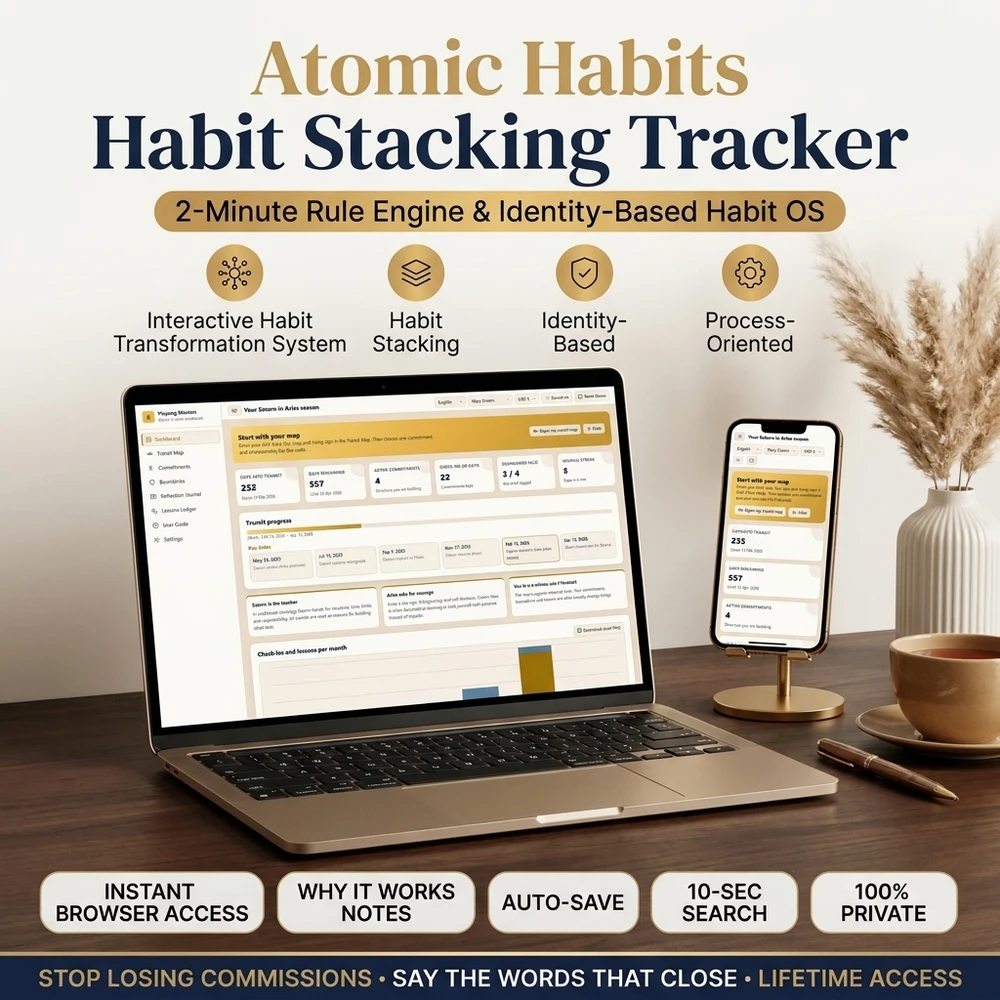
Avoid vague rows like "be healthier". If you cannot say what a tick means, the box will not help. The Atomic Habits stacking guide explains how to attach a new habit to one you already do and shrink it to two minutes on bad days.
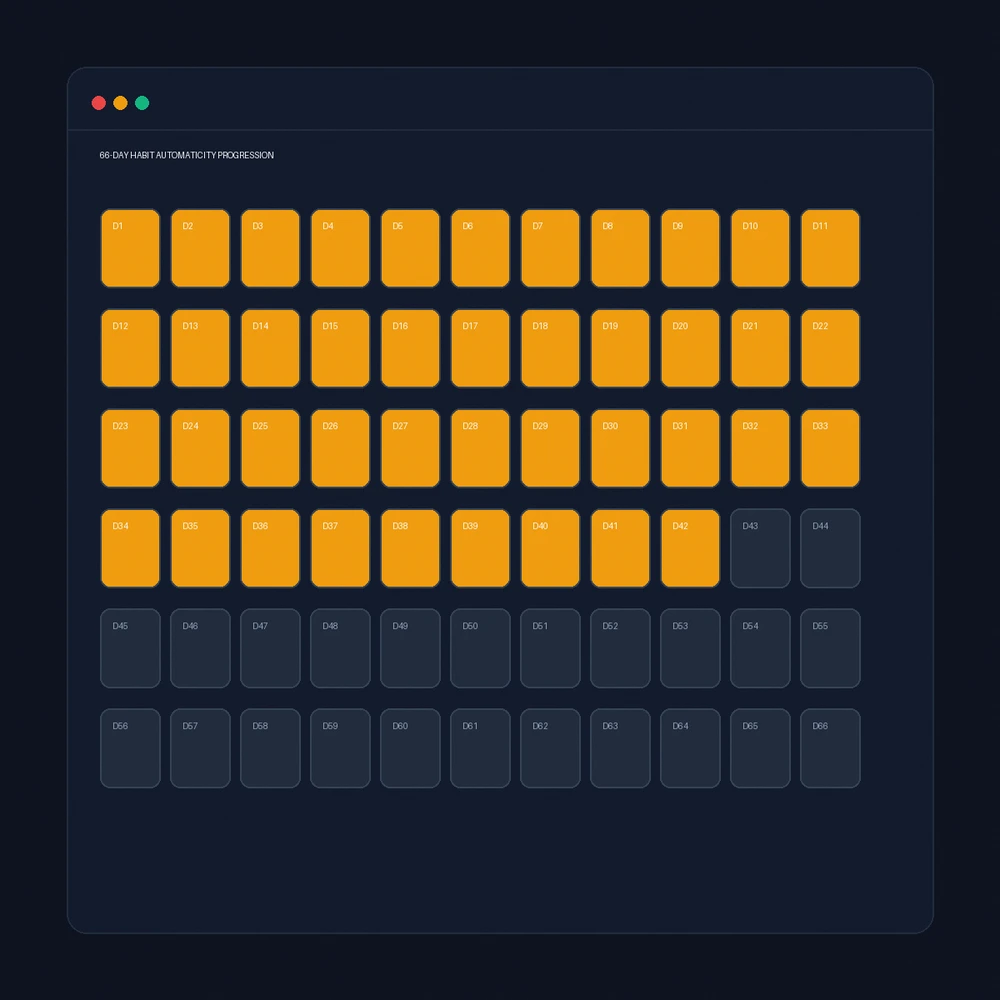
How long should you keep tracking? One often-cited study of habit formation found that the time to reach a steady routine varied widely between people, with an average of about 66 days and a range from 18 to 254 days, as summarized in the habit overview. Treat any single number as an average, not a promise.
Google Sheets vs a Habit Tracker App vs Paper
The best habit tracker is the one you will open tomorrow. Compare options on what you will actually do, not on features.
| Option | Strength | Weakness |
|---|---|---|
| Google Sheets | Free, flexible, works on phone and laptop | You build and repair it; streaks need formulas |
| Habit tracker app | Reminders, streaks built in | Often a subscription; data lives in the app |
| Paper grid | Fast, calm, no screen | No totals, hard to review a year |
| Planner web app | Habits tied to goals and weekly review | Costs money once; you must open it |
The 2027 Master Year Planner belongs in the last row. It opens in your browser, works offline and keeps its data on your device. Its habit grid supports daily, weekday, Monday-Wednesday-Friday and weekend schedules, and streaks count only the days a habit was due, which is the part that is hard to do with a plain spreadsheet formula. Each habit can link to a goal, and the weekly review fills in its own totals.
If you want to try a streak counter first, the 75 Soft challenge tracker guide covers a fixed 75-day format, and the Atomic Habits streak tracker guide covers streaks for people who want a gentler rule after a missed day.
What Goes Wrong With Spreadsheet Habit Trackers (and Fixes)
Most trouble comes from three places.
- The sheet is too big. A tracker with twenty rows becomes a chore. Cut to three to five habits and archive the rest.
- The streak formula breaks. Rest days and missed days make simple formulas misleading. Count weekly ticks against a weekly target instead of a strict daily chain.
- You forget to open it. Pin the sheet to your phone home screen and tick at the same moment each day, ideally tied to a cue.
Missing a day is normal. A tracker should show a pattern over weeks, not punish a single gap. Add one note line when a streak breaks so you can learn what got in the way.
Excel, Downloads and Moving Your Data
You can open a Google Sheets habit tracker in Excel by choosing File, then Download, then Microsoft Excel. Checkboxes usually come across as TRUE and FALSE values, so check the colors afterwards.
Keep one backup copy before you edit a working tracker, and avoid sharing a sheet that holds personal notes. If you outgrow a spreadsheet, export the grid as a CSV file and import it into the next tool, or keep the sheet as a history of past months.
Put habits in rows and days in columns, select the grid and choose Insert, then Checkbox. Add =COUNTIF(range,TRUE) at the end of each row to count ticks, and use conditional formatting to color completed days.
Research & References
For comprehensive editorial standards and health/financial disclaimers, view our Editorial Policy.
Tools featured in this guide

Guides in this Topic
View all (26) →
2027 Yearly Planner: How to Set Goals and Choose a Format That You Will Use
A 2027 yearly planner works when goals, habits and weekly reviews connect. Set SMART goals with obstacles, then pick printable, free or digital.
Read guide
Deconstructing Elon Musk's Daily Schedule: The Power of 5-Minute Time Blocking
Deconstruct Elon Musk's daily schedule and ultra-granular 5-minute time blocking routine. Practical templates for extreme productivity and focus.
Read guide
Is a Planner Worth It? Paper vs Digital, and How to Test Before You Buy
Is a planner worth it? It pays off when you forget tasks or miss deadlines. Compare paper, digital and bullet journal formats and run a four-week test.
Read guide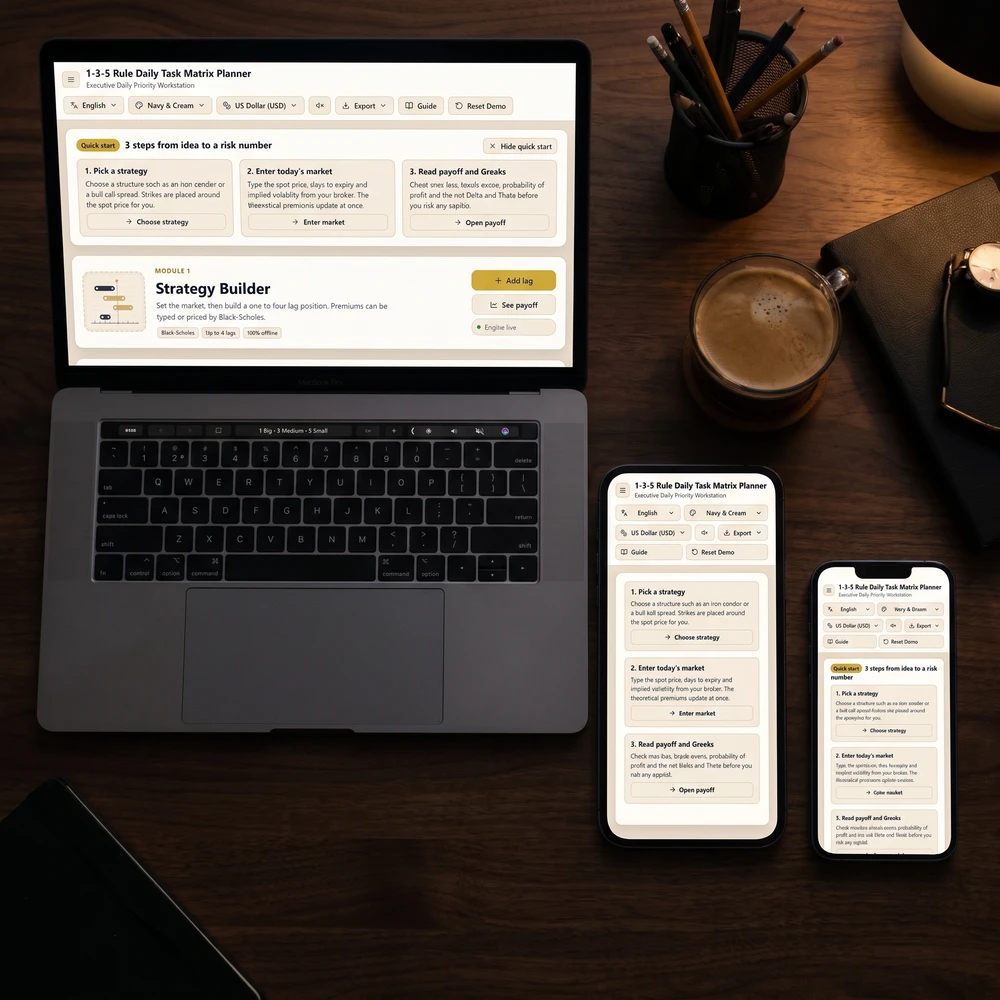
The 1-3-5 Rule Daily Task Matrix: Anti-Overwhelm Focus & Productivity Guide
Master the 1-3-5 rule daily productivity system: organize 1 big goal, 3 medium tasks, and 5 quick wins to eliminate burnout and maintain daily focus.
Read guide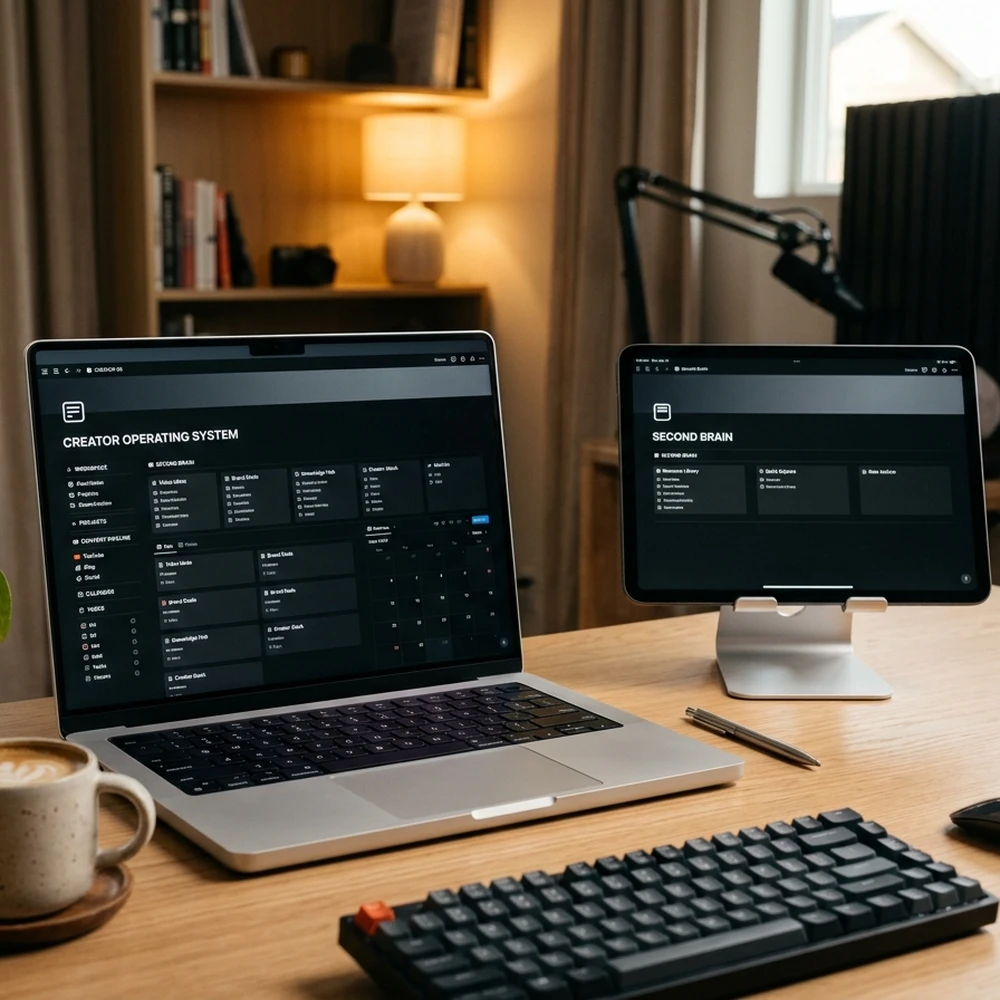
Second Brain Productivity System: The Ali Abdaal & Tiago Forte Creator OS Guide
Master the second brain productivity system with Tiago Forte's PARA method and Ali Abdaal's YouTube workflow template for modern content creators.
Read guide
Andy Grove High Output Management & OKR Goal Planning Guide
Master Andy Grove's High Output Management principles and OKR goal setting. Learn how the Intel CEO designed high-leverage organizational systems.
Read guide
Go deeper: guide series on this topic
 240 guides
Productivity Frameworks by Profession
Every productivity framework activates specific cognitive rhythms and structural boundaries, requiring disciplined alignment with your profession's core demands to achieve sustained high-performance execution without burnout.
 96 guides
Note-Taking Systems by Persona
Every personal knowledge system establishes specific cognitive pathways and structural boundaries, requiring disciplined alignment with your professional workflow to achieve sustained compounding expertise without cognitive fatigue.
From the blog
Latest articles




Topic Pillar
Mindful Productivity & Focus
Calm time-planning methods, priority checklists, and note-taking habits to get meaningful work done without stress.

Ask Yinyang Masters inside your AI assistant
Get the same calculations and guidance right in your chat: add the free Yinyang Masters app, then ask in plain English. No account needed.
Try asking: “Build me a 30-day morning habit stack.”
Put it into practice
Digital tools for this topic
Interactive planners and journals that open in your browser, on phone or laptop.


Most popular
What shoppers search for most
Ranked by what people searched on Google over the last 4 weeks.
Go deeper
Guides on this topic
Keep exploring
More from Yin Yang Masters





Get Your Free 2027 Angel Number Year Map
Enter your birthday to reveal your 2027 Personal Year, the angel number guiding each month, and a private workspace to set your intentions.