Pairing a 12 week year template with a weekly timeboxing template turns distant goals into 2–3 focused sprint outcomes, concrete weekly lead tactics, protected calendar focus blocks with 30% overflow slack, and an honest Friday execution score.
Interactive Practice Web App · Full Edition14 modules
Deep Work & Focus Planner
Each week you get deep-work blocks that produce the output you planned, with fewer interruptions and a clear count of hours per project.
Web app for phone or laptop. Plan deep work blocks per project and run focus sessions with the built-in timer. No birth date needed.
👥 38k+ students👥 38,000+ students · 2.4M+ community
$27.99$20.99$27.99₫609,000₫456,000₫609,000
Step 1 · Tap the struggle that stops you most:
How this app solves it for you
Each focus block asks for one clear output, so your best hours go to the work that moves things forward.
Included inside: A seven-day grid of focus blocks gives each block one intended output and compares it with your weekly goal, so your best hours go to what matters.
Step 2 · Inspect real app screens inside
Focus Lab Cockpit
14 modules · 2 live trial tabs
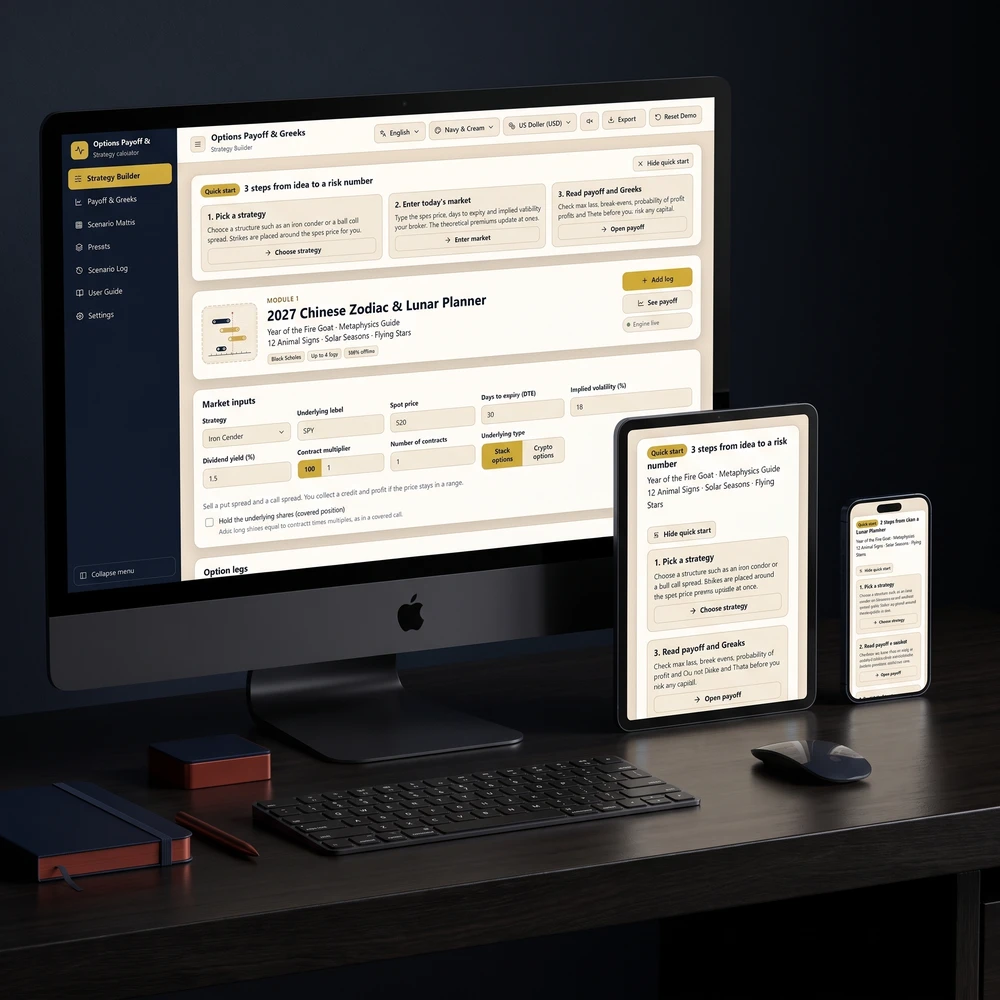
Clean workspace displaying today’s deep-work hours, uninterrupted block goal, and direct session launch controls.
Pay once · Lifetime access · Instant email delivery
Yes. Deep Work & Focus Planner — Time Blocking, Focus Timer & Second Brain Dashboard is built for this: Plan a seven-day grid of focus blocks, each with one intended output.
Enter your birthday to see your 2027 Personal Year and the angel number for each month, with space to write your intentions.
Combining a 12 week year template with a daily timeboxing template bridges the exact gap where most productivity systems break down: strategy lives on a distant quarterly document while everyday hours vanish into reactive messages. Compressing an entire goal cycle into twelve crisp weeks creates honest urgency, and assigning each weekly tactic to a real calendar block turns ambition into completed output.
Traditional annual resolutions quietly encourage postponement because October always feels comfortably far away in February. Pairing a 12-week execution sprint with structured daily filtering from our 1-3-5 rule daily task matrix guide ensures you choose only the handful of actions that actually move the needle before opening your inbox.
Why Pairing a 12 Week Year Template With Timeboxing Beats Annual Plans
Twelve-month planning suffers from a predictable psychological trap known as Parkinson's law: work expands to fill the time available for its completion. When a project carries a nine-month runway, missing two weeks in March feels harmless—until November arrives and half your priorities remain untouched. A 12 week year template eliminates that illusion by treating every single week like an entire month of an annual cycle.
Yet a shorter planning horizon alone still fails if your weekly tactics sit on an unscheduled checklist. As overview research on timeboxing methods and findings highlighted by the American Psychological Association on multitasking switching costs show, bouncing between open tasks silently drains focus and inflates completion time. Assigning each priority to a protected, fixed-length time block removes repeated mid-day decisions about what to work on next.
Short Feedback Loops: Instead of waiting twelve months to discover a tactic stalled, a 12-week sprint surfaces slippage by Friday of Week 2 while you still have ten weeks to adjust.
Single-Output Time Blocks: Each block on a timeboxing template specifies one verifiable deliverable rather than a vague category such as "work on marketing."
Hard Capacity Limits: Mapping real hours on a weekly grid immediately exposes overcommitment before Monday begins, preventing silent burnout.
Zero Context-Switching Drag: Grouping similar administrative tasks into one late-afternoon block protects morning hours for deep creative or analytical work.
If you are still deciding how many major objectives belong inside a single quarter, read our companion breakdown of quarterly goal-setting planners for 2027 to align your next three sprints with your broader yearly direction.
How to Build a 12 Week Year and Timeboxing Template Step by Step
You do not need an elaborate database to run a clean sprint. Build your combined 12 week year template and weekly timeboxing template in four direct steps before Week 1 begins.
Step 1 — Select Two to Three Concrete 12-Week Goals: Cap your active sprint at no more than three measurable outcomes (for example, "Ship a 10-lesson client onboarding portal" or "Complete 36 strength workouts"). Anything beyond three dilutes focus and collapses execution scores.
Step 2 — Define Weekly Lead Tactics With Due Days: Under each goal, list two to four repeatable weekly actions you fully control—called lead indicators—such as "Write 1,000 draft words every Tuesday and Thursday" or "Send five personalized client follow-ups every Wednesday morning."
Step 3 — Place Lead Tactics Into Protected Focus Blocks First: Open your weekly timeboxing template on Sunday afternoon and drop those high-leverage tactics onto your calendar before meetings or errands claim the best hours. Protect at least two 90-minute strategic blocks per week, plus dedicated buffer blocks for email and unexpected requests.
Step 4 — Run a 15-Minute Friday Execution Score: At the end of each week, divide the number of weekly tactics completed by the number scheduled. Hitting 85 percent or higher consistently across twelve weeks predicts strong results without requiring rigid perfection.
Concrete Worked Example: Mapping One 12-Week Goal Into a Real Week
Suppose a freelance designer sets a 12-week goal to land four new retainer clients by redesigning their portfolio and publishing weekly case studies. Instead of writing "get more clients" on a sticky note, the combined sprint and timeboxing layout looks like this:
Goal 1 (Weeks 1–12): Publish 6 portfolio case studies and send 60 targeted outreach notes.
Weekly Lead Tactics: Draft one case study outline (Monday 9:00–10:30 AM), finalize visuals and publish (Wednesday 9:00–10:30 AM), send five tailored outreach messages (Thursday 2:00–3:00 PM).
Buffer & Admin Block: Client emails, invoicing, and Slack replies batched strictly at 11:30 AM–12:15 PM and 4:15–5:00 PM.
Friday Score Check: Two of three core tactics completed plus four of five outreach notes sent equals an 80% weekly score—clear data pointing directly to Thursday's meeting overrun rather than vague self-criticism.
Spreadsheet Trackers vs Interactive Timeboxing Templates
Once you grasp the weekly rhythm, the next choice is where your sprint plan and daily schedule actually live. Most builders compare DIY spreadsheets, paper planners, note workspaces, and dedicated interactive web apps.
Planning Criterion
DIY Spreadsheet Template
General Note App (Notion / Docs)
Dedicated Interactive Planning Web App
Setup Overhead
High; manual formulas and weekly tab duplication
Moderate to high; easy to spend hours tweaking layouts
Ready immediately with pre-built views and focus grids
Sync Between Lists & Time Blocks
Disconnected; tasks must be copied manually into daily hours
Often requires separate calendar views and manual drag-and-drop
One task list switches across priority matrix, 1-3-5 plan, six-task list, and time-blocked day
Focus Timer & Interruption Tracking
Requires an external timer app
No native interruption counter
Built-in session timer tracks interruptions and focused hours per project
Export & Offline Backup
Easy CSV export, awkward page formatting for print
PDF exports often break multi-column layouts
Clean spreadsheet export or print-to-PDF support where offered
Best Fit For
Data analysts who enjoy custom pivot tables
Team wikis and shared long-term project docs
Solo professionals and creatives who want fast daily execution without tinkering
If you have ever lost an entire Sunday evening rebuilding formulas instead of finishing work, read our deep comparison of Notion templates versus dedicated guided web apps to see why low-friction single-purpose tools consistently beat customizable sandboxes during busy quarters.
Weekly Execution Scoring and Adapting Time Blocks to Busy Schedules
Most people quit a timeboxing template during Week 3 for one simple reason: they pack every single hour from 8:00 AM to 6:00 PM with zero slack, so one urgent client call knocks over the whole domino row. Sustainable timeboxing designs around real-world friction from day one.
Three Guardrails That Keep a Timeboxed Week Intact
The 70% Scheduling Cap: Never timebox more than 70% of your working hours. Leave two open 45-minute buffer slots each week labeled "Overflow" so unexpected disruptions move cleanly into spare capacity instead of erasing your core sprint tactics.
Outcome-First Block Labels: Name blocks by their finished artifact ("Draft 600 words of Section 2" or "Audit Q2 ad spend") rather than generic verbs ("Work on blog"). Clear finish lines cut procrastination within the first three minutes.
Interruption Counting Without Guilt: Whenever a notification, colleague ping, or random urge pulls you off a focus block, log a single tally mark and return immediately. Within two weeks, seeing whether interruptions cluster at 10:00 AM or 3:00 PM reveals exactly when to silence devices.
Week 13: The Intentional Review and Reset Buffer
A hallmark of the 12-week cadence is reserving Week 13—the thirteenth week of every calendar quarter—exclusively for reviewing execution scores, archiving completed projects, celebrating finished deliverables, and calibrating goals for the next cycle. Without that breathing room, consecutive sprints blur into relentless treadmill fatigue.
Two Focused Web Apps for Daily Timeboxing and Deep Work Tracking
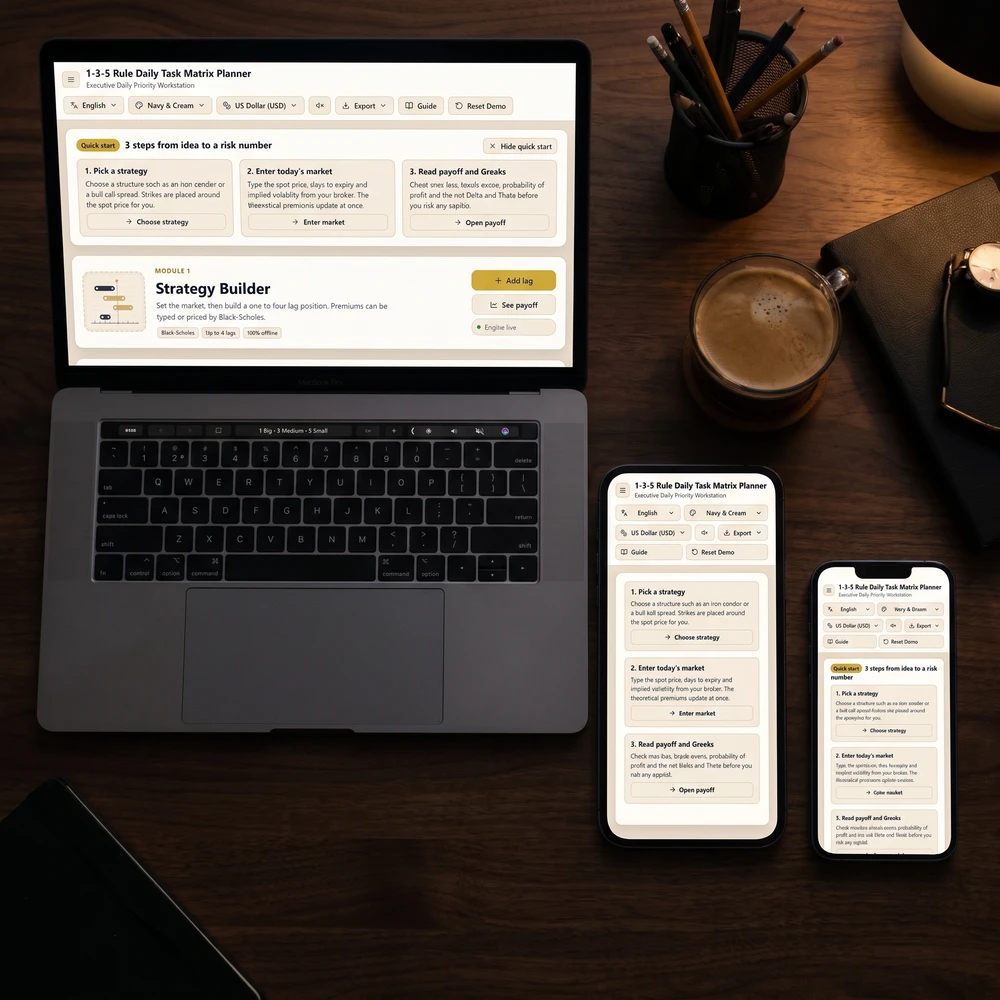
If you want your sprint tactics and daily schedule synced in one uncluttered place on your phone or laptop, the Daily Priority Planner lets you maintain a single task list and view it four ways—as a priority matrix, a 1-3-5 plan, a six-task list, or a time-blocked day. Tick a task off once and it updates across every view automatically, and whenever you want an archive or a printable desk sheet, you can export your tasks and time log to a spreadsheet or print cleanly to PDF.
To protect the actual focus hours inside your 12-week sprint, pair that daily layout with the Deep Work & Focus Planner, where you map a seven-day grid of focus blocks per project with one intended output per block, run focus sessions using a built-in timer that counts interruptions, keep notes linked to each project, and compare your real focused hours against your weekly target project by project.
Try a lightweight launch this Sunday: choose just two 12-week objectives, write three repeatable weekly tactics for each, place them into protected morning blocks on your calendar with two overflow buffers, and score your first Friday honestly.
Apply it now
Put this article into practice
For more than 8 years, a community of over 2,400,000 followers and 38,000+ students has shared how these daily practices helped in love, money and inner calm.
Deep Work Journal (Focus Blocks, Timer & Weekly Review)
Make sure your focused hours go where you meant them to. Plan your week in focus blocks, count interruptions with a smart timer and finish each week with the numbers already added up.
For more than 8 years, a community of over 2,400,000 followers and 38,000+ students has shared how these daily practices helped in love, money and inner calm.
Every hour Moon Keeper reads the sky, draws one tarot card and shares a calm 3-minute reflection. Drop by the altar, follow the hourly diary and leave a note in the guestbook.
One short email a day: a practice for today, a real reader story, and the newest guide on love, money and inner calm.
For more than 8 years, a community of over 2,400,000 followers and 38,000+ students has shared how these daily practices helped in love, money and inner calm.
Deep Work & Focus Planner — Time Blocking, Focus Timer & Second Brain Dashboard
👥 38k+👥 38k+ students
$27.99$20.99$27.99₫609,000₫456,000₫609,000🔥 Save 25%🔥 Save 25%