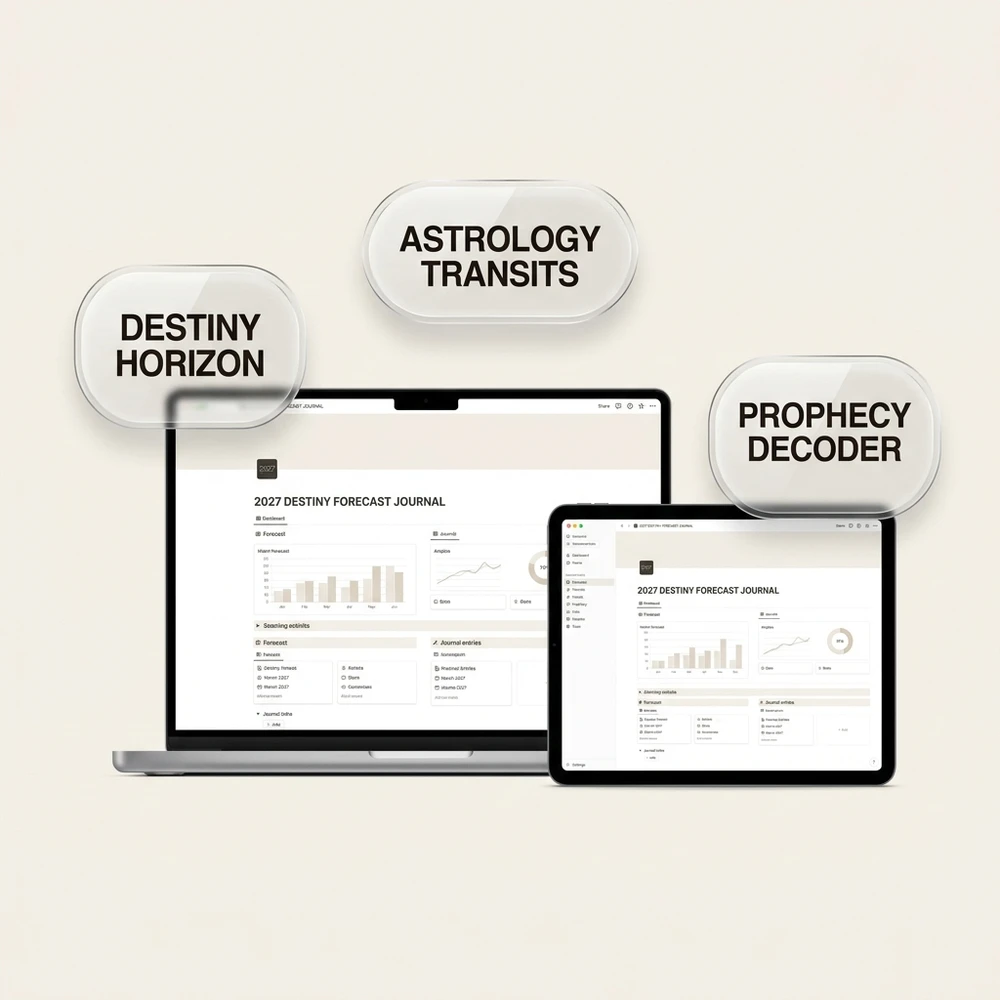
A Notion journal template makes sense when you already live inside Notion databases and want reflection linked beside project notes. A dedicated guided journal app or private offline browser kit usually beats Notion for personal reflection thanks to instant zero-login opening, strict device-only privacy, and zero work-sidebar distraction.
Try it right here
Loading tool...
Turn this result into a full plan★★★★★ 4.9 · 38k+ students
Enter your birthday to see your 2027 Personal Year and the angel number for each month, with space to write your intentions.
Quick answers
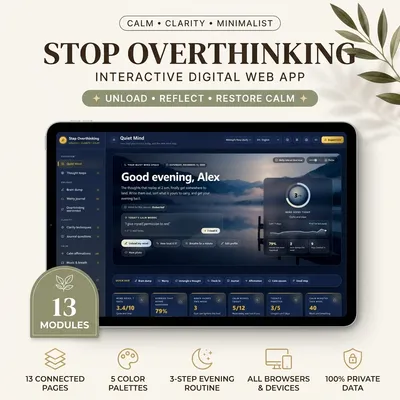
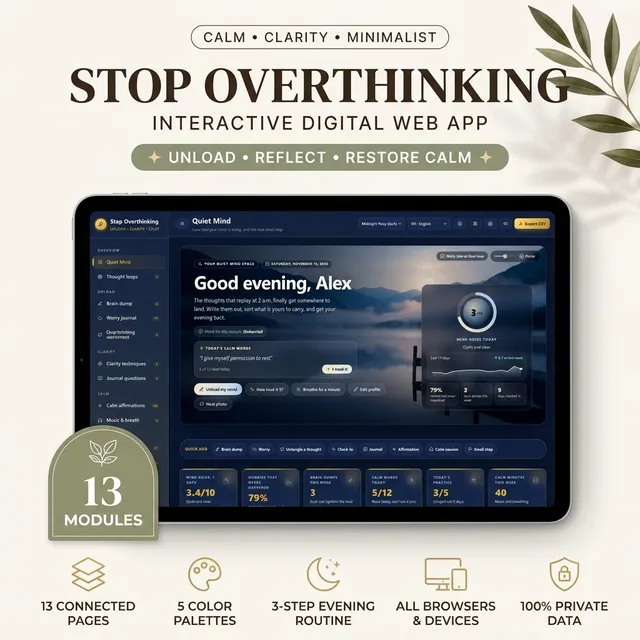
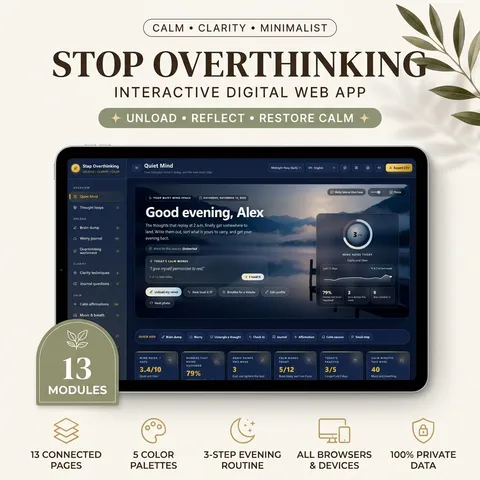
Yes. Stop Overthinking Journal — Brain Dump, Worry Journal, Clarity Techniques & Calm Music is built for this: Empty racing thoughts in a timed brain dump of 3 to 15 minutes and rate how heavy your mind felt before and after.
Notion Journal Template vs. Guided Journal App: Honest Comparison
Direct answer: A Notion journal template works best if you already live inside Notion databases and want searchable tags alongside work projects. However, because Notion loads workspace sidebars, requires cloud login, and lacks offline privacy, a dedicated guided offline journal app wins whenever you want fast morning calm and focus.
Organizing life inside modular knowledge bases often borrows from personal knowledge management systems. If you are designing how life notes connect to real execution, review our walkthrough of Tiago Forte's Building a Second Brain and the PARA method to avoid turning emotional reflection into an overgrown project database.
Why a Notion Journal Template Feels Busy (And When It Works)
Searching for a sleek Notion journal template makes total sense when Notion already holds your reading notes, meal plans, and client trackers. Having one sidebar button for a daily reflection entry feels convenient on paper. In practice, three subtle friction points appear after week one:
Database Bloat & Decision Fatigue: Every relational property—Mood select pills, Weather icon, Energy 1–10 slider, Habit checkboxes, Backlink relations—turns a five-minute check-in into a mini data-entry chore.
Visual Workspace Bleed: Seeing work roadmaps, shared team pages, and unread Inbox notifications in the left rail pulls your nervous system straight back into work mode while you are trying to unwind.
Cloud-First Storage: Everything lives on company servers tied to your account rather than locally on your device, and slow mobile loading on flights or poor Wi-Fi interrupts quiet reflection.
That said, Notion shines when you strictly treat it as a structured index—reviewing quarterly milestones, tagging book notes, or tracking objective habit frequencies alongside larger goals.
How to Build or Customize a Notion Template With Guided Prompts
If you prefer staying inside Notion, keeping your Notion template ruthlessly minimal stops burnout before it starts. Follow this clean four-block blueprint instead of importing a 40-property dashboard:
Lock One Database View (“Today Only”): Filter your main journal database strictly to Date is Today so yesterday’s unfinished tasks never stare back at you at 7:00 AM.
Keep Properties Down to Three: Track only Date, Focus Theme (a simple single-select like Calm, Clarity, or Courage), and Gratitude Line—drop complicated numeric formulas.
Embed a 3-Line Button Prompt Inside the Body: Pre-fill every new page template with three crisp headings: What feels noisy right now?, One honest truth to carry forward, and My single non-negotiable action today.
Move Deep Focus Out of the Sidebar: Use full-width focus mode on desktop or bookmark the direct database URL on mobile so unrelated project folders stay out of sight.
Before buying complex database packs, start with simple zero-cost setups so you learn whether Notion actually fits how your brain opens in the morning:
Notion’s Built-In Daily Journal Starter: Duplicate the native Daily Reflection template directly inside the Notion template gallery—no third-party permissions needed, just trimmed toggle blocks for gratitude and evening review.
One-Page Toggle Diary: Skip databases completely if you prefer a simple Notion diary template; create one clean page called “Quarterly Log” and insert collapsible H2 date toggles ordered newest-first for instant mobile scrolling.
Weekly Sunday Review Rollup: Add a single Callout block at the top of your workspace displaying three lessons learned each Sunday so past insights stay visible without maintaining giant dashboards.
Separating mindset reflection from productivity sprints prevents morning journaling from feeling like work.
Notion Manifestation Template vs. Dedicated Guided Journal Apps
Many readers start hunting for a Notion manifestation template or a multi-tab workspace because they want intention work, daily action tracking, and privacy in one place. Here is how Notion compares directly against dedicated offline browser tools and general journaling suites:
Criteria
Notion Journal Template
Dedicated Guided Offline Journal Kit
General Cloud Diary App
Load Speed & Offline
Needs internet for full sync; heavier on older phones
Instant local browser load; works fully offline
Fast native UI; varies offline
Privacy Model
Hosted cloud workspace (company servers)
100% browser localStorage on your device
Account-based (E2E optional on paid tiers)
Setup Overhead
High if customizing properties & views
Zero setup—guided interactive modules ready
Low—open and type blank entry
Best Strength
Connecting notes to broad life databases
Structured emotional, focus & scripting rituals
Long-term chronological photo timeline
If Notion feels distracting when you want quiet intention or deep concentration, switching to focused offline browser tools keeps your energy clean:
For Guided Scripting & Intention Clarity: The Scripting & Manifestation Interactive Journal replaces complex Notion properties with ready-made interactive spaces saved locally in your browser: a 369 Scripting Engine, Vision Clarity Board, Daily Future Self Entry, Alignment Score Tracker, Guided Writing Prompts, and Manifestation Milestones log—with zero cloud login or work sidebar bleed.
For Deep Uninterrupted Execution After Journaling: Pair morning reflection with the Deep Work Focus Lab, an offline browser workspace featuring a Pomodoro Focus Session Timer, Daily Task Queue & Priority Block, Distraction & Context-Switch Logger, Weekly Focus Score & Deep Hours Tracker, Environment Readiness Checklist, and a printable PDF companion workbook.
What Real Users Say About Notion for Journaling (Privacy & Offline Trade-offs)
Read candid threads across productivity and PKM communities and the verdict is consistent: Notion excels as a project and knowledge organizer, yet serious daily journalers frequently move personal thoughts elsewhere after three to six months. As cognitive behavioral guides from NIMH mental health resources emphasize, calming daily self-care hinges on low-friction stress management rather than administrative complexity.
When to Keep Notion vs. When to Switch Immediately
You do not have to throw out your entire Notion workspace if half your system works well. Use this honest split rule to decide where your personal reflection belongs:
Keep Notion If: Your entries mainly track objective work standups, project postmortems, reading summaries, or weekly sprint metrics tied directly to existing team databases.
Switch Emotional & Morning Reflection Out If: Opening Notion makes your shoulders tense because overdue client tasks sit one click away, or if slow hotel Wi-Fi stops your journal from opening smoothly.
Try a Two-Layer Hybrid: Run emotional scripting, gratitude, and uninterrupted focus blocks inside local offline browser tools first, then paste only your concise Sunday evening takeaway into Notion’s monthly archive. That keeps messy feelings private and reference notes tidy.
A Calm 5-Minute Morning Transition Blueprint
Before touching workspace dashboards at breakfast, invest five calm minutes strictly offline: breathe slowly for thirty seconds, write one honest morning intention, pick one 60-minute deep priority block, protect your first creative hour, and close any distracting sidebar. Only open shared project tools once your own mind feels genuinely settled and clear.
If Notion’s database maintenance starts taking longer than your actual writing—or if you want private local entries without cloud hosting—keep Notion strictly for reference databases and run daily reflection inside a cleaner medium. You can also explore mobile-ready alternatives in our roundup of the best journal apps and our visual guide to the best digital vision board apps.
FREE INTERACTIVE GUIDE
Get Your Free 2027 Angel Number Year Map
Enter your birthday to reveal your 2027 Personal Year, the angel number guiding each month, and a private workspace to set your intentions.
Apply it now
Put this article into practice
For more than 8 years, a community of over 2,400,000 followers and 38,000+ students has shared how these daily practices helped in love, money and inner calm.
Deep Work Journal (Focus Blocks, Timer & Weekly Review)
Make sure your focused hours go where you meant them to. Plan your week in focus blocks, count interruptions with a smart timer and finish each week with the numbers already added up.
A private interactive web app to quiet a busy mind: untangle thought loops, four-step worry journal, timed brain dumps, 60 journal prompts, 108 affirmations and calming 432/528 Hz music.
Every hour Moon Keeper reads the sky, draws one tarot card and shares a calm 3-minute reflection. Drop by the altar, follow the hourly diary and leave a note in the guestbook.
One short email a day: a practice for today, a real reader story, and the newest guide on love, money and inner calm.
For more than 8 years, a community of over 2,400,000 followers and 38,000+ students has shared how these daily practices helped in love, money and inner calm.
$29.99$23.99$29.99₫659,000₫527,000₫659,000🔥 Save 20%Pay once · no monthly fee
Eisenhower Urgent vs. Important Matrix
Write down what is on your plate, drop each item into the right box, and tick it off when done. Your board is saved in this browser, so it is still here when you come back.
Do First (Urgent & Important)
1
Resolve critical client server outage
Move to
Schedule (Important, Not Urgent)
1
Deep work on strategic product architecture
Move to
Delegate (Urgent, Not Important)
1
Routine administrative invoice filing
Move to
Eliminate (Neither)
1
Mindless social media scrolling
Move to
✓ Saved on this device
Want the full planner?Stop Overthinking Journal — Brain Dump, Worry Journal, Clarity Techniques & Calm Music. This board is free to use here. The full product adds the printable and editable planner from this guide.