

2027 Digital Planner for GoodNotes Results: Real Stories of Consistent iPad Planning

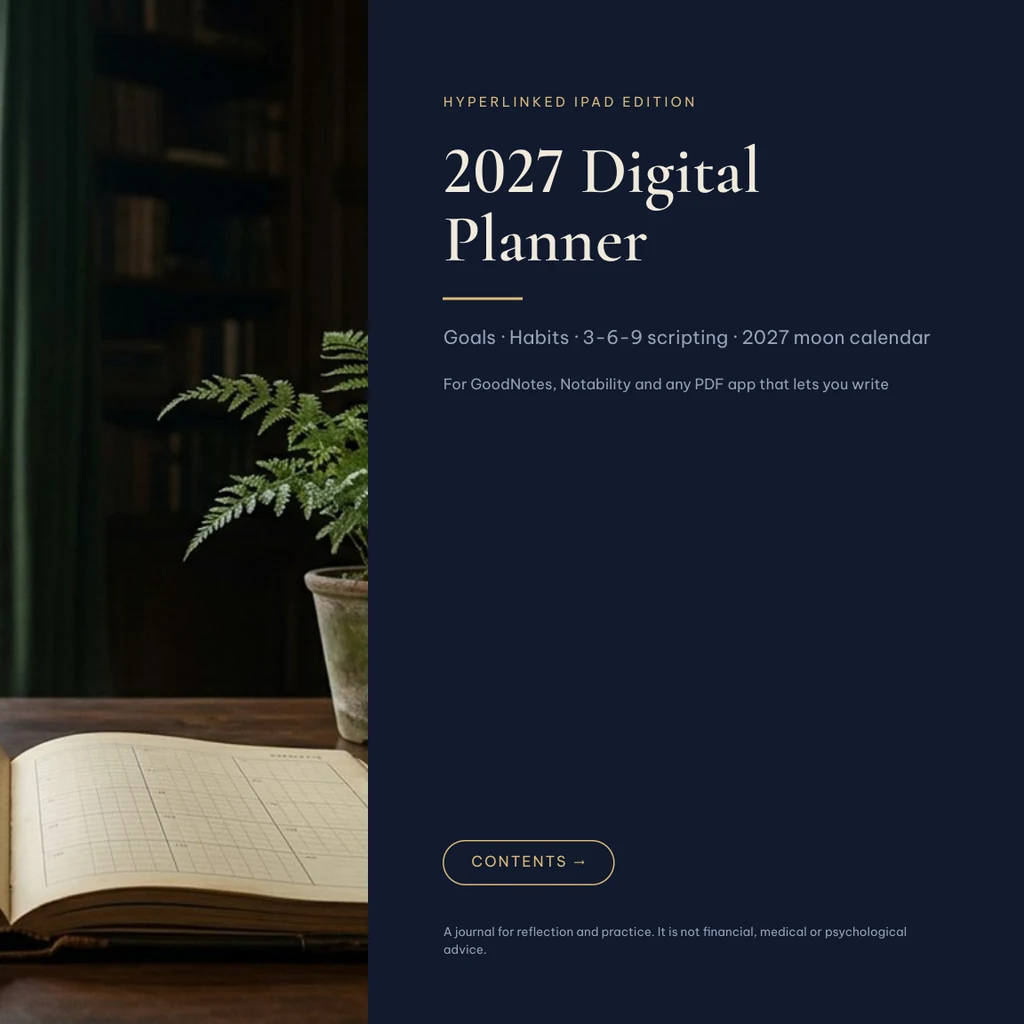
A digital planner for GoodNotes works when switching between your big 2027 goals and today's schedule takes one calm tap instead of five minutes of scrolling. Readers in these stories imported the dated Cream or Midnight planner onto their iPad, wrote three daily priorities by hand each morning, and stayed consistent past February. The planner they used is at /products/2027-digital-planner-goodnotes.
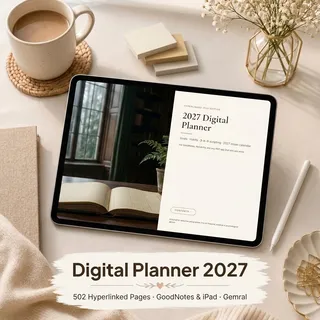
2027 Digital Planner for GoodNotes & iPad
All of 2027 sits in one place on your iPad, and today is always one tap away.
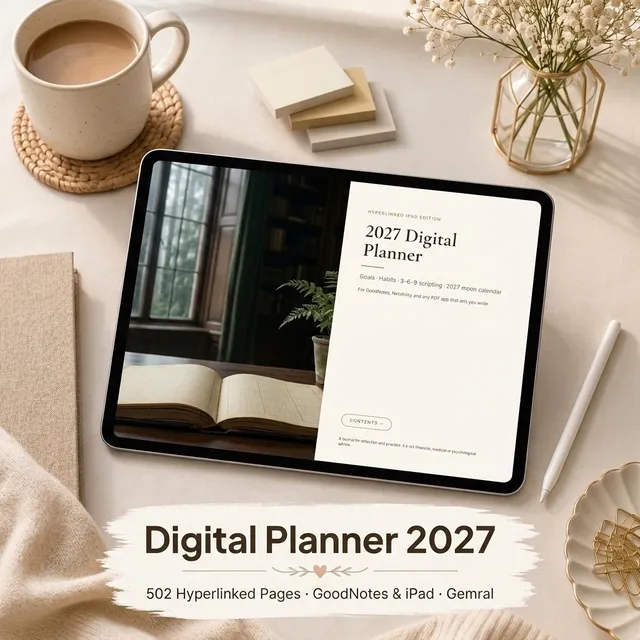
Hyperlinked PDF planner for GoodNotes or Notability on iPad. Write by hand and tap tabs to jump between year, month, week and day.
Step 1 · Tap the struggle that stops you most:
How this app solves it for you
More than 14,000 hyperlinked tabs and month strips jump you between year, month, week and today in one tap.
Included inside: 2027 Year at a Glance plus 6 dedicated goal planner spreads and 2 vision board pages.
Pay once · Lifetime access · Instant email delivery

Your free 2027 Angel Number Year Map
Get the 2027 Angel Number Year Map by email with a quick Personal Year lookup, monthly angel numbers, and space to write your intentions.
For more than 8 years, Jennie Uyen Chu's community of 2,400,000+ followers and 38,000+ students has shared how writing plans by hand slows scattered thoughts down into steady daily follow-through.
These are personal planning stories, not guaranteed outcomes. The planner is a handwritten organization and reflection workbook, not medical, financial, or psychological advice.
Free Interactive Tool
Life Path Number Calculator
Quick answers
Yes. 2027 Digital Planner for GoodNotes & iPad — Hyperlinked Dated Planner with 2027 Moon Calendar is built for this: Tap any date in 2027 and land on its own daily page with priorities, an hourly schedule, notes and gratitude.
 2027 Digital Planner for GoodNotes & iPad — Hyperlinked Dated Planner with 2027 Moon CalendarSee what's inside →
Digital Planner for GoodNotes: Daily, Weekly & Year Overview
A digital planner for GoodNotes is a hyperlinked workbook opened in GoodNotes, Notability, or Noteshelf so every handwritten page connects by tap. Unlike loose paper sheets or undated downloads, all 502 dated pages from January 1 to December 31, 2027 link across more than 14,000 internal jumps.
Psychological research helps explain why iPad handwriting feels noticeably different from typing endless checklists on a laptop. Studies on longhand note-taking show that writing by hand forces the brain to summarize what actually matters rather than capturing every passing distraction verbatim. When that slower clarity is paired with explicit if-then implementation plans—assigning a real hour on today's schedule to one meaningful priority—follow-through improves markedly without demanding extra willpower.
People who finally stick with digital planning share three habits in common. They choose a dated notebook with zero blank setup work, they keep goals and daily tasks one tap apart, and they spend ten quiet minutes every Sunday closing one week before opening the next. If you are still weighing screen writing against paper notebooks, our paper vs digital planner test compares both side by side.
Rachel M., Austin: replacing three paper notebooks with one morning check-in
Rachel used to carry a spiral agenda for meetings, a sticky pad for daily errands, and a separate wall calendar that nobody checked after January. Constant context switching meant tasks fell through cracks whenever she left her desk at home.
She imported the Cream Monday-start edition into GoodNotes on her iPad Air and pinned the Contents Index to her quick favorites. Each morning over coffee, she tapped the current date on the monthly grid, circled her Top 3 priorities, and blocked only the three morning hours she truly controlled. "Having my whole year, my weekly review, and today's page literally one tap apart stopped the morning scramble," Rachel shared. By April, missing a workout or bill deadline had dropped to zero because everything lived inside one calm cover.
Daniel H., Seattle: switching to Midnight mode for eye-friendly evening planning
Daniel tried digital planning twice before and dropped both attempts within three weeks because stark white PDF backgrounds felt glaring under bedside lamplight. Evening planning began feeling like reading a work spreadsheet at 10 p.m.
Downloading a bundle that included both soft Cream and deep Midnight dark editions changed the routine overnight. He keeps the Midnight file strictly for night wind-down—reviewing the hourly timeline for tomorrow, jotting three gratitude lines, and filling in two minutes of 3-6-9 manifestation scripting before charging his Pencil. "Midnight mode feels quiet on the eyes like dim paper, so I actually look forward to opening my iPad after dinner," he said.
How to Import and Use a Hyperlinked GoodNotes Planner
Importing a hyperlinked 2027 planner into GoodNotes takes less than two minutes from download to your first stroke. Save your Cream or Midnight edition to the iPad Files app, share it into GoodNotes, keep Read-Only mode active to tap links, and toggle Pen mode to write.
Most new GoodNotes users only stumble over one tiny button during week one: the pen-toggle icon in the top toolbar. In GoodNotes, Notability, and Noteshelf, internal page hyperlinks respond instantly whenever editing mode is toggled off, and stylus ink writes smoothly as soon as annotation mode is toggled back on. Leaving the top strip's month links and right-side section tabs visible gives every spread an instant shortcut back to the Contents Index, yearly map, or today's date.
How readers set up a 10-minute weekly rhythm
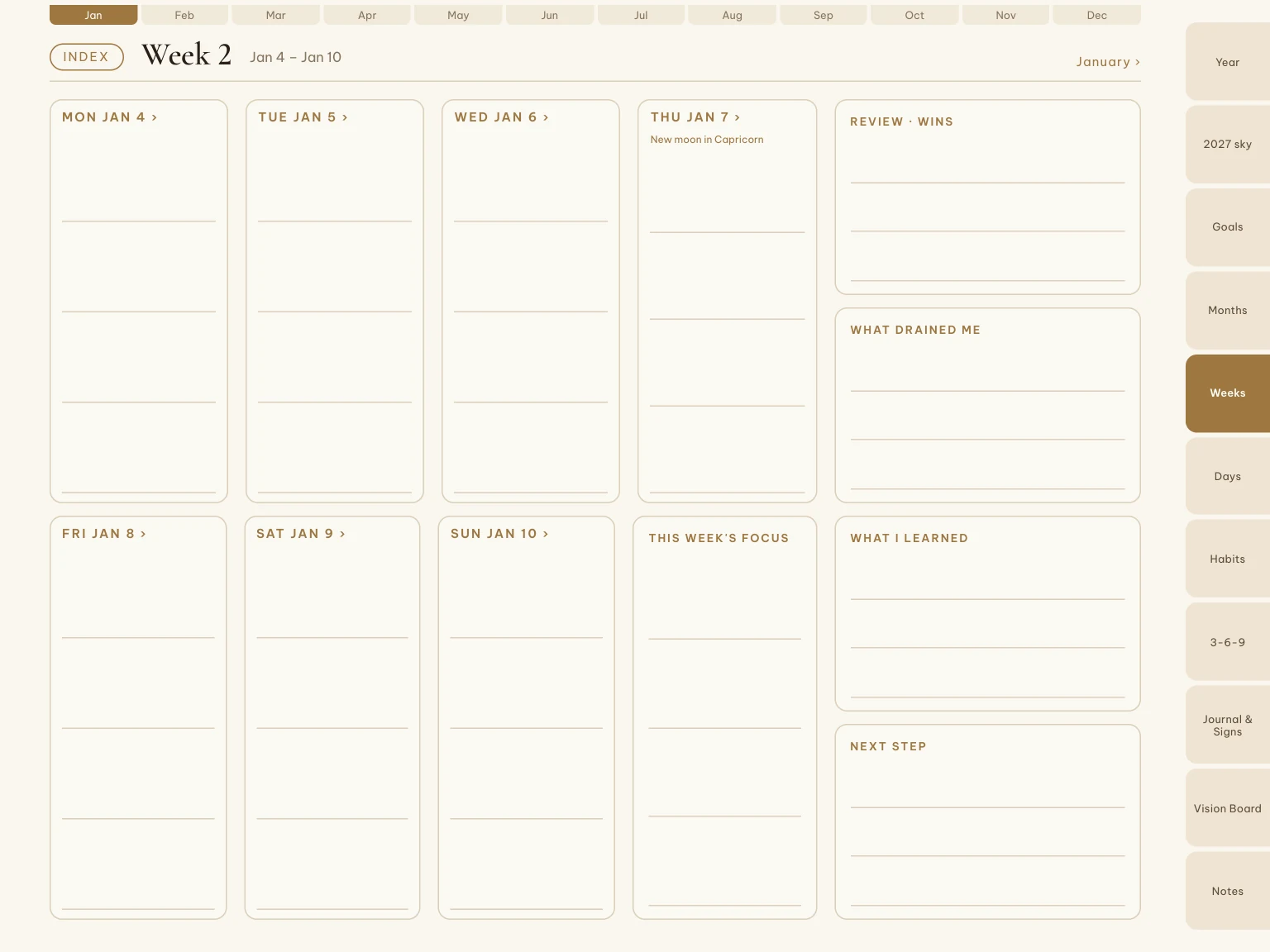
A clean digital planner stays sustainable when your weekly maintenance takes less time than making tea. Readers who kept opening their 2027 notebook past springtime relied on one repeatable Sunday flow across three tabs:
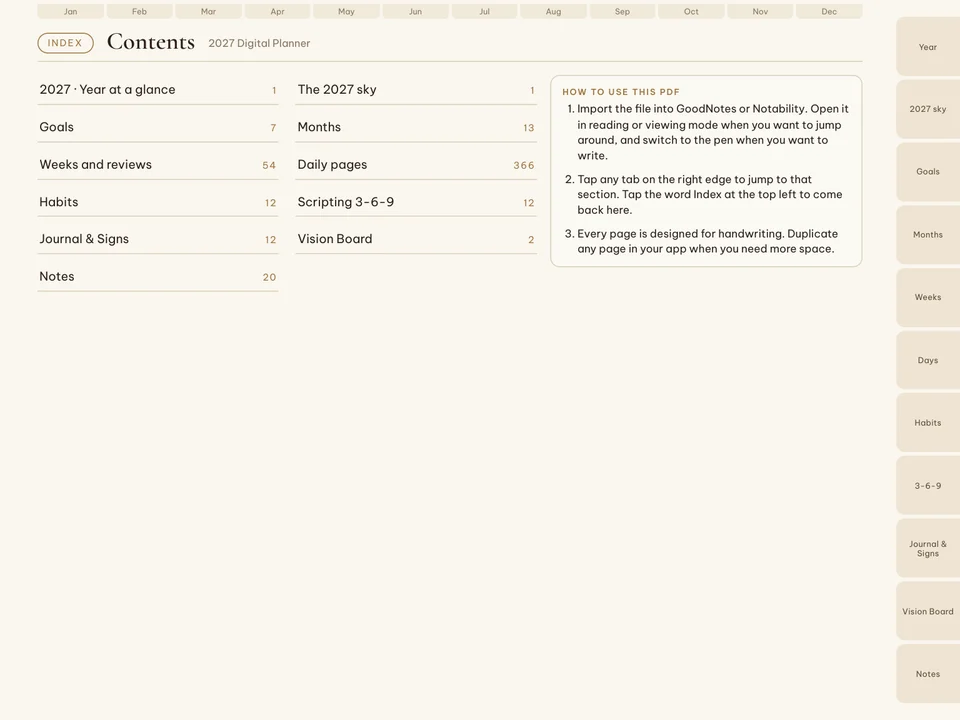
- Review the closing week in five minutes: Open the Weekly tab, check off completed Top 3 wins, note one energy drain, and adjust one small bottleneck for Monday.
- Plot priorities from your yearly goals: Tap the Year overview or Goals tab to verify which milestone actually deserves calendar hours over the coming seven days.
- Preview dates and daily schedules: Tap into Monday through Friday daily sheets, slot your main focus blocks alongside appointments using the 1-3-5 daily task matrix method, and note any upcoming moon window.
Remember that any note, reflection, or blank grid page can also be duplicated endlessly inside GoodNotes (+ Page -> Current Template) without breaking a single existing hyperlink across the rest of your calendar. For a wider comparison across screen and paper tools, see the best productivity planner guide.
Hannah L., Toronto: finishing her first full quarter without restarting
Hannah worked as a freelance designer juggling four client timelines and had bought three undated notebooks in two years that never passed week four. Duplicating blank weekly spreads manually felt tedious, so every busy Monday left her falling behind on pagination.
Moving into a pre-dated 2027 file removed every ounce of administrative friction. Because Sunday Reviews already wait in their own 53 tabbed spreads and each daily page prints exact dates through December 31, Hannah only showed up with her Pencil. "Instead of spending Sunday formatting boxes with a ruler tool, I just tick my habits, review what actually moved the needle, and close my iPad in eight minutes," she said. She completed all thirteen weekly reviews of Q1 in a row for the first time in her career.
Free GoodNotes Printable vs Dated 502-Page Planner
Free GoodNotes printable downloads are fine for testing stylus comfort on a single blank weekly sheet, while a full dated 502-page planner eliminates months of repetitive setup and broken navigation. Printable packs rarely include clickable links across all 365 daily spreads, Monday and Sunday start choices, or coordinated dark themes for night writing.
People comparing free downloads against a structured 2027 notebook often underestimate the hidden cost of unlinked PDFs. Copying an undated daily page three hundred times bloats file size, forces endless thumbnail scrolling, and leaves yearly goals disconnected from what happens at 9 a.m. on Wednesday. Having pre-built links across every single date turns an ordinary tablet PDF into a responsive desk companion where yearly milestones, monthly habits, weekly reflection, and hourly blocks constantly reinforce each other. For structured goal frameworks to pair with your spreads, explore our 2027 yearly planner goal-setting guide.
| Planning feature | Free undated GoodNotes printable | 2027 Digital Planner (502 hyperlinked pages) |
|---|---|---|
| Dated daily sheets (Jan 1 – Dec 31, 2027) | Usually 1 blank sheet to copy manually | All 365 dated daily pages ready and linked |
| Cross-page hyperlink speed | None or basic section dividers | 14,000+ clickable date, month, week & tab links |
| Light and dark handwriting comfort | Almost always bright white only | Soft Cream & restful Midnight editions included |
| Week start layout options | Fixed Monday or Sunday only | Both Monday-start & Sunday-start files included |
| Habit & monthly tracking | Separate download needed | 12 monthly 10-habit grids built right in |
| Lunar & retrograde dates | Rarely included | Full 2027 new/full moons, eclipses & retrogrades |
Inside the Cream & Midnight 2027 Editions
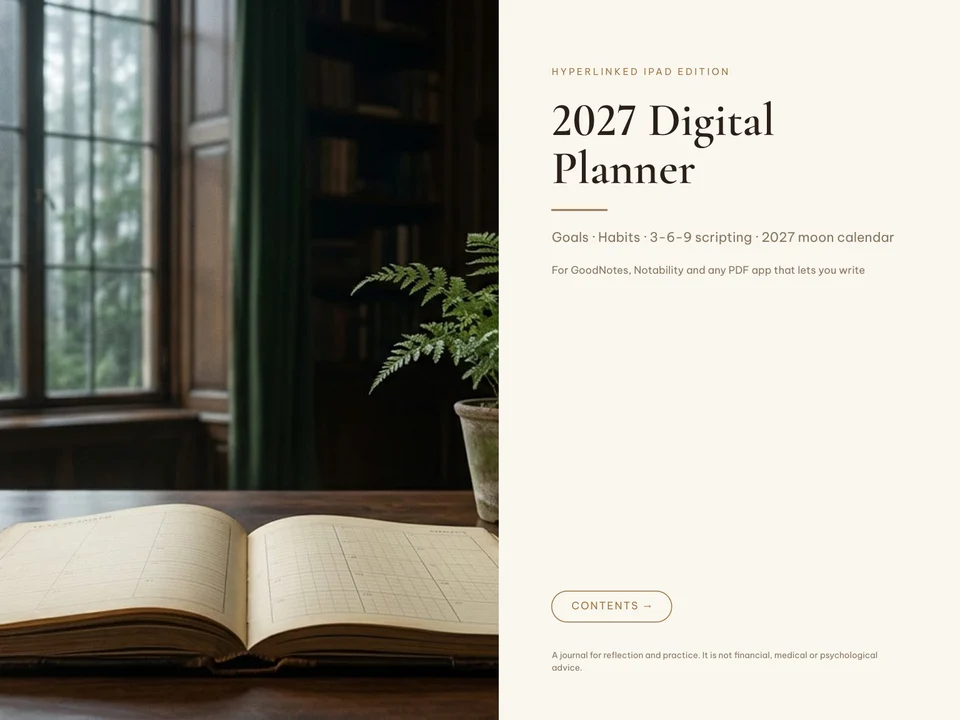
Every purchase delivers four complete 502-page PDF files—Cream Monday Start, Cream Sunday Start, Midnight Monday Start, and Midnight Sunday Start—matching whichever language edition you select at checkout (EN or VI). Warm Cream pairs editorial ivory paper tones with caramel ink headers for crisp daytime legibility, while Midnight lowers contrast in dark navy so night journaling stays soothing.
Design consistency matters more than decorative stickers when you plan fifty-two weeks in a row. Soft alabaster backgrounds reduce harsh screen glare compared to #FFFFFF templates, and clean structural boxes let your own Apple Pencil handwriting stand out immediately on every spread. Readers consistently noted that calm typography prevented visual overwhelm whenever a busy Tuesday filled up from morning to evening.
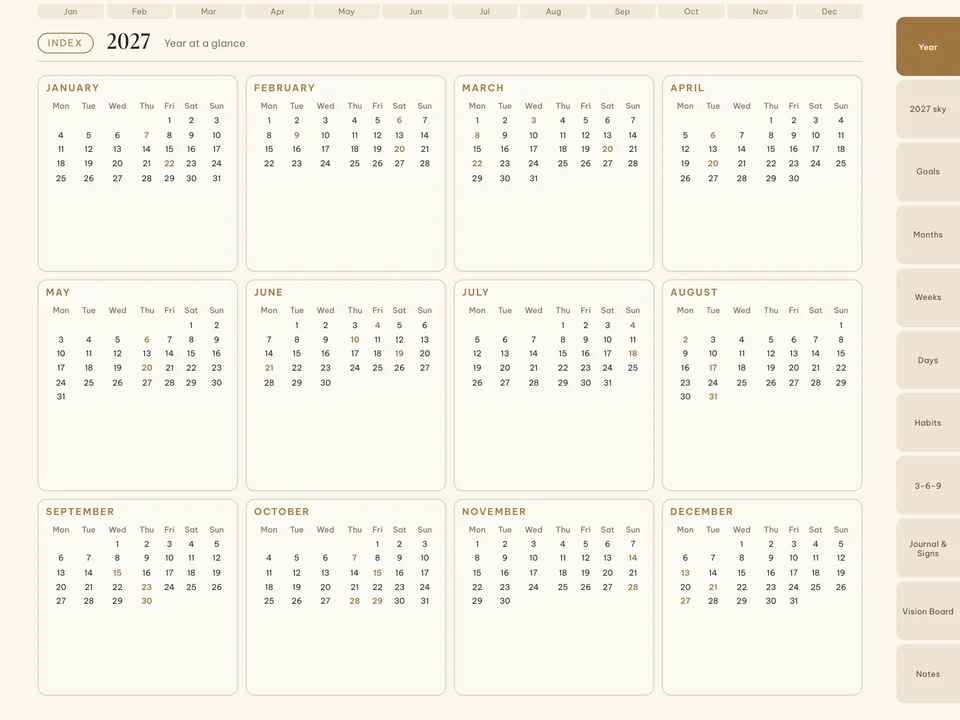
Navigate all twelve months at a glance. Every month header and individual numbered day inside the Year view links straight to its monthly calendar and daily planning sheet, while top month tabs follow you across all 502 pages.
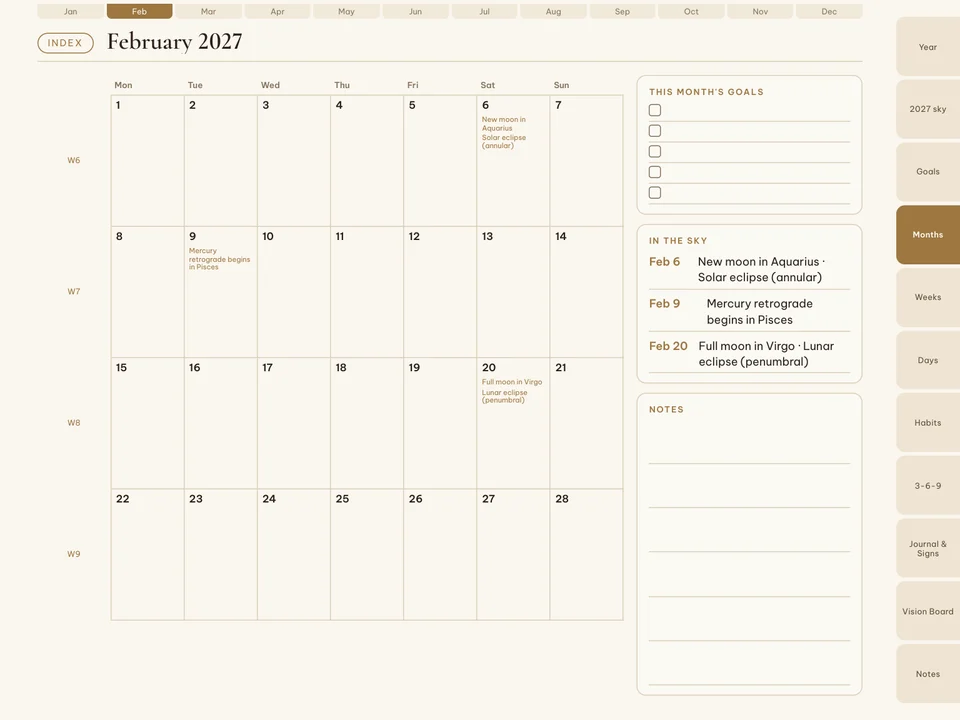
Anchor each month with goals and sky timing. Each monthly calendar combines clean numbered boxes, moon phase icons, important 2027 astrological notes, a monthly goals checklist, and reflection notes side by side.
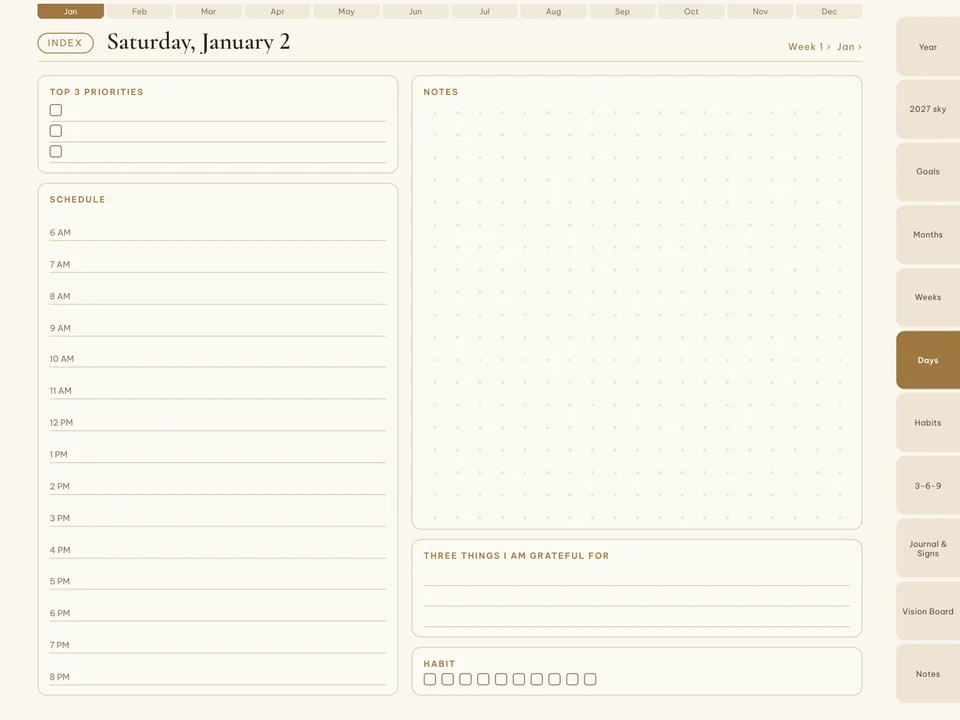
Own every single day without cramming. All 365 daily spreads balance structure with breathing room: Top 3 Priorities, an unhurried hourly timeline from early morning through evening, an open Brain Dump / Notes panel, and a three-line Gratitude anchor before bed.
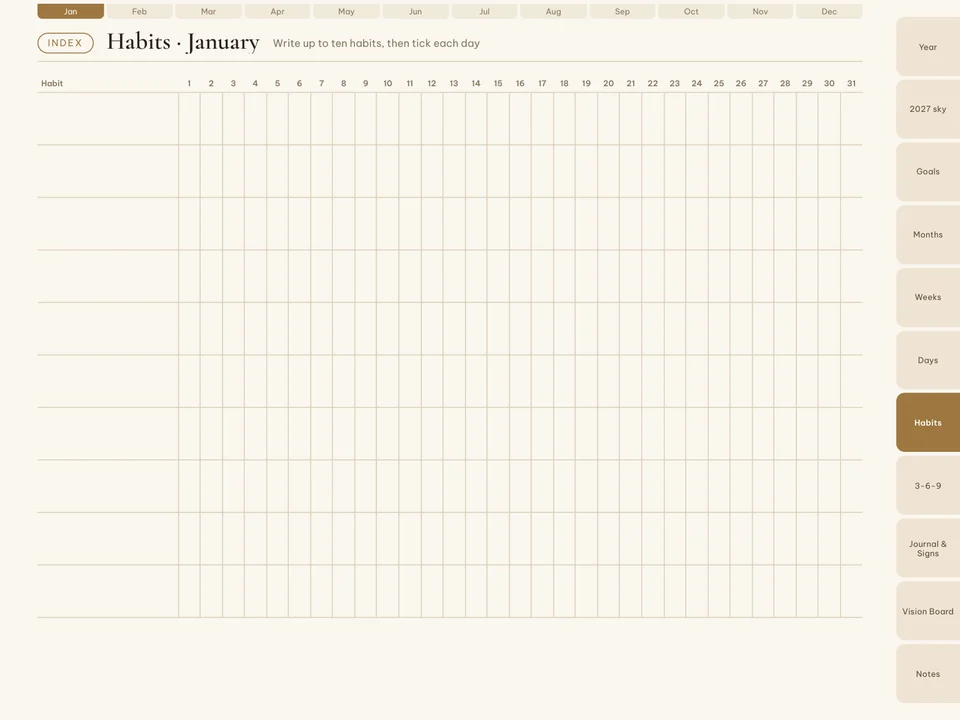
Keep habit chains visible without guilt. Twelve monthly habit tracker spreads track up to ten daily routines across days 1 through 31 alongside total ticks and notes. Habit formation studies remind us that missing a single day does not erase momentum, and keeping your habit grid beside monthly reviews turns slips into gentle course corrections rather than abandonment.
Kenji S., Vancouver: keeping habits steady across two messy travel months
Kenji spent February and March traveling between client workshops across time zones, which normally wiped out his reading and exercise habits until late spring. Carrying two thick hardcover planners in a laptop backpack never worked cleanly.
Uploading the planner onto his iPad Mini meant every flight included both his hourly agenda and his Monthly Habit Tracker. When long flights forced a missed workout, he left an open note inside that month's habit box instead of tearing pages out or starting over in April. "Seeing twenty-two shaded squares next to a few empty travel days showed me the streak was still alive," Kenji explained. Reflecting on each closed month inside a quick year-in-review check-in kept his year moving forward smoothly.
Plan All of 2027 From Goals and Habits to the Moon Sky
Planning the whole year in one place means your annual goals, weekly action plans, daily habit ticks, 3-6-9 scripting pages, vision boards, and 2027 celestial calendar constantly support one another. Instead of jumping among four disconnected apps, one notebook holds your practical schedule beside quiet personal reflection.
Landscape PDF spreads give your palm comfortable horizontal writing space on any 11-inch, 12.9-inch, or Mini iPad without pinch-zooming constantly. Nine clearly labeled right-side tabs—Index, Year, 2027 Sky, Goals, Months, Weeks, Days, Habits, 3-6-9, Journal & Signs, and Notes—guarantee that reflection moments stay just as fast to open as Monday's meeting schedule.
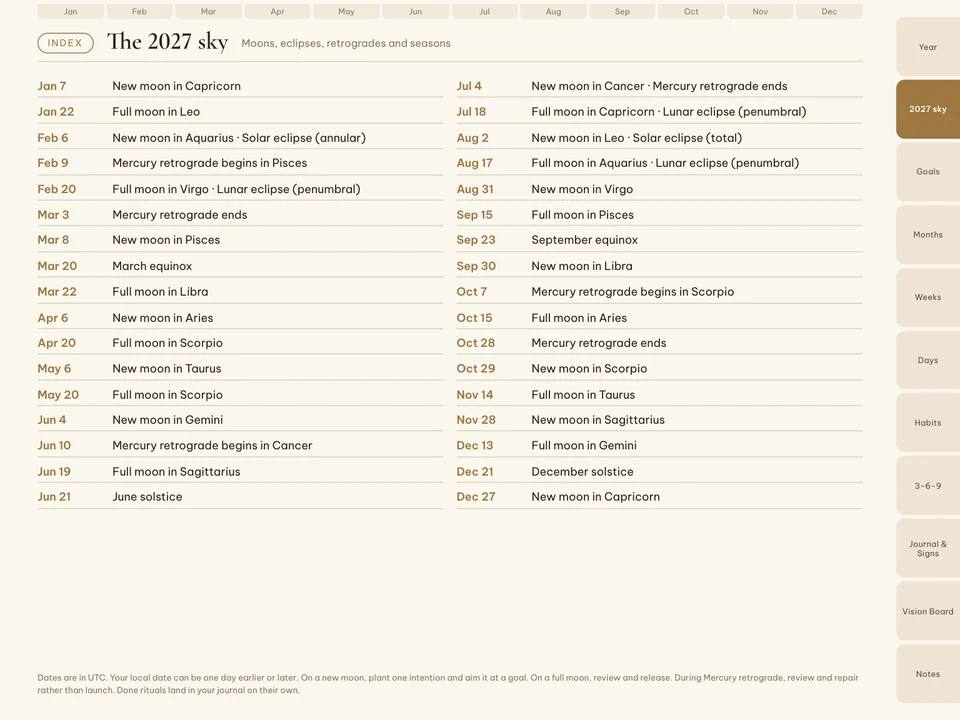
Spot 2027 moons, eclipses, and retrogrades effortlessly. Dedicated 2027 Sky reference pages catalog every new moon, full moon, eclipse, and Mercury retrograde window alongside printed markers directly on your monthly grids—no extra astronomical lookup needed.
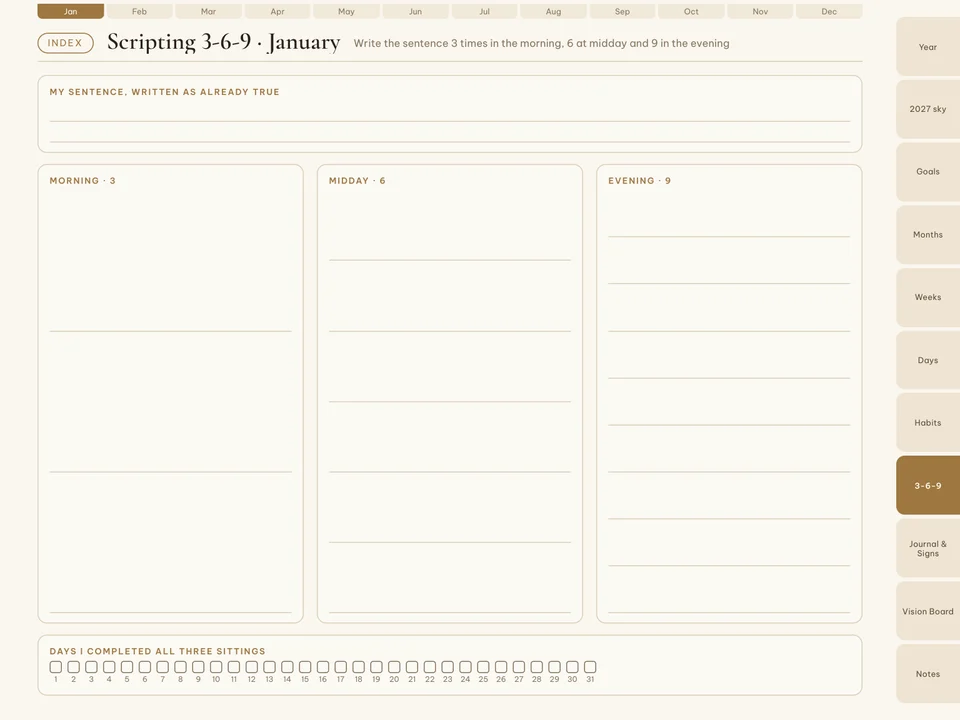
Combine focus with intentional 3-6-9 handwriting. Twelve monthly Scripting 3-6-9 sheets let you write intentions three times in the morning, six times at midday, and nine times at night, paired with twelve monthly Journal & Signs pages and twenty customizable lined and blank note sheets.
Ready to set up your calm 2027 planning routine on iPad? Get instant access to all four Cream and Midnight hyperlinked PDFs inside the 2027 Digital Planner for GoodNotes & iPad.
Free Interactive Calculators for This Topic
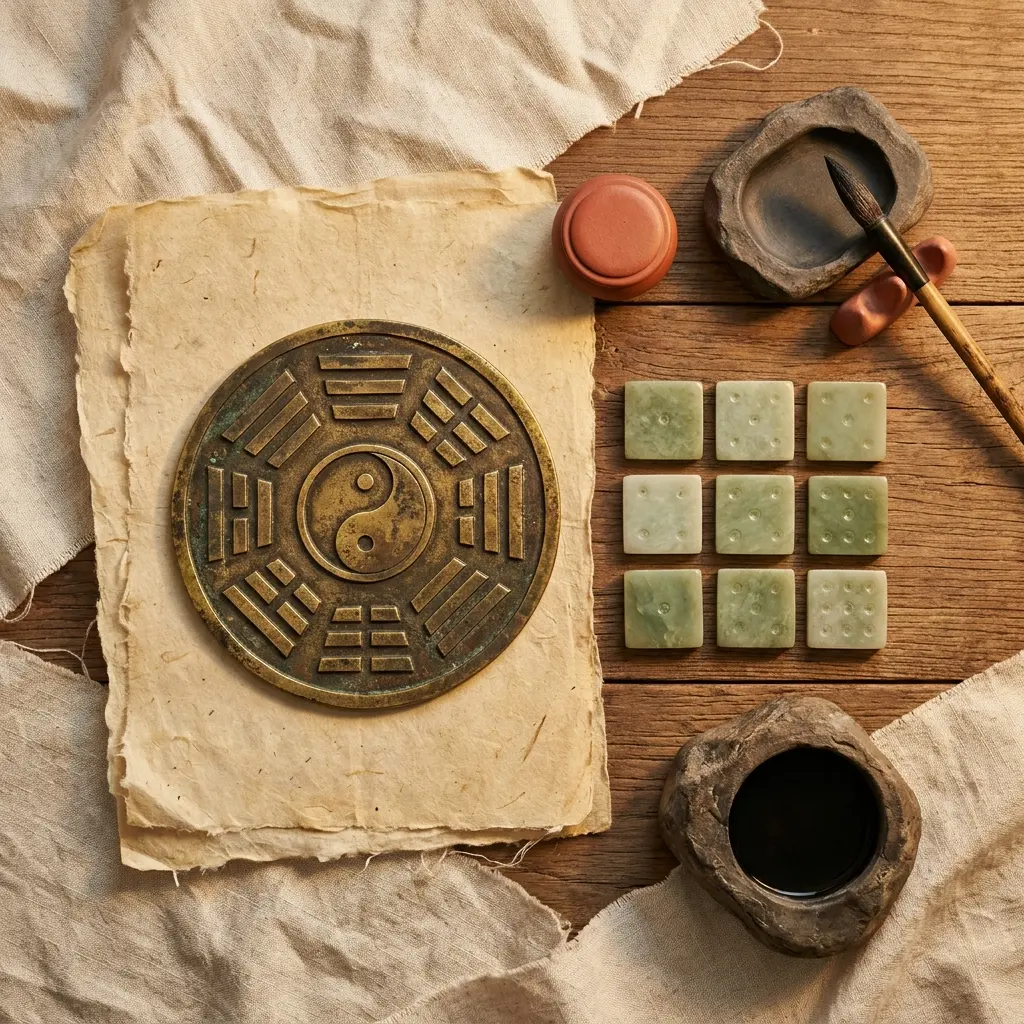
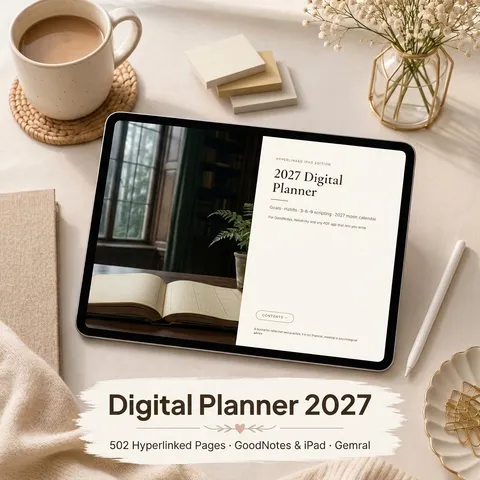
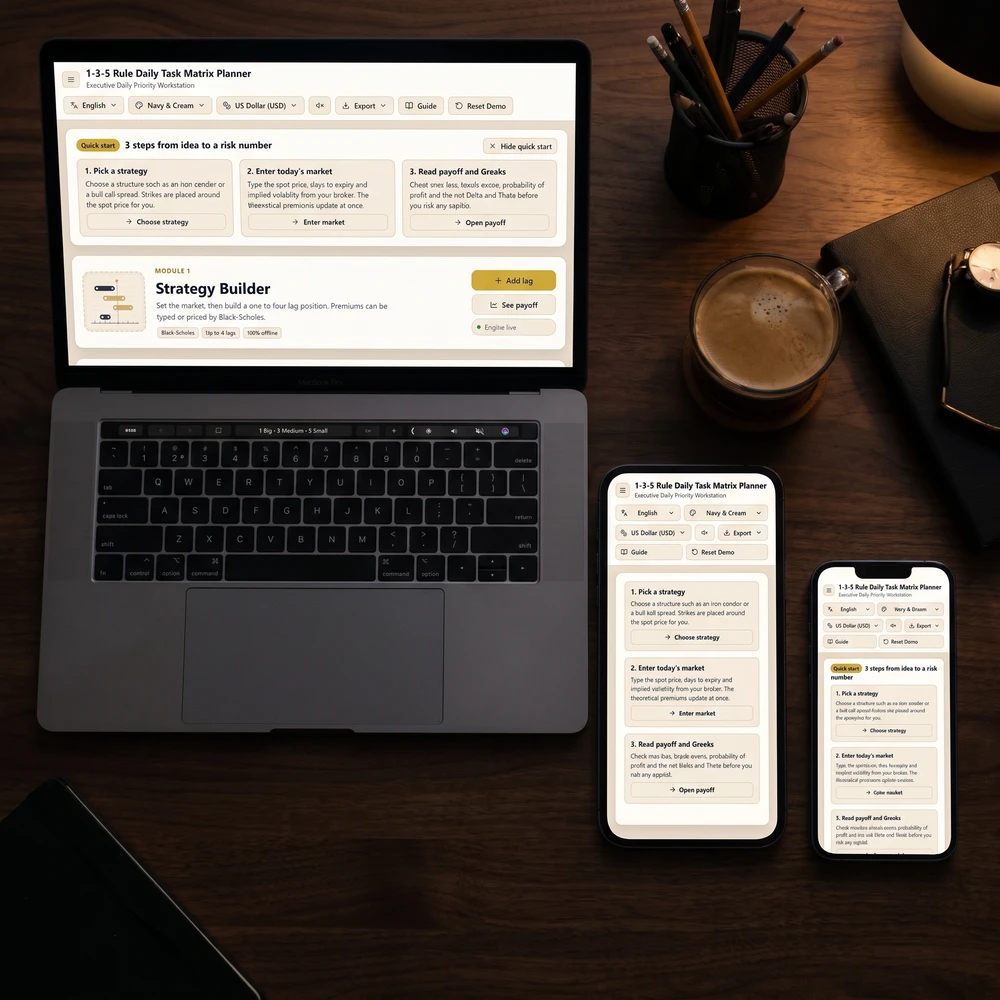
2027 Digital Planner for GoodNotes & iPad (502 Hyperlinked Pages)
Plan every day of 2027 on your iPad by hand with one-tap hyperlinked tabs. Includes 502 dated pages, goals, monthly habit trackers, weekly reviews, 3-6-9 scripting and the 2027 moon sky in Cream and Midnight.
Topic Pillar
Mindful Productivity & Focus
Calm time-planning methods, priority checklists, and note-taking habits to get meaningful work done without stress.
Tools featured in this guide
How readers changed with these practices
Over 8 years, members of a 2,400,000-strong community, including 38,000+ students, have reported real changes after keeping these practices up.
 Love story
Twin Flame Journal Results: Real Stories & Daily Practice
Does a twin flame journal work? Real stories of healing after breakups, calling in a soulmate and finding calm, plus how the daily practice looks.
Read guide Money story
Money Manifestation Journal Results: Real Stories
Does a money manifestation journal work? Real stories of paying off debt, asking for a raise and easing money anxiety, plus the daily practice.
Read guide
 Love story
Manifest After a Breakup: Real Healing Stories
Real stories of manifesting after a breakup: how people used self-love affirmations, mirror work and a love journal to heal and open up again.
Read guide Money story
Manifest Debt Free: Real Stories of Steady Progress
Real stories of manifesting a debt-free life: money affirmations and an abundance journal paired with a clear goal, a deadline and daily evidence.
Read guide Love story
Manifest Your Soulmate: Real Stories That Started Within
Real stories of manifesting a soulmate: how people wrote an Ideal Partner Script, built a vision board and said yes to life before love arrived.
Read guide Money story
Manifest a Raise: Real Stories of Asking With Confidence
Real stories of manifesting a raise or promotion: clearing money blocks, practising confidence affirmations and logging proof before asking.
Read guide Love story
Twin Flame Reunion Stories: Real Journeys to Peace
Real twin flame reunion stories: how people used journey stages, a signs log and guided meditation to find peace during separation, together or apart.
Read guide Money story
Money Anxiety to Money Calm: Real Stories
Real stories of easing money anxiety: a short guided meditation before checking accounts, a weekly money date and a gentle look at old beliefs.
Read guide
More Guides in This Topic
View all (31) →The 1-3-5 Rule: Daily Task Prioritization Guide
Master the 1-3-5 rule daily productivity system: organize 1 big goal, 3 medium tasks, and 5 quick wins to eliminate burnout and maintain daily focus.
Read guide
Best Productivity Planner: How to Choose the Right One
Best productivity planner? No single winner. Compare paper, digital and app planners, check the features that matter, and match one to how you work.
Read guide
Is a Planner Worth It? Paper vs Digital Planner Compared
Is a planner worth it? It pays off when you forget tasks or miss deadlines. Compare paper, digital and bullet journal formats and run a four-week test.
Read guide
Year in Review Template: 24 Questions for Your Year
A year in review template is a set of questions you answer in one evening. Copy 24 free prompts, then turn the answers into goals for 2027.
Read guide
Go deeper: guide series on this topic
Each series answers one question across many cases, such as every angel number in love or every zodiac pair.
Productivity Frameworks by Profession
Every productivity framework activates specific cognitive rhythms and structural boundaries, requiring disciplined alignment with your profession's core demands to achieve sustained high-performance execution without…
240 guides
From the blog
Latest articles

Trending now
What readers are opening this week
Ranked by real visits over the last 7 days.
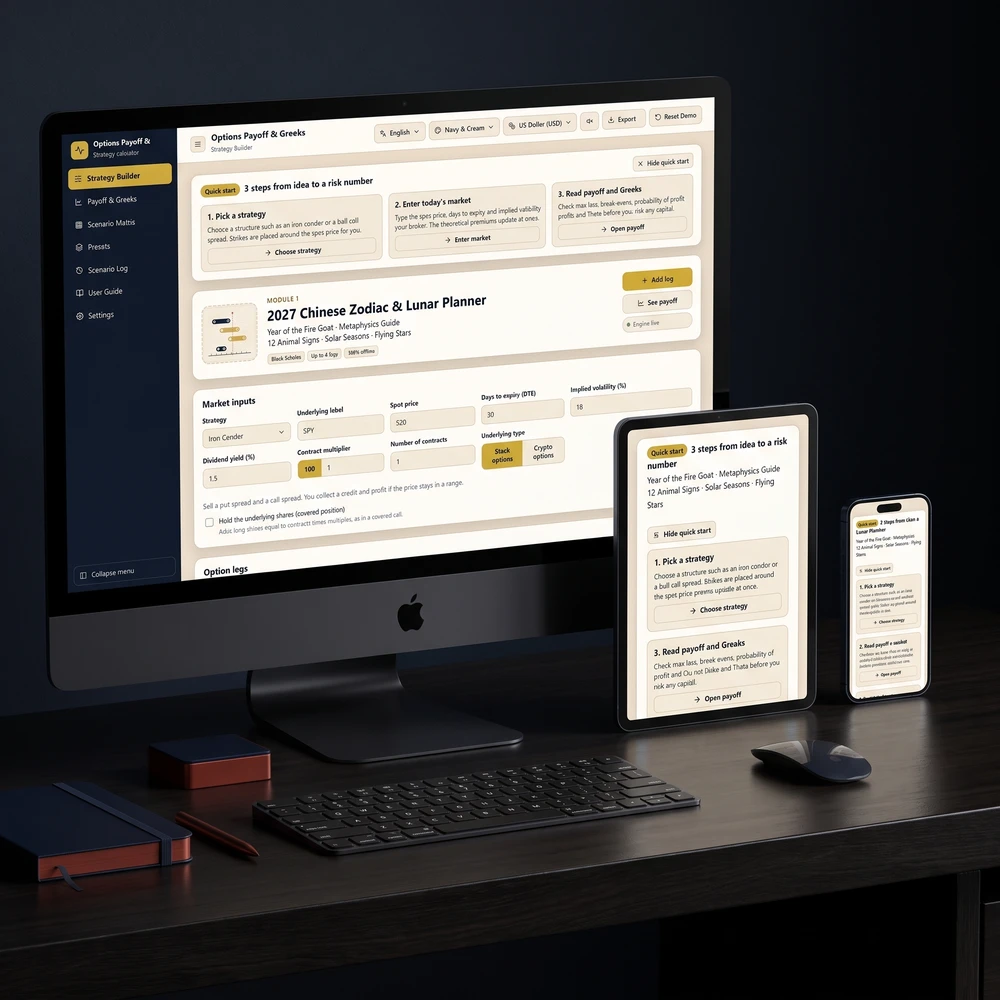
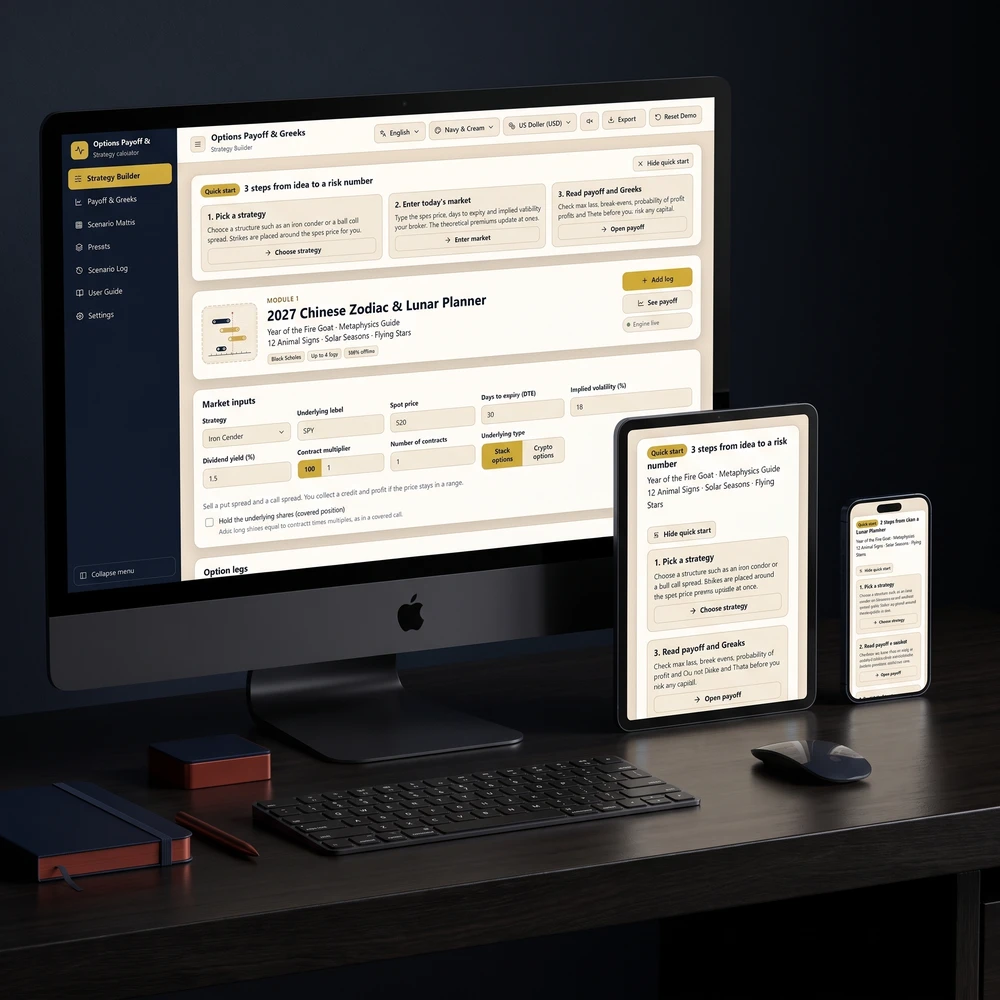
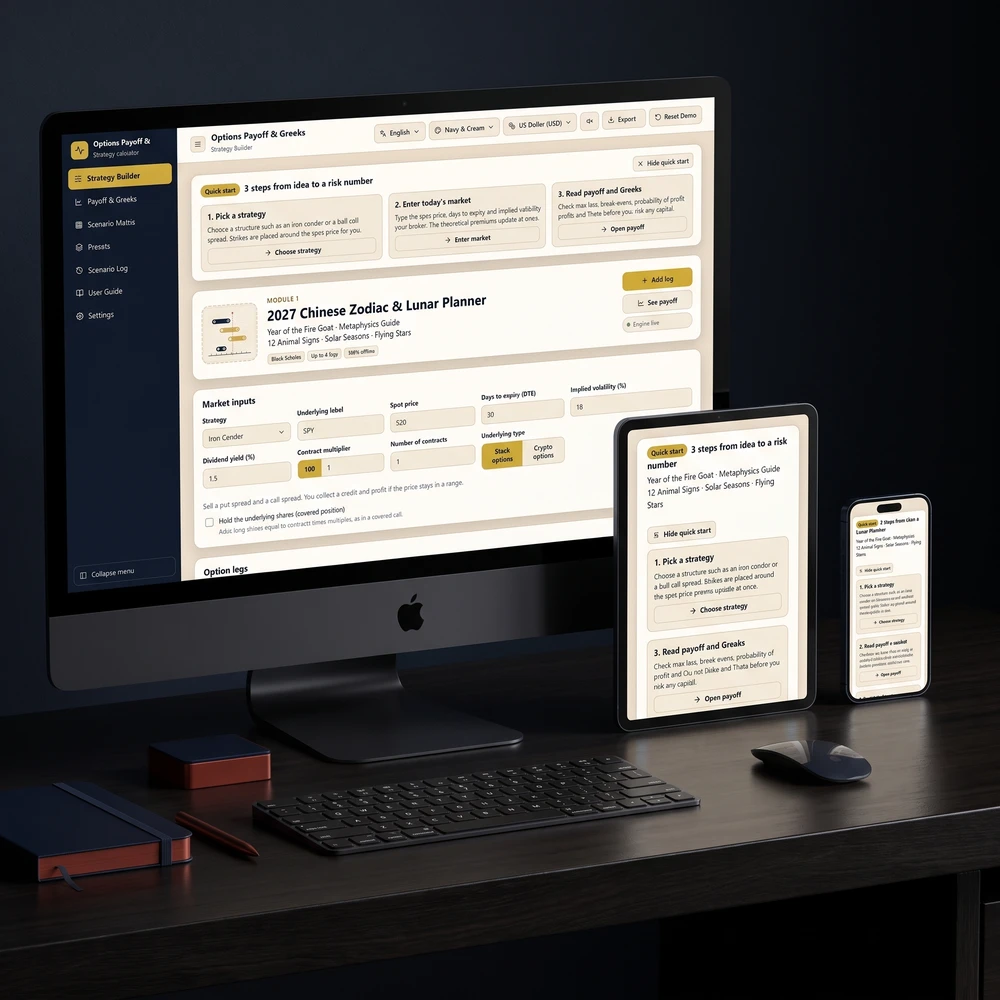
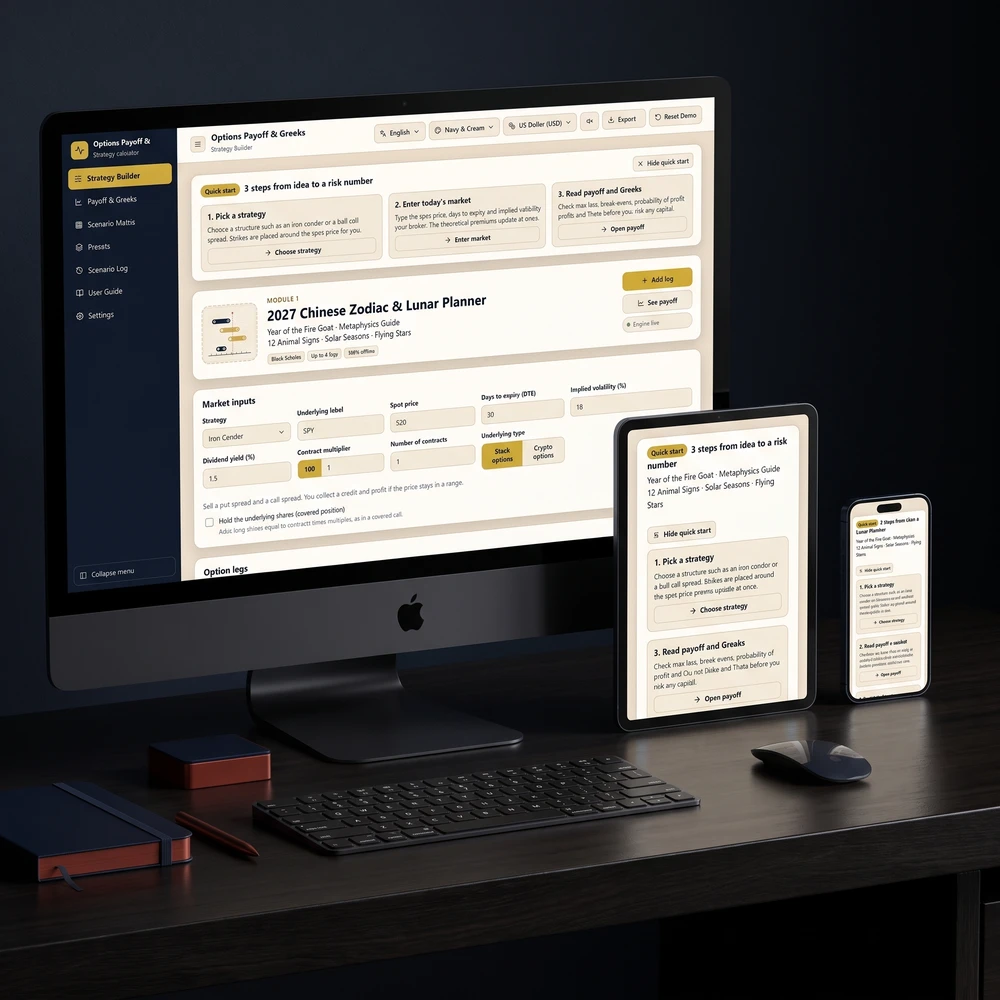
2027 Digital Planner for GoodNotes & iPad — Hyperlinked Dated Planner with 2027 Moon Calendar
Every day of 2027 one tap away: 502 hyperlinked pages with yearly, monthly, weekly and daily spreads, goals, habits, 3-6-9 scripting and the 2027 moon calendar.
Get Your Free 2027 Angel Number Year Map
Receive the 2027 Angel Number Year Map by email with your Personal Year lookup, monthly guiding angel numbers, and a private workspace for your intentions.
Follow along
Daily rituals on your feed
Short guides, moon rituals and planner walkthroughs from Yin Yang Masters.



Keep exploring
More from Yin Yang Masters


Ask Yinyang Masters inside your AI assistant
Get the same calculations and guidance right in your chat: add the free Yinyang Masters app, then ask in plain English. No account needed.
Try asking: “Build me a 30-day morning habit stack.”
Meet Moon Keeper, our live altar host
Every hour Moon Keeper reads the sky, draws one tarot card and shares a calm 3-minute reflection. Drop by the altar, follow the hourly diary and leave a note in the guestbook.

Get the Yin Yang Masters Letter Every Day
One short email a day: a practice for today, a real reader story, and the newest guide on love, money and inner calm.
For more than 8 years, a community of over 2,400,000 followers and 38,000+ students has shared how these daily practices helped in love, money and inner calm.