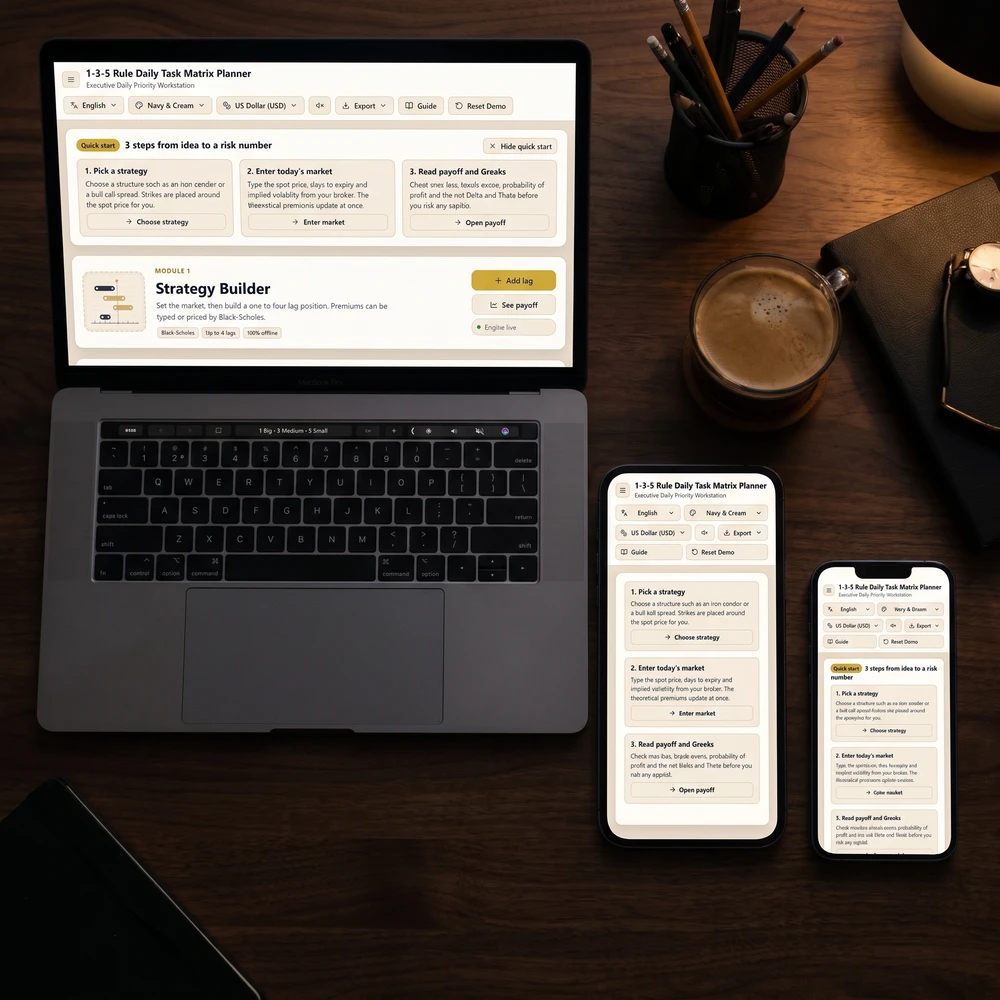
The best digital journal for iPad matches how you naturally think. GoodNotes paired with a hyperlinked PDF replicates handwritten paper notebooks with Apple Pencil, Apple Notes or Day One give fast cloud typing, and offline local-storage browser journals provide structured manifestation and gratitude prompts without subscriptions.
Try it right here
Loading tool...
Turn this result into a full plan★★★★★ 4.9 · 38k+ students
Enter your birthday to see your 2027 Personal Year and the angel number for each month, with space to write your intentions.
Quick answers
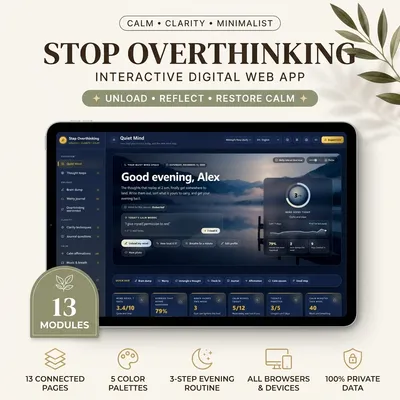
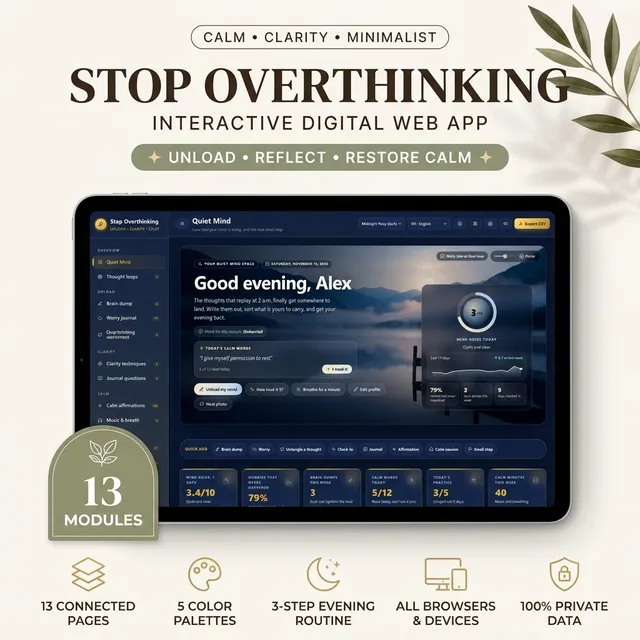
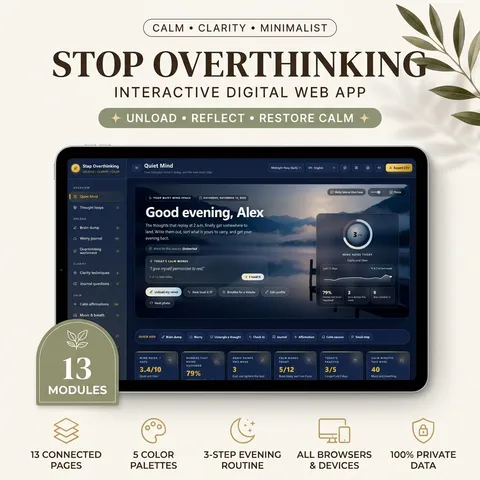
Yes. Stop Overthinking Journal — Brain Dump, Worry Journal, Clarity Techniques & Calm Music is built for this: Empty racing thoughts in a timed brain dump of 3 to 15 minutes and rate how heavy your mind felt before and after.
Best Digital Journal for iPad (Apps, PDFs & Offline Web Kits)
Direct answer: The best digital journal for iPad depends on whether you prefer handwriting with an Apple Pencil or typing fast reflection prompts. GoodNotes paired with a hyperlinked PDF works best for stylus note-takers, Apple Journal and Day One fit quick mobile entries, while offline interactive web journals run cleanly in Safari without subscriptions.
Choosing a setup gets much simpler once you decide whether digital pages actually beat a pocket notebook for your daily habits. If you are still weighing tactile paper against screens, start with our honest breakdown of is a planner worth it: paper vs. digital before spending an entire weekend downloading templates.
Can You Use a Digital Journal for iPad Effectively?
Yes—an iPad turns into a remarkably reliable reflection space when you strip out notifications and treat one focused workspace as your morning desk. Most people quit a digital journal for iPad not because the hardware lacks features, but because opening a multi-purpose tablet pulls them straight toward email badges, social tabs, or fifteen competing folders.
Before picking software, match your tool to how you naturally think at 7:00 AM or 10:00 PM:
Slow Handwriting Mode: If moving an Apple Pencil across glass slows racing thoughts down, you want a PDF annotation app or Apple Freeform rather than a sterile plain-text box.
Fast Typing Mode: If you think faster on a Magic Keyboard or onscreen thumb typing, native journal apps or browser-based guided workbooks remove wrist fatigue and keep entries searchable.
Privacy-First Mode: If cloud syncing worries you when writing honest fears, emotional triggers, or relationship thoughts, look for apps with end-to-end encryption or local-storage web tools that never upload entries to external servers.
For readers moving across phones as well as tablets, check how tablet tools compare against pocket options in our overview of the best journal apps.
How to Set Up a GoodNotes Journal Template or Digital Notebook for iPad
Knowing how to build or import a digital notebook for iPad saves hours of tinkering. If you love handwriting with an Apple Pencil, pairing GoodNotes or Notability with a hyperlinked PDF GoodNotes journal template gives you tabbed monthly dividers, lined margins, and zero typing lag.
The 4-Step iPad Journaling Setup (Zero Overdesign)
Create One Dedicated Focus Mode: Set a “Reflection” Focus on iPadOS that hides badges from Slack, Mail, and messaging apps and keeps only one home-screen dock icon visible.
Import Once, Copy Tomorrow: Save one clean blank reflection template—morning intention, three gratitude lines, evening unwind—inside your top folder so starting tomorrow takes two taps instead of hunting fonts.
Add a Matte Screen Layer If Glass Feels Slippery: Many stylus writers drop digital notebooks simply because bare glass feels slick; a removable magnetic matte cover restores gentle paper-like drag.
Set a Weekly Sunday Archive Rule: Export or summarize one key lesson every Sunday evening so entries become real self-awareness instead of unread digital clutter.
If you want structured calendar blocks sitting alongside those written pages, see how daily scheduling fits in our guide to the best digital planners for iPad.
Free Digital Journal Apps and Templates for iPad Worth Testing
You do not have to pay for an annual subscription before discovering whether tablet journaling sticks. Several reliable free options run smoothly on modern iPadOS builds:
Apple Notes & Apple Freeform (Free, Built-In): Surprisingly strong for zero-setup sketching, Apple Pencil handwriting, and locking sensitive notes behind Face ID without installing anything new.
Apple Journal (Cross-Device Context): Works smoothly for iPhone and expanding Apple ecosystem workflows when you want quick photo, audio, and location prompts pulled directly from your day.
Day One Free Tier: Clean chronological timeline for typed reflections, markdown formatting, and single-journal syncing before deciding whether multi-notebook media storage matters.
Simple Unlinked PDFs in Apple Books or Files: You can annotate any flat PDF workbook directly inside the built-in iPadOS Markup engine for free, though internal hyperlink tabs work faster inside GoodNotes or Noteful.
Keep tomorrow's page one tap away—complicated sticker packs rarely survive past week two.
Best Digital Journal for iPad vs. Digital Journal for Tablet Options
Once you start comparing paid suites against a cross-platform digital journal for tablet setups (especially if you switch between an iPad at home and an Android tablet, Windows laptop, or desktop at work), platform lock-in becomes a deciding factor.
Tool / Format
Best For
Handwriting vs. Typing
Sync & Privacy
Cross-Tablet Portability
GoodNotes + PDF Template
Stylus writers & bullet layout lovers
Apple Pencil first
iCloud / manual PDF export
Strongest on iPadOS & Mac
Noteful
Lightweight one-time unlock layer notes
Apple Pencil with layers
Local + iCloud backup
iPadOS / iOS focused
Day One
Daily text logs & photo memories
Keyboard & voice transcription
Cloud sync + end-to-end option
Apple, Android & web
Interactive Offline Web Kits
Guided prompting & local browser privacy
Fast typing & structured clicks
100% browser localStorage
Runs on iPad Safari, Android, Mac & PC
If your goal is guided mindset or morning reflection rather than blank lined paper, an offline browser-based journal opens directly in Safari and keeps your entries private on your device:
For Guided Scripting & Clarity Work: The Scripting & Manifestation Interactive Journal runs offline inside any tablet or desktop browser using local storage—offering a 369 Scripting Engine, Vision Clarity Board, Daily Future Self Entry, Alignment Score Tracker, Guided Writing Prompts, and Manifestation Milestones log without cloud signups.
For a 5-Minute Morning Gratitude Habit: The Gratitude Morning Ritual Journal runs locally in your browser with rotating gratitude prompts, Mood Check-in, Quick Capture, Morning Affirmation drawer, Ritual Timer, Streak & Reflection History, plus a printable PDF companion guide if you enjoy switching back to paper occasionally.
What Real Users Say on Reddit About Digital Journaling on iPad
Browse long threads across productivity and handwriting communities on Reddit and the same practical lessons show up repeatedly from multi-year tablet journalers:
Blank Templates Don't Build Consistency: Dozens of users admit buying elaborate 400-page hyperlinked planners, spending three nights adding pastel covers, and abandoning them by day ten because deciding what to write took too much mental energy.
Zooming Fatigue Is Real: Writing tiny cursive inside rigid PDF boxes forces constant two-finger pinching; wide lined margins or guided input cards prevent hand cramping.
Searchability Wins Over Aesthetics Long-Term: Typed entries and tagged emotional check-ins let you review recurring themes months later, whereas raw handwriting sometimes stays buried unless converted to text.
According to wellness research summarized by UC Berkeley’s Greater Good Science Center, expressive writing lowers emotional rumination when focused on honest labeling and meaning-making rather than performative perfection.
Digital Diary, Reading Notes & Bullet Workflows on Your iPad
Once your core daily page feels effortless, an iPad makes it easy to keep specialized spaces separate without carrying four physical notebooks in your bag:
Private Digital Diary: Lock sensitive emotional pages behind Face ID in Apple Notes or keep them stored offline in a browser workspace that never touches cloud servers.
Digital Reading & Book Journal: Paste favorite passage quotes alongside one honest takeaway per chapter instead of hoarding highlights you never revisit.
Bullet-Style Flexible Logs: Use simple dot checklists inside GoodNotes or minimal daily checkboxes so unfinished tasks roll forward cleanly without guilt.
Looking for visual intention work alongside daily journaling? Explore our side-by-side picks for the best digital vision board apps next.
FREE INTERACTIVE GUIDE
Get Your Free 2027 Angel Number Year Map
Enter your birthday to reveal your 2027 Personal Year, the angel number guiding each month, and a private workspace to set your intentions.
Apply it now
Put this article into practice
For more than 8 years, a community of over 2,400,000 followers and 38,000+ students has shared how these daily practices helped in love, money and inner calm.
Make 2027 the year your goals actually happen. Every daily habit is tied to a real goal, a pace line shows whether you are on track, and your weekly review fills itself in.
For more than 8 years, a community of over 2,400,000 followers and 38,000+ students has shared how these daily practices helped in love, money and inner calm.
A private interactive web app to quiet a busy mind: untangle thought loops, four-step worry journal, timed brain dumps, 60 journal prompts, 108 affirmations and calming 432/528 Hz music.
Every hour Moon Keeper reads the sky, draws one tarot card and shares a calm 3-minute reflection. Drop by the altar, follow the hourly diary and leave a note in the guestbook.
One short email a day: a practice for today, a real reader story, and the newest guide on love, money and inner calm.
For more than 8 years, a community of over 2,400,000 followers and 38,000+ students has shared how these daily practices helped in love, money and inner calm.
$29.99$23.99$29.99₫659,000₫527,000₫659,000🔥 Save 20%Pay once · no monthly fee
Eisenhower Urgent vs. Important Matrix
Write down what is on your plate, drop each item into the right box, and tick it off when done. Your board is saved in this browser, so it is still here when you come back.
Do First (Urgent & Important)
1
Resolve critical client server outage
Move to
Schedule (Important, Not Urgent)
1
Deep work on strategic product architecture
Move to
Delegate (Urgent, Not Important)
1
Routine administrative invoice filing
Move to
Eliminate (Neither)
1
Mindless social media scrolling
Move to
✓ Saved on this device
Want the full planner?Stop Overthinking Journal — Brain Dump, Worry Journal, Clarity Techniques & Calm Music. This board is free to use here. The full product adds the printable and editable planner from this guide.