Skip to content

Instant access after payment

Yin YangMasters
ShopCart

The Best Digital Planner for iPad (7 Honest Picks)

Jennie Uyen Chu
Jennie Uyen Chu
Consciousness & Energy Expert
The Best Digital Planner for iPad (7 Honest Picks)

Direct Answer

The best digital planner for iPad depends on whether you prefer Apple Pencil handwriting or linked task automation. GoodNotes hyperlinked PDFs match tactile paper planners, Structured and Apple Calendar sync timed meetings across iPad and iPhone, and private offline web apps connect goals, habit streaks, and time blocks.

Try it right here
Loading tool...
Turn this result into a full plan★★★★★ 4.9 · 38k+ students
Daily Priority Planner

Time Blocking, Eisenhower Matrix & Task Manager

Every morning you know what to do first, so your day feels lighter and important tasks stop slipping through the cracks.

$27.99$22.39$27.99₫609,000₫487,000₫609,000
  • Open in 10s
  • Private · $0 monthly
  • EN · VI · ZH included
See Full Web App Details

Want to go further with this result?

Your free 2027 Angel Number Year Map

Enter your birthday to see your 2027 Personal Year and the angel number for each month, with space to write your intentions.

No spam, unsubscribe anytime.

Quick answers

Yes. Deep Work & Focus Planner — Time Blocking, Focus Timer & Second Brain Dashboard is built for this: Plan a seven-day grid of focus blocks, each with one intended output.

Deep Work & Focus Planner — Time Blocking, Focus Timer & Second Brain DashboardDeep Work & Focus Planner — Time Blocking, Focus Timer & Second Brain DashboardExplore Interactive Workbook →

The Best Digital Planner for iPad (7 Honest Picks)

Picking the right digital planner for iPad starts by separating two very different jobs: handwriting on an Apple Pencil canvas versus managing linked tasks, habits, and calendar blocks without manually redrawing dates. Hyperlinked PDFs opened inside GoodNotes deliver a soothing paper feel, while structured planning apps and offline web planners automatically roll unfinished items forward and track your pace.

Most people abandon elaborate planner setups by February because moving incomplete tasks across static weekly pages eats fifteen minutes every evening. Before committing to a format, review our best productivity planner guide, which breaks down daily upkeep costs, horizon planning, and paper-versus-digital tradeoffs.

7 Best Digital Planners for iPad Compared by Workflow

Research on time management and timeboxing consistently points to the same practical filter: the simplest format that keeps next actions visible outperforms complicated layouts filled with decorative tabs. Compare how the top seven iPad workflows handle stylus writing, calendar integration, cross-device sync, and weekly reviews.

Planner or App Format & Model Core Planning Workflow Best For Main Limitation
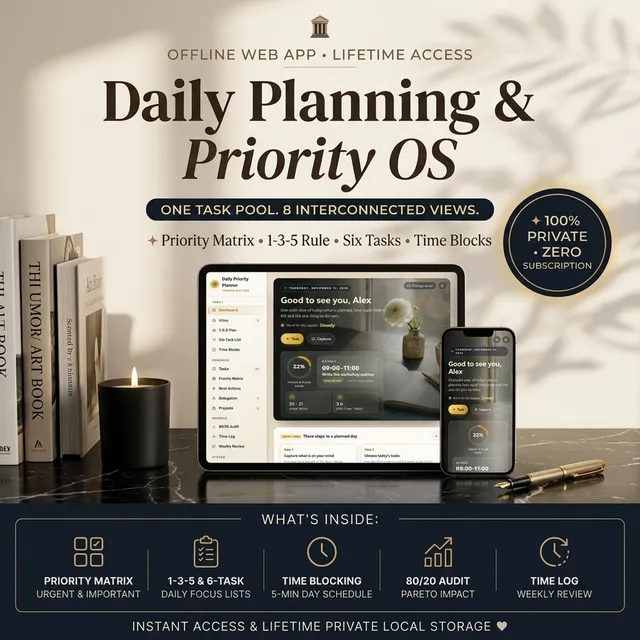
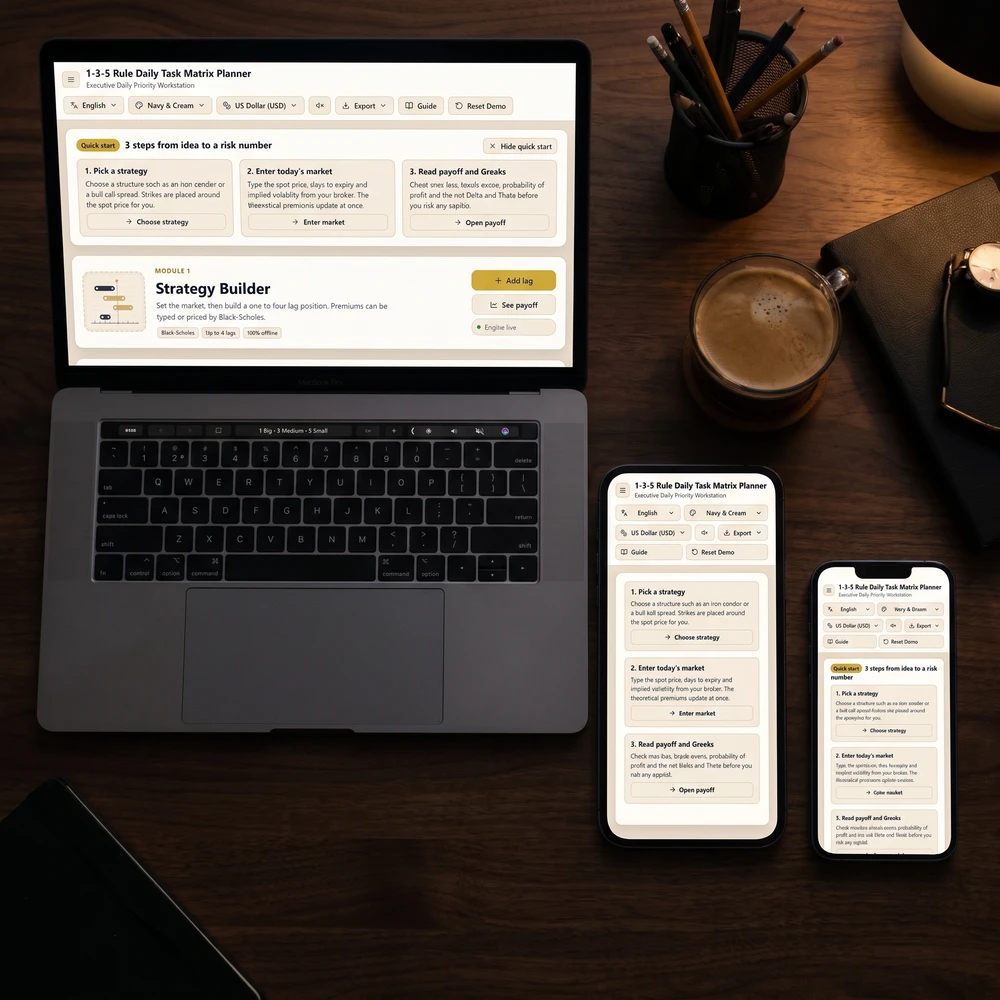
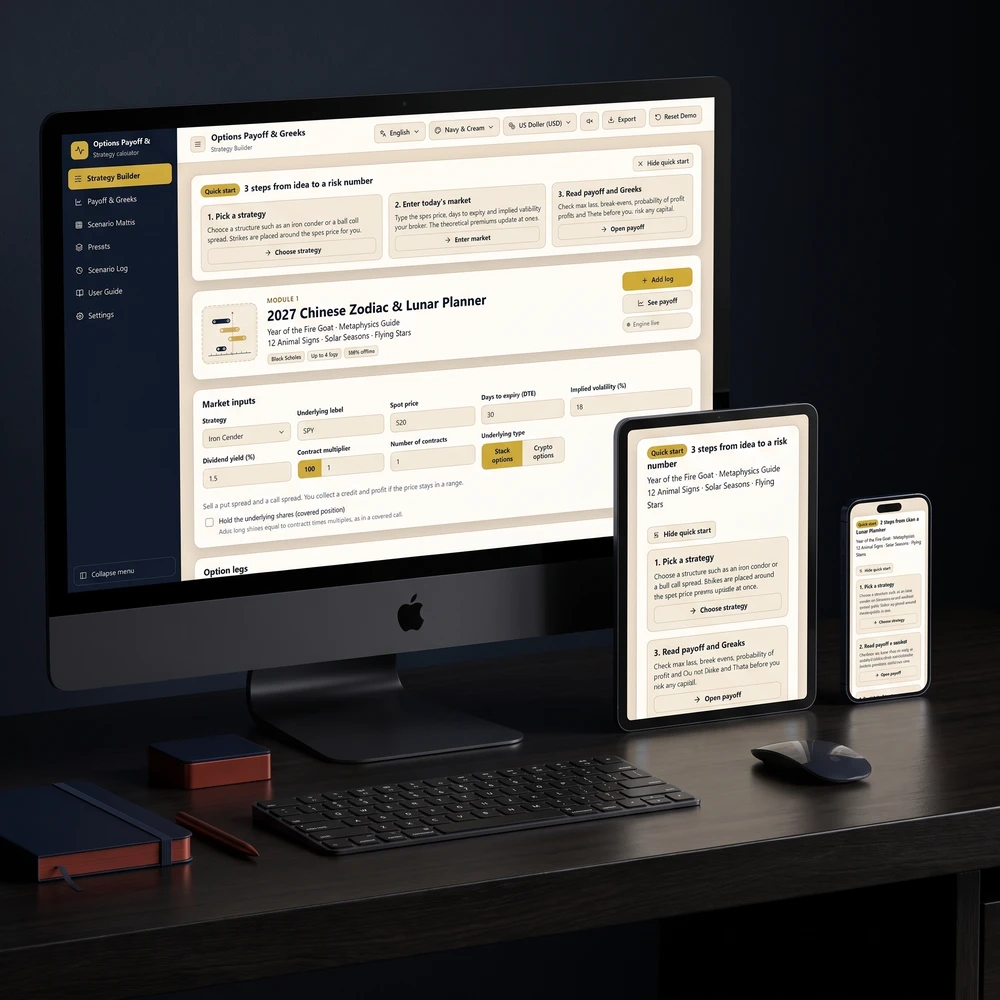
Daily Priority Planner Offline browser web app (Safari on iPad, iPhone & desktop; one-time purchase) Single task list rendered as Eisenhower Priority Matrix, 1-3-5 Plan (9 slots), Six-Task List, Time Blocks timeline + week view, Inbox capture, CSV export Turning messy daily to-dos into realistic time blocks across one unified list Keyboard/tap entry in Safari rather than freehand Apple Pencil scribbling or native iOS push alarms
2027 Digital Planner & Goal Tracker Offline browser web app (one-time purchase) 12-month goal strip with milestone/numeric pace tracking, Command Center, weekly habit grid, daily scripting slots, auto-filled Weekly Review, 2027 moon calendar Connecting annual milestones, daily habits, and Sunday reviews in one private workspace Browser local storage requires exporting periodic manual backups; no two-way Apple Calendar sync
Habit Tracker & Streak Planner Offline browser web app (one-time purchase) 7-day & 30-day habit cards, planned-rest days that preserve streaks, double-miss early alerts, timed habit stacks, 1–366 day Challenge mode, Urge log Building reliable morning/evening routines and habit chains alongside project work Focuses on recurring habits, stacks, and urges rather than timed calendar appointments
Structured Native iOS, iPadOS & macOS app (free tier + Pro subscription) Visual day timeline combining tasks, Apple Calendar events, and Apple Reminders side by side with Apple Pencil support Seeing real calendar meetings and realistic gaps visually in one daily strip Full recurring sync features and customization sit behind a subscription tier
GoodNotes + Hyperlinked PDF Planner Native iPad note app + static PDF (freemium / paid app) Smooth Apple Pencil handwriting over linked monthly, weekly, and daily tabs mimicking bound stationery Tactile thinkers who remember meetings better when writing by hand with a stylus Zero automatic calculations, searchable databases, task rollover, or calendar event syncing
TickTick / Todoist Cross-platform cloud apps (free tier + paid tiers) Fast natural-language capture, recurring schedules, Pomodoro focus timer (TickTick), calendar feed subscriptions Heavy recurring checklists syncing seamlessly across iPad, phone, and Windows PC Can encourage over-collecting huge backlogs unless paired with a capped daily review
Apple Calendar + Apple Reminders Free built-in apps on iPadOS, iOS & macOS Instant iCloud sync across Apple hardware, color-coded calendars, scheduled lists synced directly into timeline views Zero-cost native reliability without downloading external subscriptions or tools Lacks goal-pace charts, 1-3-5 daily caps, priority matrices, and guided weekly reflections

Free Options vs. Paid Hyperlinked PDFs vs. Offline Web Apps

Evaluating free options first saves buying tools that sit idle after a busy Monday. Pairing Apple Calendar with Apple Reminders already handles recurring bills, grocery runs, and meeting alerts smoothly via iCloud at zero cost. Meanwhile, free starter tiers inside Structured or Todoist let you test daily list prioritization without an upfront bill.

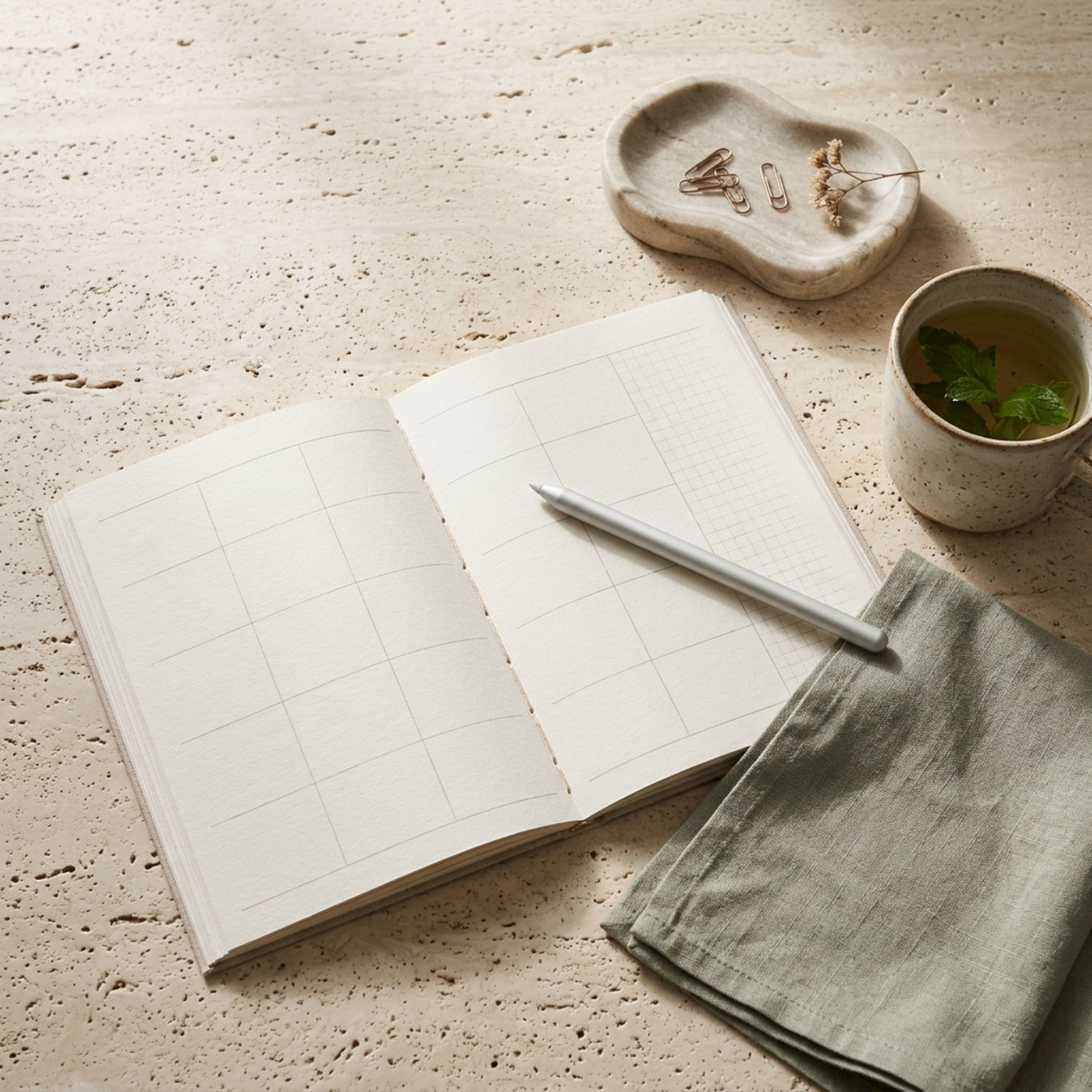
Where hyperlinked PDFs inside GoodNotes win is tactile calm—zero pop-ups, full Apple Pencil handwriting, and paper-style layouts similar to a structured bullet journal without carrying notebooks. However, static PDFs require manually rewriting unfinished tasks each Sunday. One-time-purchase offline web planners solve that gap cleanly in Safari without monthly subscription creep:

  • Day-by-Day Execution: In the Daily Priority Planner, every task lives once—tick an item inside the 1-3-5 Plan or Eisenhower Priority Matrix, and your day timeline updates automatically while the Inbox captures stray thoughts fast.
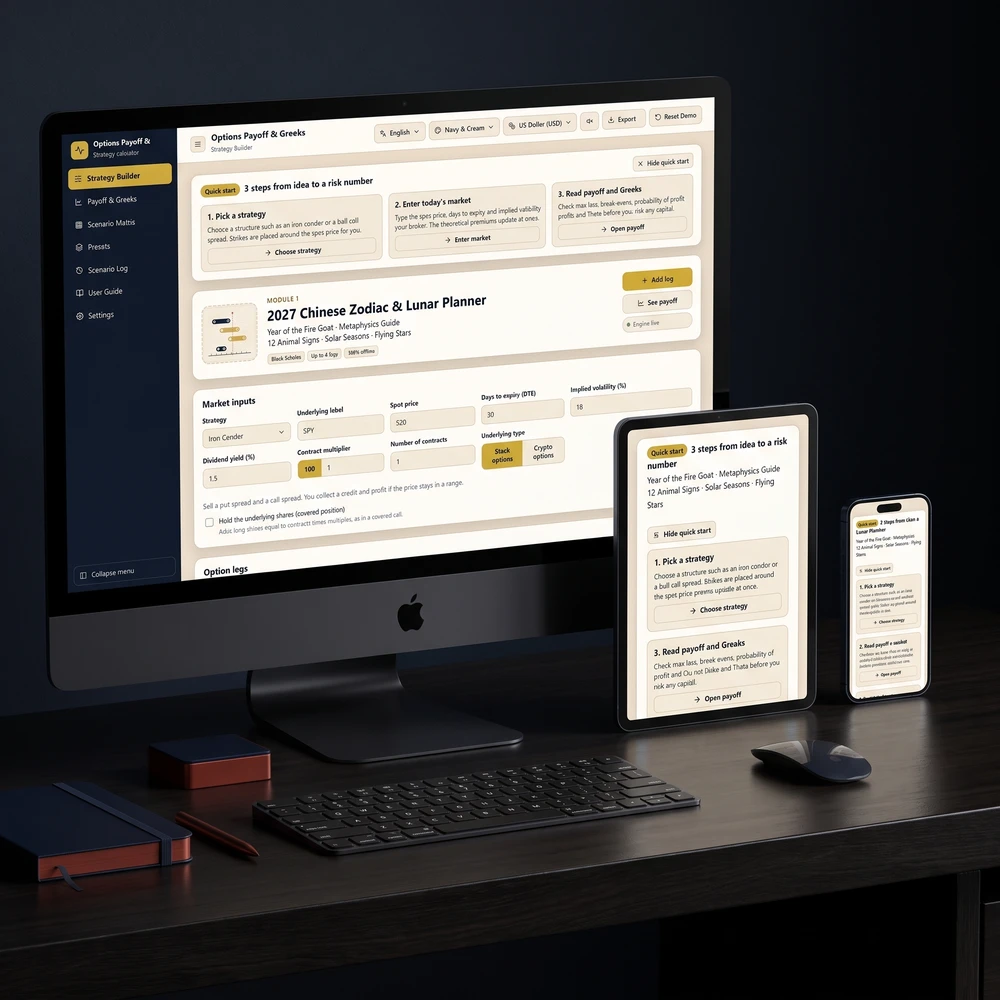
  • Annual Goals & Milestones: Inside the 2027 Master Year Planner, a 12-month milestone strip and pace tracker calculate whether numeric goals are ahead or behind schedule alongside an auto-filled Weekly Review.
  • Routine Streaks Without Guilt: The Habit Tracker & Streak Planner flags double misses before a habit collapses and lets you mark travel or illness as planned rest so healthy streaks do not punish recovery.

Choosing One That Syncs With Apple Calendar vs. Works Across iPad and iPhone

Two practical questions separate happy iPad planners from abandoned ones: whether your tool syncs with Apple Calendar for hard meeting times, and how smoothly it jumps between iPad and iPhone when you leave your tablet at home.

Quiet morning work desk holding an open linen weekly notebook, fountain pen, small brass timer, and warm ceramic tea cup in sunlit shadows
Keeping one active week spread cleanly in view prevents juggling four disconnected to-do apps across devices.

If your workdays revolve around live Zoom or client calls, choose a tool that reads Apple Calendar directly (like native Apple Calendar/Reminders, Structured, or TickTick) so you never double-book an afternoon block. If you mainly need distraction-free deep work and personal goal structure away from notifications, an offline browser web app works identically in Safari across desktop and tablet—just remember to export a 10-second monthly backup file if switching hardware frequently. For deeper guidance on deciding between paper, PDF, and connected apps, read our breakdown of whether a planner is worth buying and try our is a planner worth it test, or explore our roundup of digital journal for iPad and best journal apps if reflection matters as much as tasks.

How to Keep Any iPad Planner Active With a 5-Minute Review Loop

Installing three productivity tools rarely fixes overwhelm; simplifying daily upkeep under ten minutes does. Pair every iPad planning session with one brief grounding habit so planning starts intentionally instead of reactively.

Start With the 30-Second Somatic Reset

Opening an overloaded task list while tense triggers avoidance rather than action. Take 30 seconds before touching your plan: unclench your teeth, lower your shoulders away from your ears, rest both feet solidly on the floor, and take two slow breaths—four seconds in, six seconds out. Starting calm keeps you from cramming twelve urgent tasks into a four-hour afternoon.

The 5-Minute Action-Then-Release Routine

  1. Minute 1 — Empty Stray Clutter Into One Inbox: After your 30-second reset, sweep leftover tabs and loose scraps into one inbox rather than scattering reminders across sticky notes.
  2. Minutes 2–3 — Pick One Big Task + Three Medium Steps: Cap your day using a 1-3-5 or Six-Task list, dragging that single top priority into an open morning time block before opening email.
  3. Minute 4 — Protect One 45-Minute Execution Block: Start working on your top priority immediately with notifications silenced until that first block closes.
  4. Minute 5 — Close & Release at End of Day: Spend two minutes marking what finished, rolling unfinished items forward once without guilt, and shutting the planner tab until tomorrow.

Whether you sketch plans by hand in GoodNotes, block time natively inside Apple Calendar, or link annual goals and habit streaks inside one private Safari web app, pick the setup light enough to survive a chaotic Wednesday.

FREE INTERACTIVE GUIDE

Get Your Free 2027 Angel Number Year Map

Enter your birthday to reveal your 2027 Personal Year, the angel number guiding each month, and a private workspace to set your intentions.

100% privacy protected. No spam, unsubscribe anytime.

Apply it now

Put this article into practice

Over 8 years, members of a 2,400,000-strong community, including 38,000+ students, have reported real changes after keeping these practices up.

2027 Digital Planner — Goal Planner, Monthly Calendar & Zodiac Year Forecast
In our shop

2027 Planner (Goals, Habits & Moon Calendar)

Make 2027 the year your goals actually happen. Every daily habit is tied to a real goal, a pace line shows whether you are on track, and your weekly review fills itself in.

Sources & Verified References

Reviewed for practical mindfulness & personal development alignment. Editorial Policy

best productivity planner guide

Pillar Topic

best productivity planner guide

Read Guide →
Real stories

How readers changed with these practices

For more than 8 years, a community of over 2,400,000 followers and 38,000+ students has shared how these daily practices helped in love, money and inner calm.

See all stories →
Deep Work & Focus Planner — Time Blocking, Focus Timer & Second Brain Dashboard
🔥 Start Day 1 Tonight · Buy Once, Use Forever

Deep Work & Focus Planner — Time Blocking, Focus Timer & Second Brain Dashboard

Plan deep work blocks, run focus sessions with a timer, and see whether your focused hours went where you meant them to.

FREE INTERACTIVE GUIDE

Get Your Free 2027 Angel Number Year Map

Enter your birthday to reveal your 2027 Personal Year, the angel number guiding each month, and a private workspace to set your intentions.

100% privacy protected. No spam, unsubscribe anytime.

Ask Yinyang Masters inside your AI assistant

Get the same calculations and guidance right in your chat: add the free Yinyang Masters app, then ask in plain English. No account needed.

Try asking: “Find a Yinyang Masters guide about starting a daily spiritual practice.”

Moon Keeper, a white fox in a dark robe, meditating by candlelight
Live now

Meet Moon Keeper, our live altar host

Every hour Moon Keeper reads the sky, draws one tarot card and shares a calm 3-minute reflection. Drop by the altar, follow the hourly diary and leave a note in the guestbook.

FREE DAILY NEWSLETTER

Get the Yin Yang Masters Letter Every Day

One short email a day: a practice for today, a real reader story, and the newest guide on love, money and inner calm.

For more than 8 years, a community of over 2,400,000 followers and 38,000+ students has shared how these daily practices helped in love, money and inner calm.

100% privacy protected. No spam, unsubscribe anytime.