



AI Fatigue at Work: Why AI Tools Are Adding to Burnout and a Workflow System That Fixes It


AI fatigue at work is the exhaustion that comes from using AI tools without a clear system: more drafts to review, more tools to switch between, and higher output expectations. In a 2024 Upwork study, 77% of employees using AI said it had added to their workload. The fix is structure, not more tools.
What the data says
Two large surveys from 2024 frame the problem:
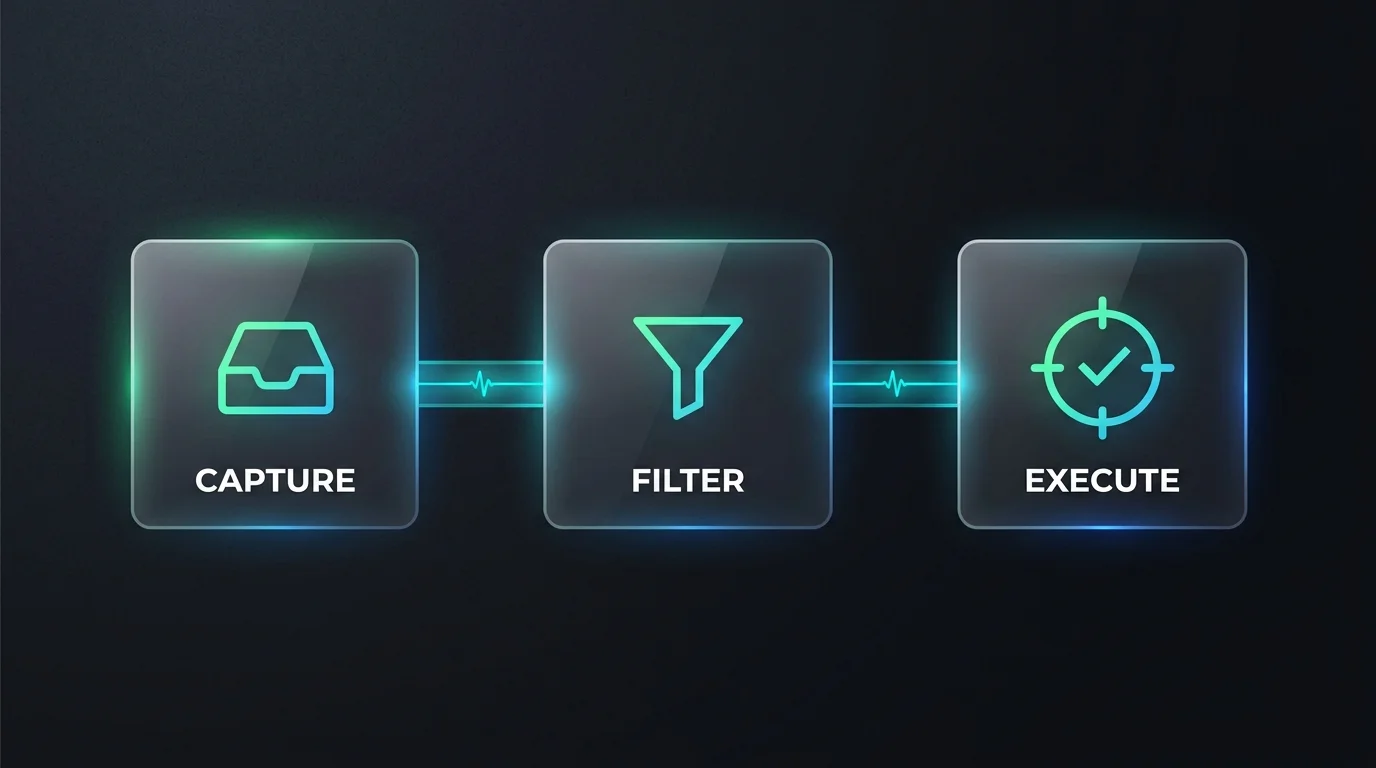
- Microsoft & LinkedIn Work Trend Index (31,000 knowledge workers, 31 markets): 75% already use AI at work, yet 68% say they struggle with the pace and volume of work and 46% feel burned out.
- Upwork Research Institute (2,500 executives and employees): 96% of C-suite leaders expected AI to raise productivity, but 77% of employees using AI said the tools added to their workload, 71% of full-time employees reported burnout, and 47% did not know how to achieve the productivity gains expected of them.
In short, AI adoption has outpaced the workflows around it. The tools are fast; the reviewing, fixing and coordinating around them still lands on people.
Symptoms of AI fatigue
- Review overload. You spend more time checking and correcting AI drafts than you save generating them.
- Constant context switching between chat tools, copilots, plugins and the "real" work.
- Rising expectations. Output targets jump because "you have AI now," with no change in hours.
- Decision fatigue from choosing among many generated options.
- Shallow work creep. Deep, uninterrupted thinking gets squeezed out by quick generate-and-check loops.
- Physical signs of stress — poor sleep, tension, irritability — that you would recognize from any burnout.

Get Your Free 2027 Angel Number Year Map
Enter your birthday to reveal your 2027 Personal Year, the angel number guiding each month, and a private workspace to set your intentions.
Why it happens: the hidden costs of "free" output
Every AI output carries three costs that rarely get counted:
- Specification cost — the time to explain the task clearly.
- Audit cost — the time to check accuracy, tone and facts.
- Integration cost — the time to fit the output into real documents, code or decisions.
When those costs exceed the time the tool saved, AI makes you busier, not faster. Most teams never measure them, so the drain stays invisible.

A four-tier delegation system
Sort recurring tasks by how much human oversight they need, and decide once instead of every time:
| Tier | What AI does | What you do | Examples |
|---|---|---|---|
| 1. Human only | Nothing | Full ownership | Final decisions, sensitive conversations, strategy |
| 2. AI-assisted | Drafts or suggests | Rewrite and decide | Proposals, performance reviews |
| 3. AI-supervised | Produces the output | Spot-check with a checklist | Meeting summaries, first-pass research |
| 4. Autonomous | Runs end to end | Review weekly | Formatting, tagging, routine data cleanup |
The goal is to move tasks down the table only when you have evidence the audit cost is low, and to move them back up the moment errors appear.
A weekly routine that gives time back
- Monday — plan in blocks. Reserve two to three deep-work blocks with no AI tools open. The 5-Minute Time-Blocking Daily Planner is built for exactly this.
- Daily — batch the review. Check AI outputs in one or two scheduled windows instead of all day.
- Daily — write reusable instructions. Save your best task instructions so you stop re-explaining the same job.
- Friday — measure honestly. For your main AI-assisted tasks, log hours saved against hours spent specifying and auditing. Drop what does not pay back.
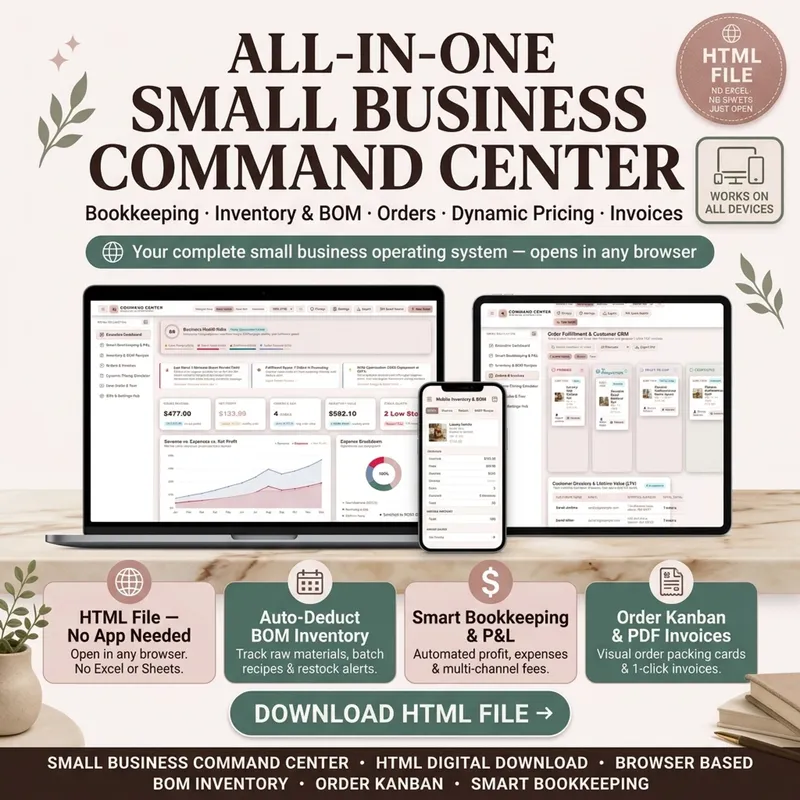
The AI Workflow Operating System & Cognitive Load Tracker puts this into one private file: a cognitive-strain check-in, a four-tier delegation matrix, a library of reusable workflow instructions, and a calculator that compares hours saved with audit time.
Protect the human side
- Keep one skill you do without AI, so your judgment stays sharp. The AI-Proof Career Planner helps identify the human skills worth protecting.
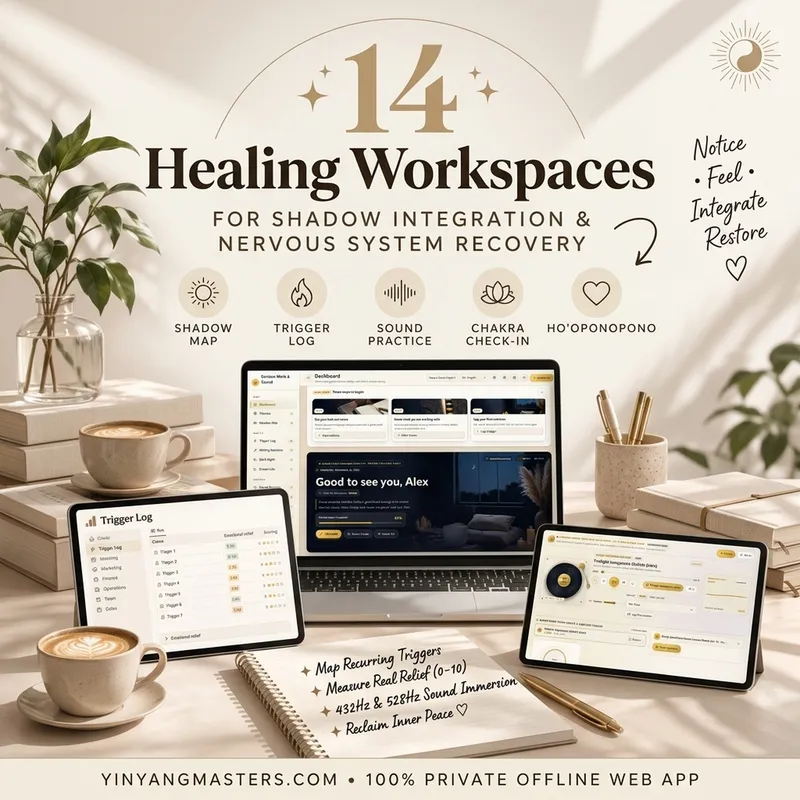
- Down-regulate after screen-heavy days. Short breathing and grounding routines help many people switch off; the Grounding & Nervous System Reset Guide collects simple somatic exercises.
- Set a clear end to the workday. Always-available tools make it easy to keep going; a shutdown ritual makes it easier to stop.
A grounded note
This guide is general information about workload and productivity. It is not medical or mental-health advice. If exhaustion, anxiety or low mood persist, please speak with a doctor or a licensed mental-health professional.
Strategic Topic Frameworks & Practical Connections
To deepen your practical mastery and build an integrated operational workflow within this topic, explore these complementary guides:
- Implement the execution protocols in Jobs AI Can't Replace: Building an Irreplaceable Human Moat and Career Roadmap to systematically strengthen your foundational routine.
- Explore the strategic principles detailed in Amazon 5-Day RTO Survival Guide & Coffee Badging Framework for advanced optimization and mental clarity.
- Apply the structured methods from Dan Koe One-Person Business: 2-Hour Writing Routine to maintain long-term momentum and consistency.
Explore verified real-time macro telemetry, market catalysts, and capital flow intelligence.
Institutional analysis examining open-source AI acceleration, GPU cluster efficiency gains, and autonomous agent deployment across enterprises.
The exhaustion that comes from using AI tools without a clear system: reviewing more output, switching between tools, and meeting higher expectations without more time.
Tools featured in this guide

Daily Priority Planner — Time Blocking, Eisenhower Matrix & Task Manager
One task list shown as a priority matrix, a 1-3-5 plan, a six-task list and a time-blocked day, so you always know what to do next.
$27.99₫609,000

Shadow Work Journal & Sound Healing Guide — Inner Healing, Trigger Log & Solfeggio Frequencies
A private shadow work journal with a trigger log, shadow map and a calm listening deck, for gentle daily reflection.
$27.99₫609,000

2027 Digital Planner — Goal Planner, Monthly Calendar & Zodiac Year Forecast
A 2027 planner that links your goals, daily habits, weekly review and moon calendar in one web app, so every habit you tick moves a real goal forward.
$27.99₫609,000
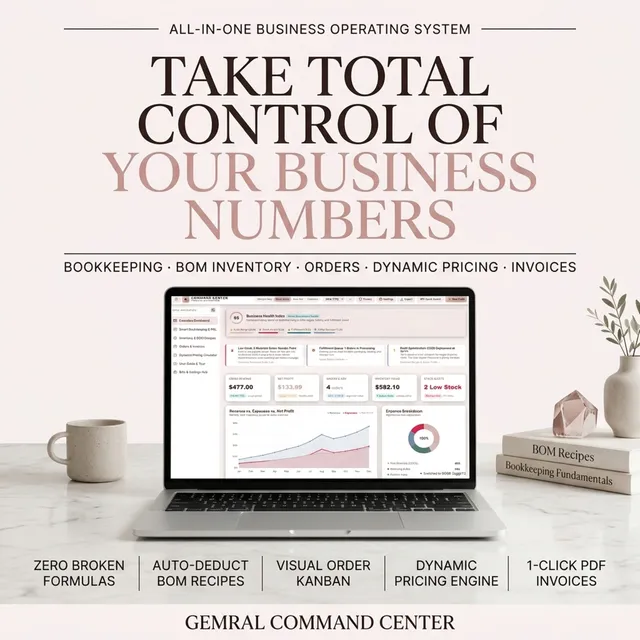
Small Business Command Center & Inventory Bookkeeping
All-in-one operating system for product makers, boutiques, and sellers to manage inventory, BOM costs, orders, and P&L.
$29₫629,000
Guides in this Topic
View all (10) →
How to Survive a Layoff: Complete 2026 Tech Survival Guide & Runway Plan
Layoff survival guide for tech workers. Calculate emergency runway, cut monthly burn rates, and launch high-income remote side hustles from home.
Read guide
Jobs AI Can't Replace: Building an Irreplaceable Human Moat and Career Roadmap
Strategic guide to jobs AI cannot replace. Build human moat skills, map career transition milestones, and launch resilient independent income streams.
Read guide
Conscious Unbossing: What It Means and How to Build a Career Without Climbing Into Middle Management
What conscious unbossing means, why middle management is shrinking, and a practical individual contributor roadmap for flat organizations.
Read guide
4-Day Work Week Schedule Model: Company Trials and Capacity Planning Guide
Explore 4-day work week companies, 32-hour schedule models, shift frameworks, and team capacity planning strategies to maximize workplace productivity.
Read guide
Amazon 5-Day RTO Survival Guide & Coffee Badging Framework
Master the Amazon 5-day return-to-office mandate. Learn coffee badging survival tactics, badge tracking spreadsheets, and hybrid schedule management.
Read guide
Dan Koe One-Person Business: 2-Hour Writing Routine
Master Dan Koe's one-person business model. Learn the 2-hour daily writing routine, content ecosystem architecture, and solopreneur monetization.
Read guide
From the blog
Latest articles




Topic Pillar
Career Path & Mindful Work
Practical advice for navigating career changes, recovering from burnout, and building independent, fulfilling work.

Ask Yinyang Masters inside your AI assistant
Get the same calculations and guidance right in your chat: add the free Yinyang Masters app, then ask in plain English. No account needed.
Try asking: “Find a Yinyang Masters guide about starting a daily spiritual practice.”
Put it into practice
Digital tools for this topic
Interactive planners and journals that open in your browser, on phone or laptop.

Most popular
What shoppers search for most
Ranked by what people searched on Google over the last 4 weeks.


Go deeper
Guides on this topic



Keep exploring
More from Yin Yang Masters



Get Your Free 2027 Angel Number Year Map
Enter your birthday to reveal your 2027 Personal Year, the angel number guiding each month, and a private workspace to set your intentions.